 Badger
Ask Badger
Step 1: The Ask tab is your direct line to Badger. Ask anything in plain English.
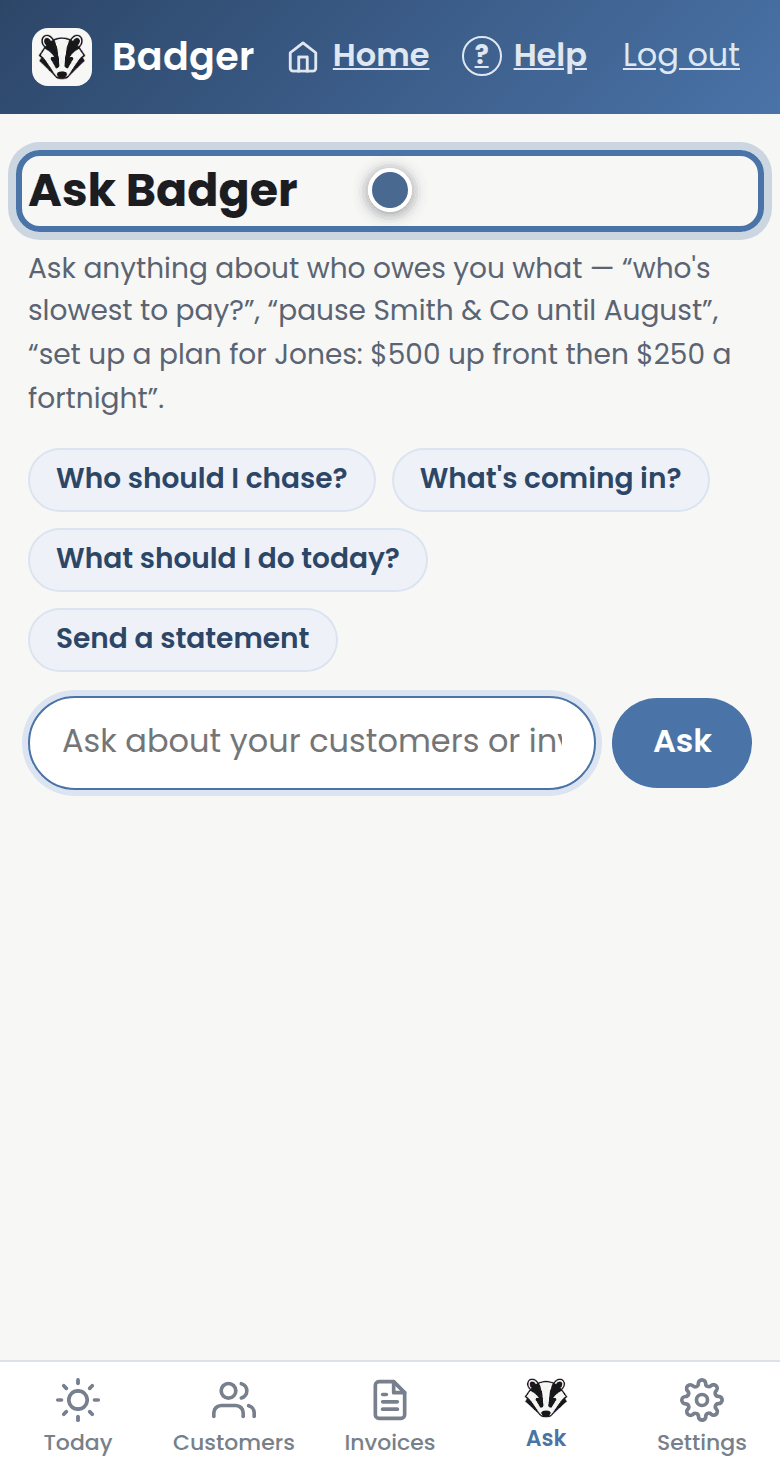
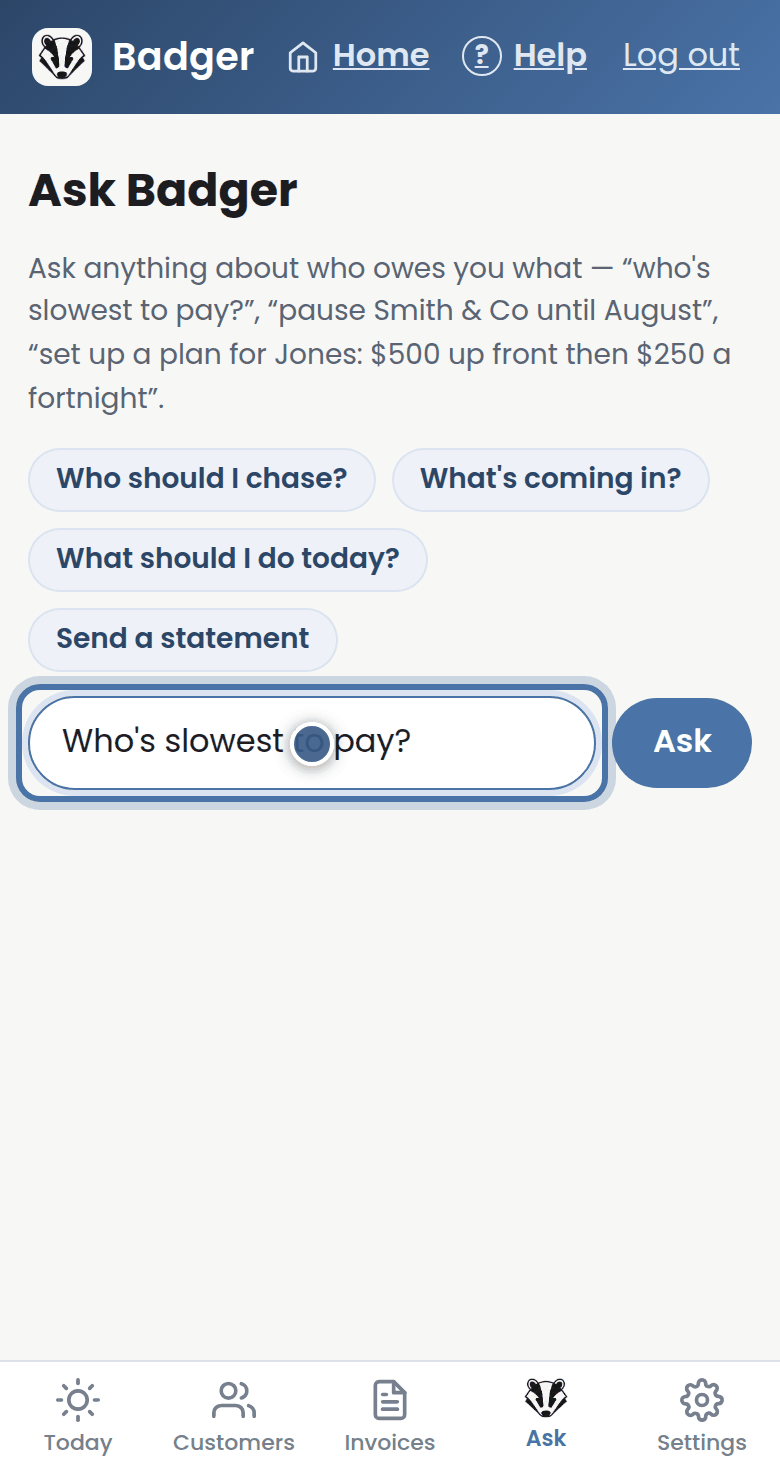
Step 2: Try: who's slowest to pay? Or: what happened with Smith and Co?
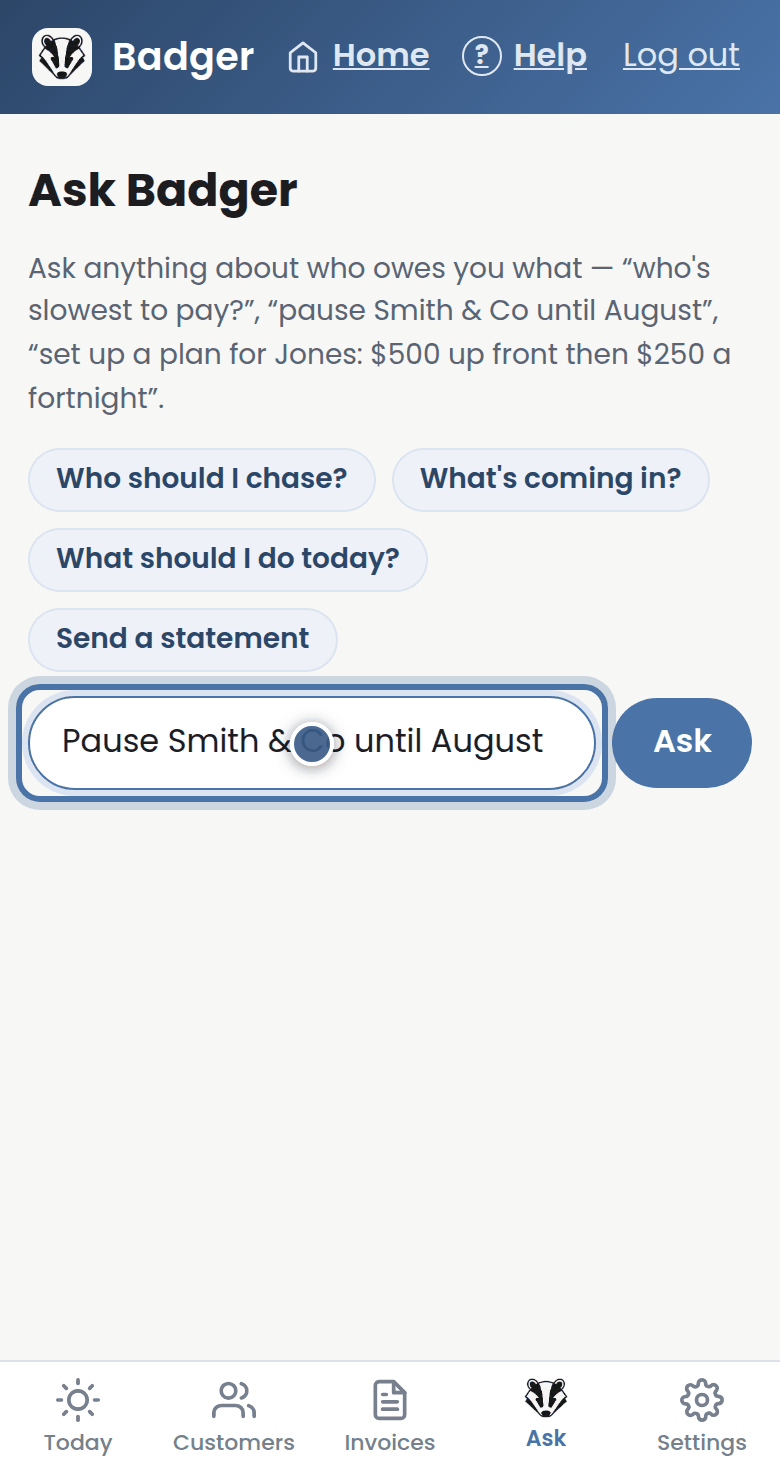
Step 3: You can give instructions too — pause a customer until August, set up a payment plan, or add a new invoice.
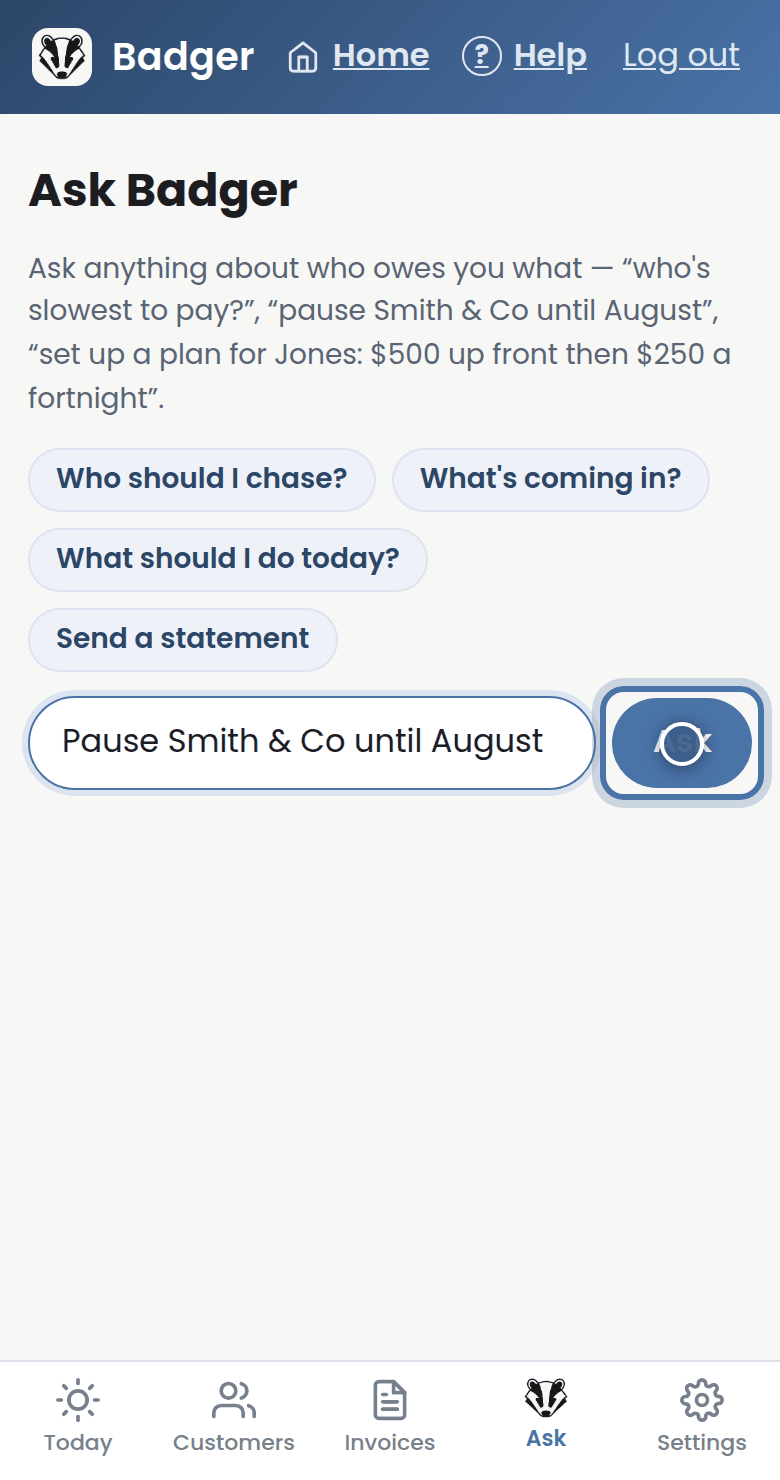
Step 4: Badger does the safe parts itself and asks first when it matters. And it never marks anything as paid — only you, your bank, or Xero can.
More tutorials
Getting started with Badger
The Today page
Approving from your inbox
Handling customer replies