 Badger
Ringing a customer
Step 1: Badger puts the customers worth ringing on Today. On a phone, Call now drops their number on the keypad — you press dial.
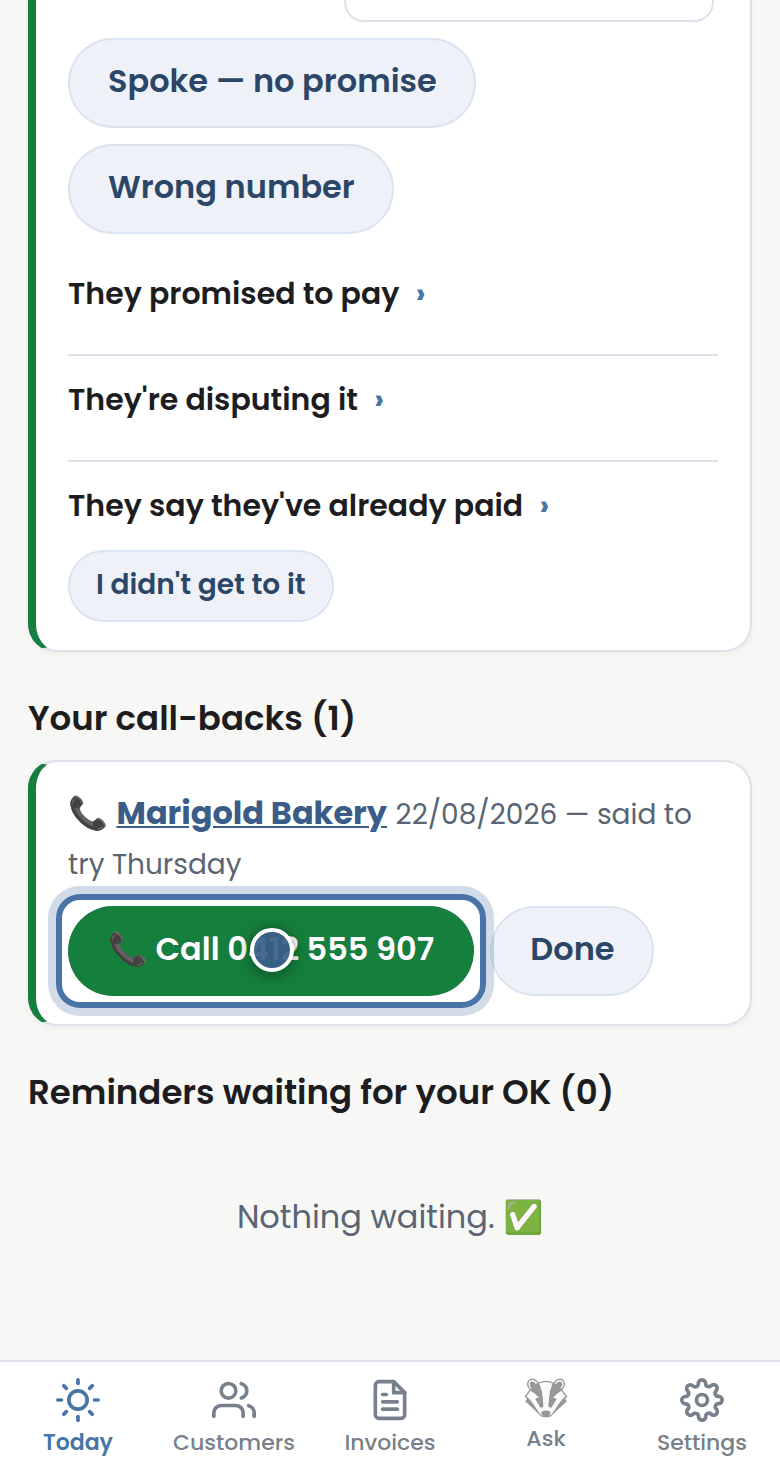
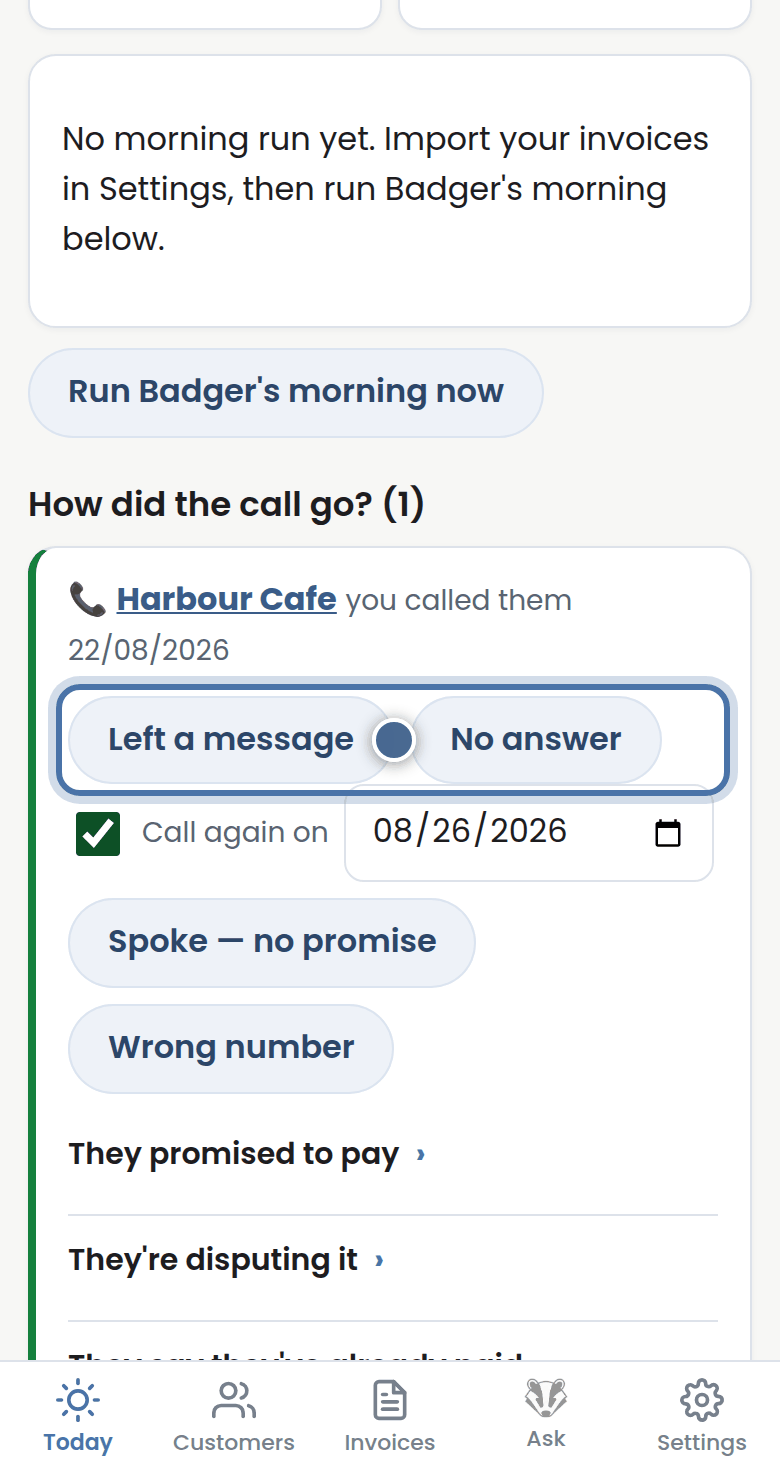
Step 2: Hang up and Badger asks how it went. Left a message or No answer also books your next call, three business days out.
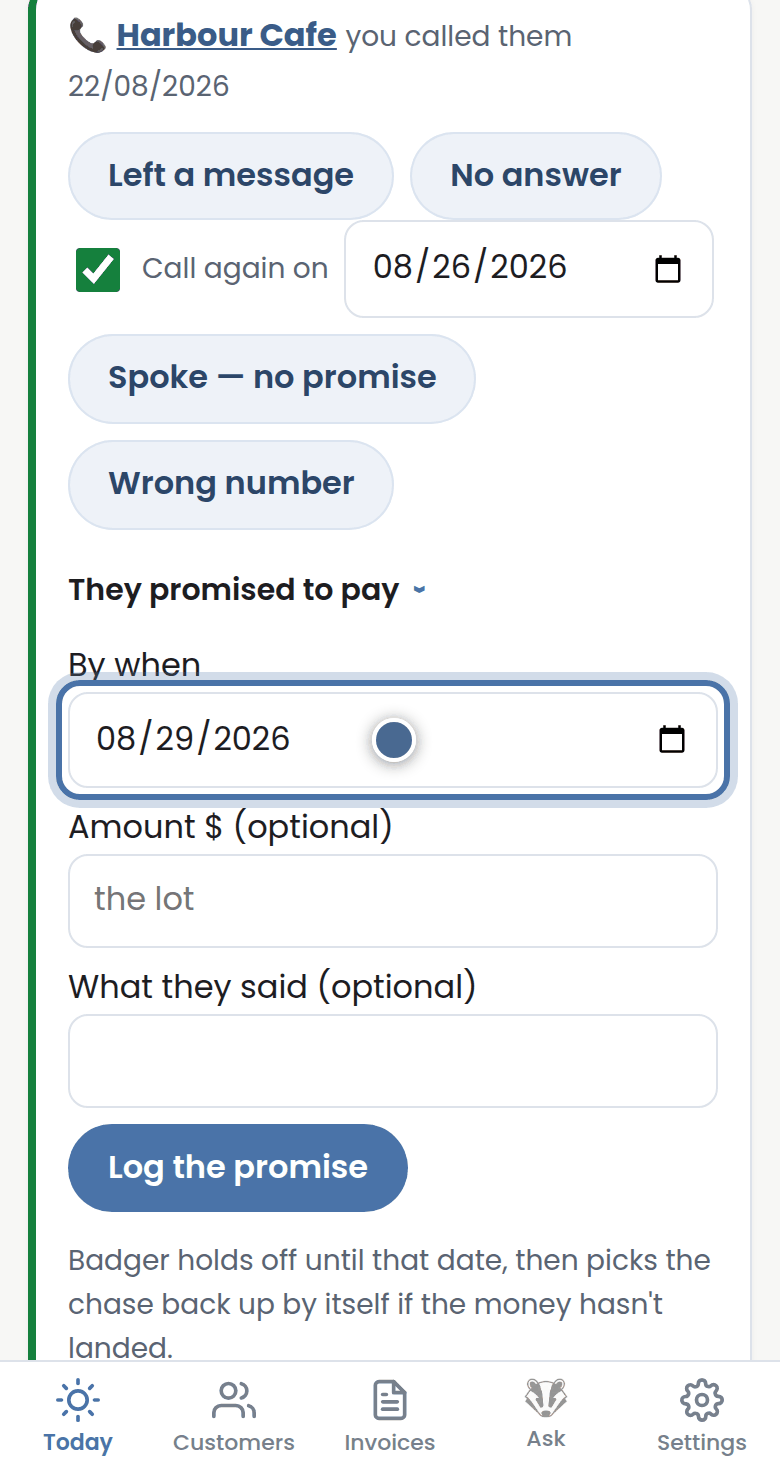
Step 3: They promised to pay? Open it and pick the date they said. Badger holds off until then, then picks the chase up by itself.
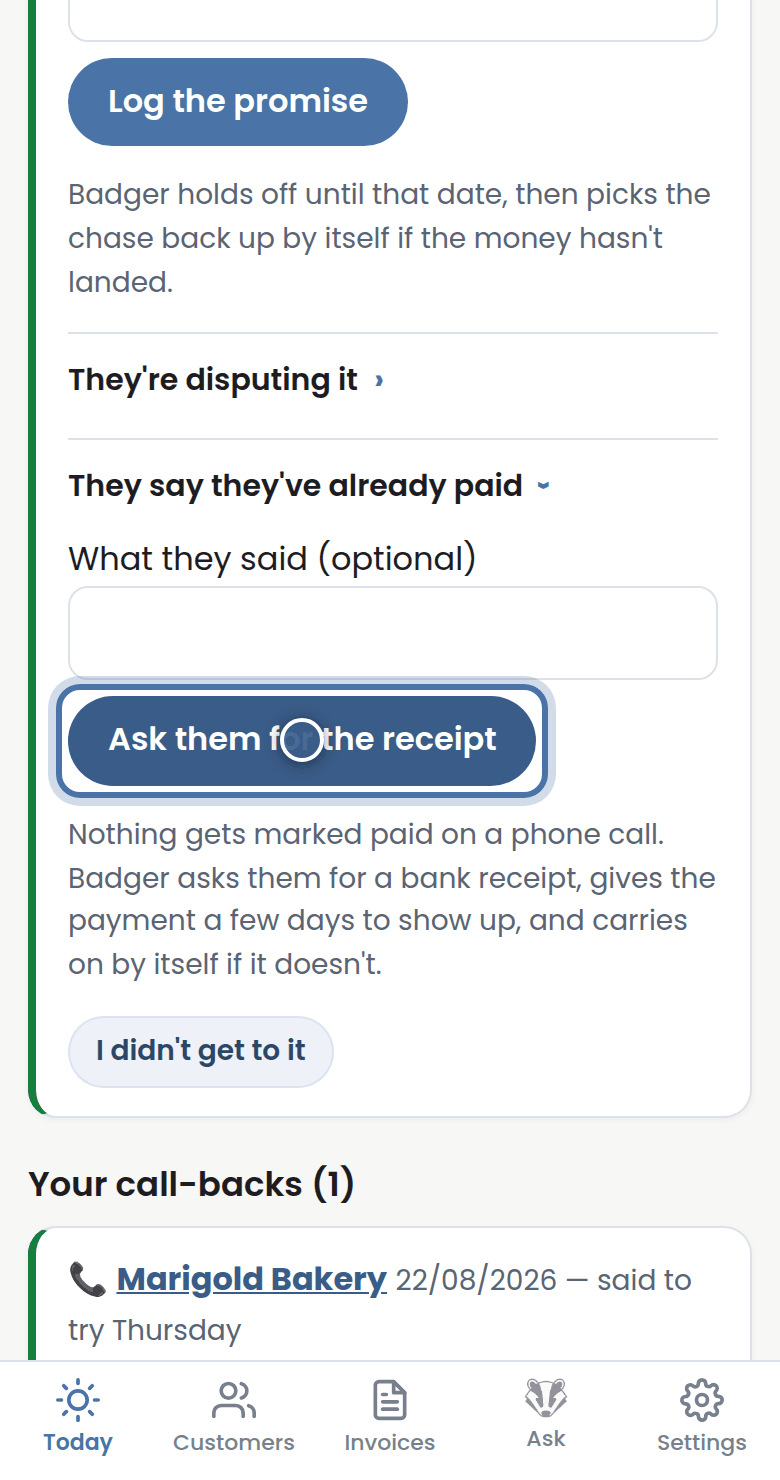
Step 4: Disputing it, or telling you they've already paid? Tap it. Badger asks them for a receipt — nothing is marked paid on a phone call.
More tutorials
Getting started with Badger
The Today page
Approving from your inbox
Handling customer replies