 Badger
What your customer sees
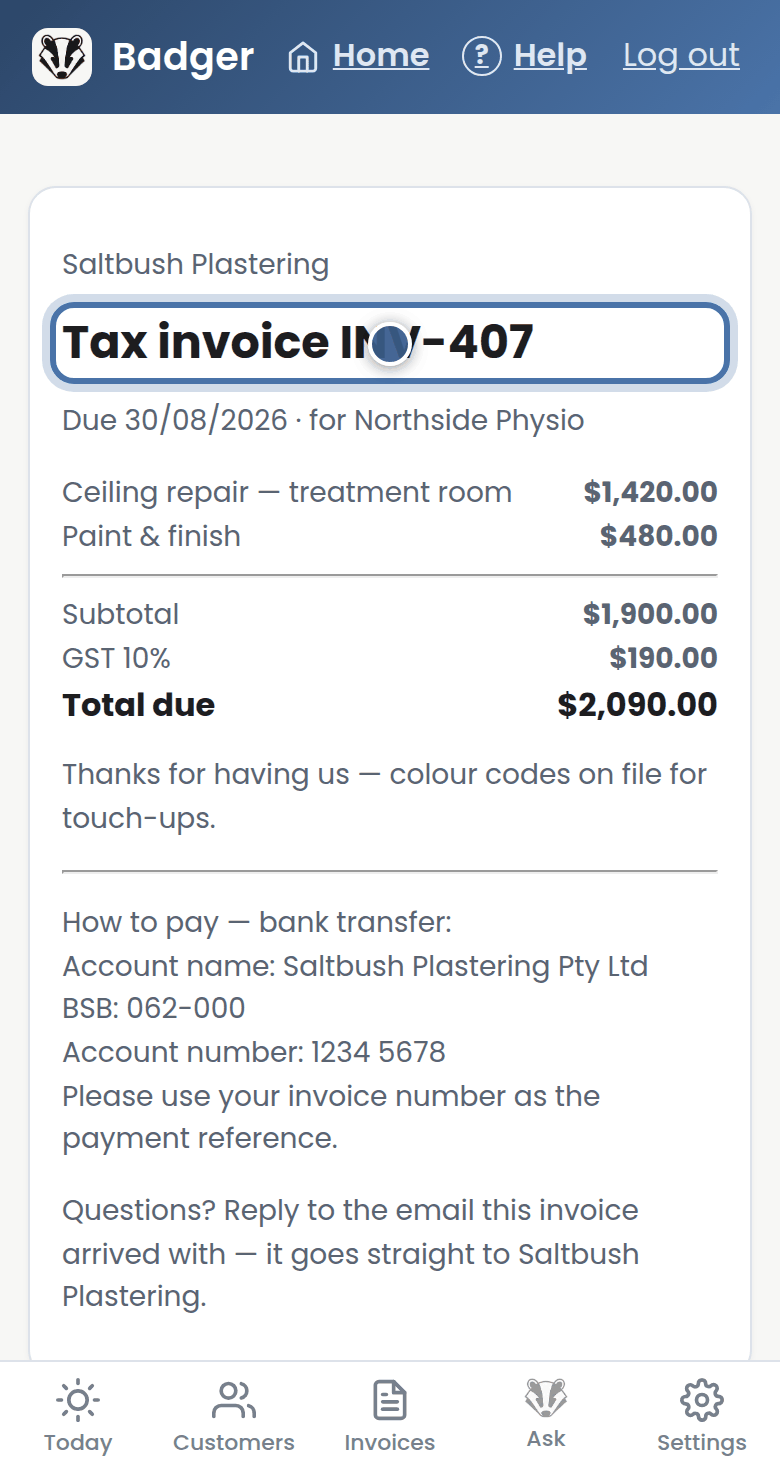
Step 1: Every invoice and quote you email carries a link to its own web page — the same tidy page on any phone.
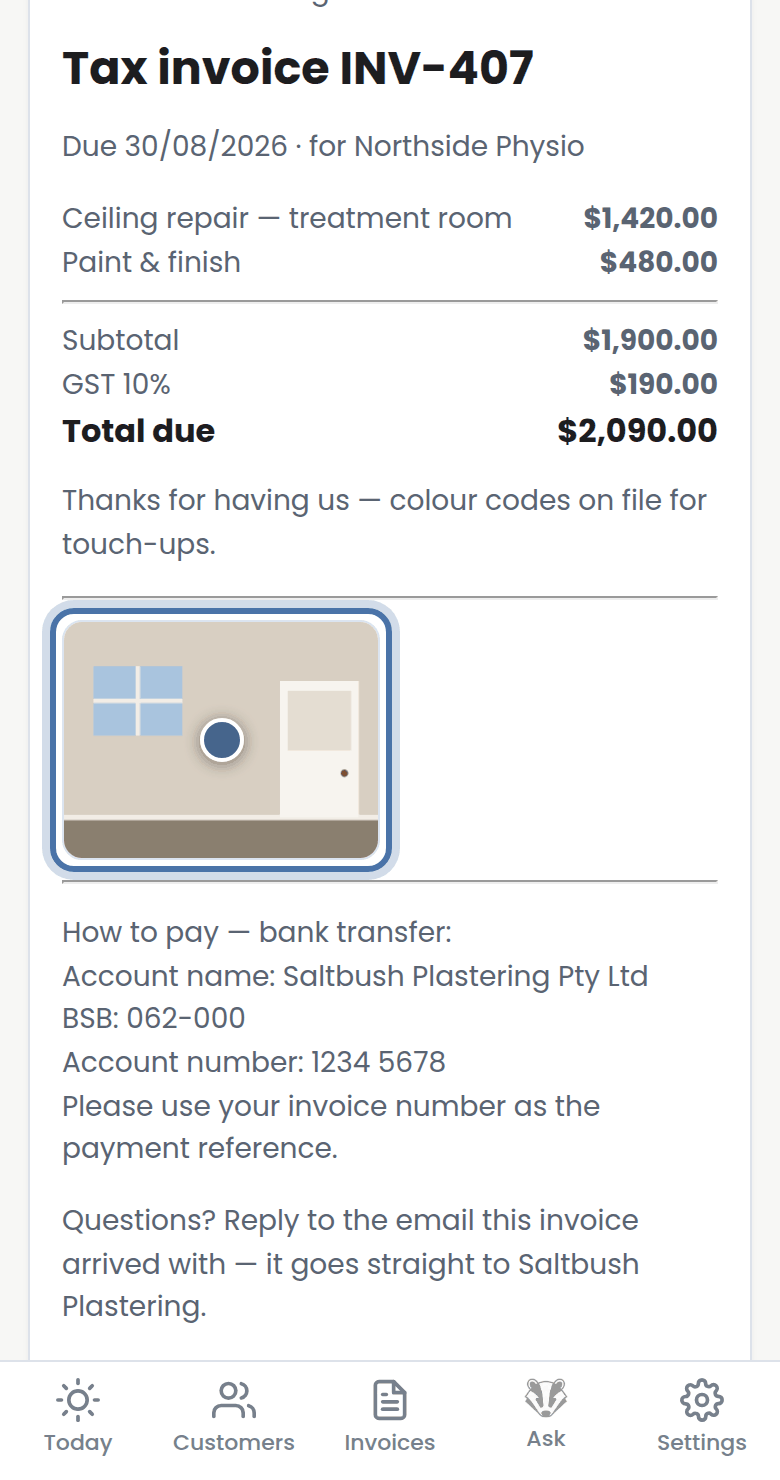
Step 2: Photos you add to an invoice show there too — proof of the job, right on the bill.
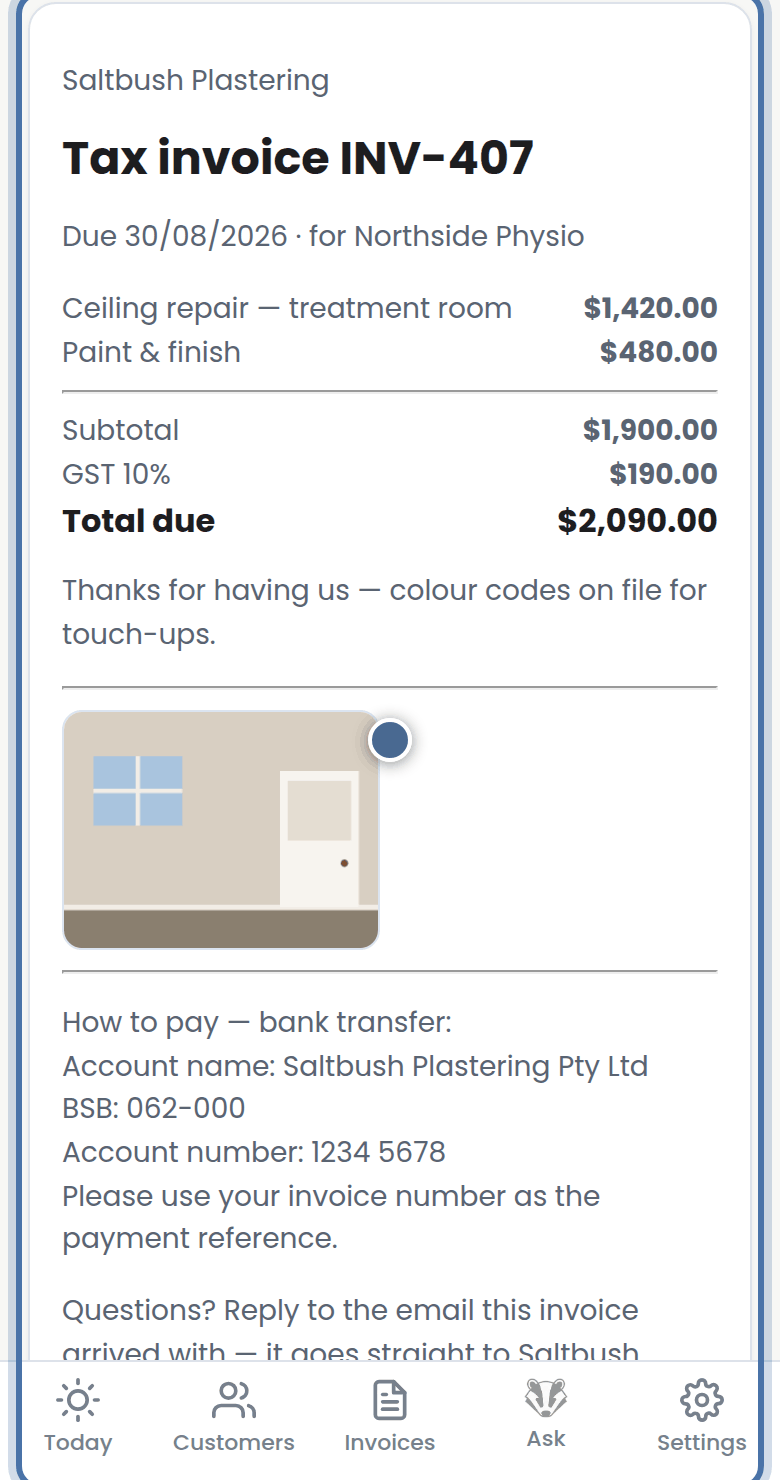
Step 3: Your bank details, payment note and terms sit at the bottom, so how to pay is never a mystery.
More tutorials
Getting started with Badger
The Today page
Approving from your inbox
Handling customer replies