 Badger
Getting started with Badger
Step 1: Welcome to Badger. Badger chases your overdue invoices for you, and asks before anything goes out.
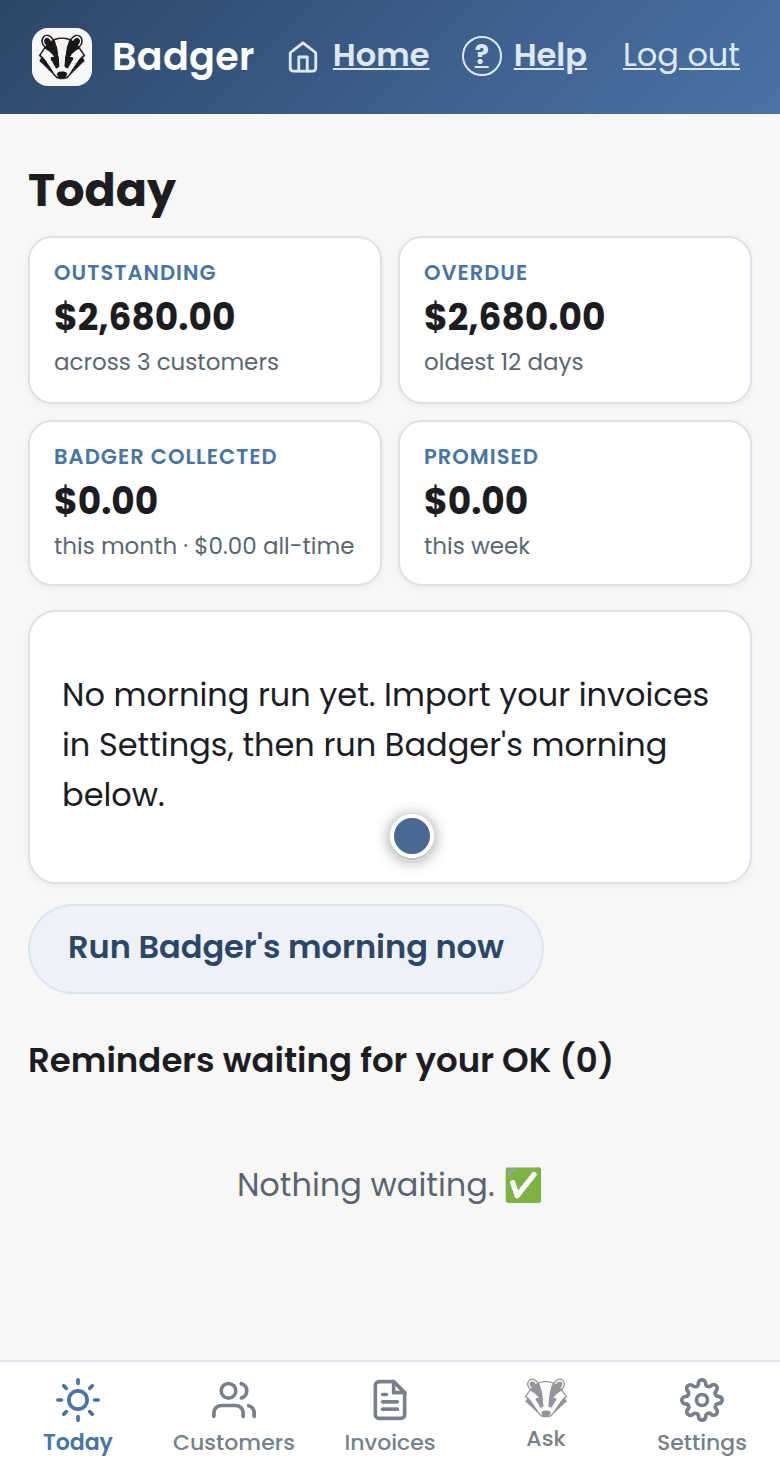
Step 2: First, open Settings and get your invoices in. Connect Xero, or upload the spreadsheet or export you already have.
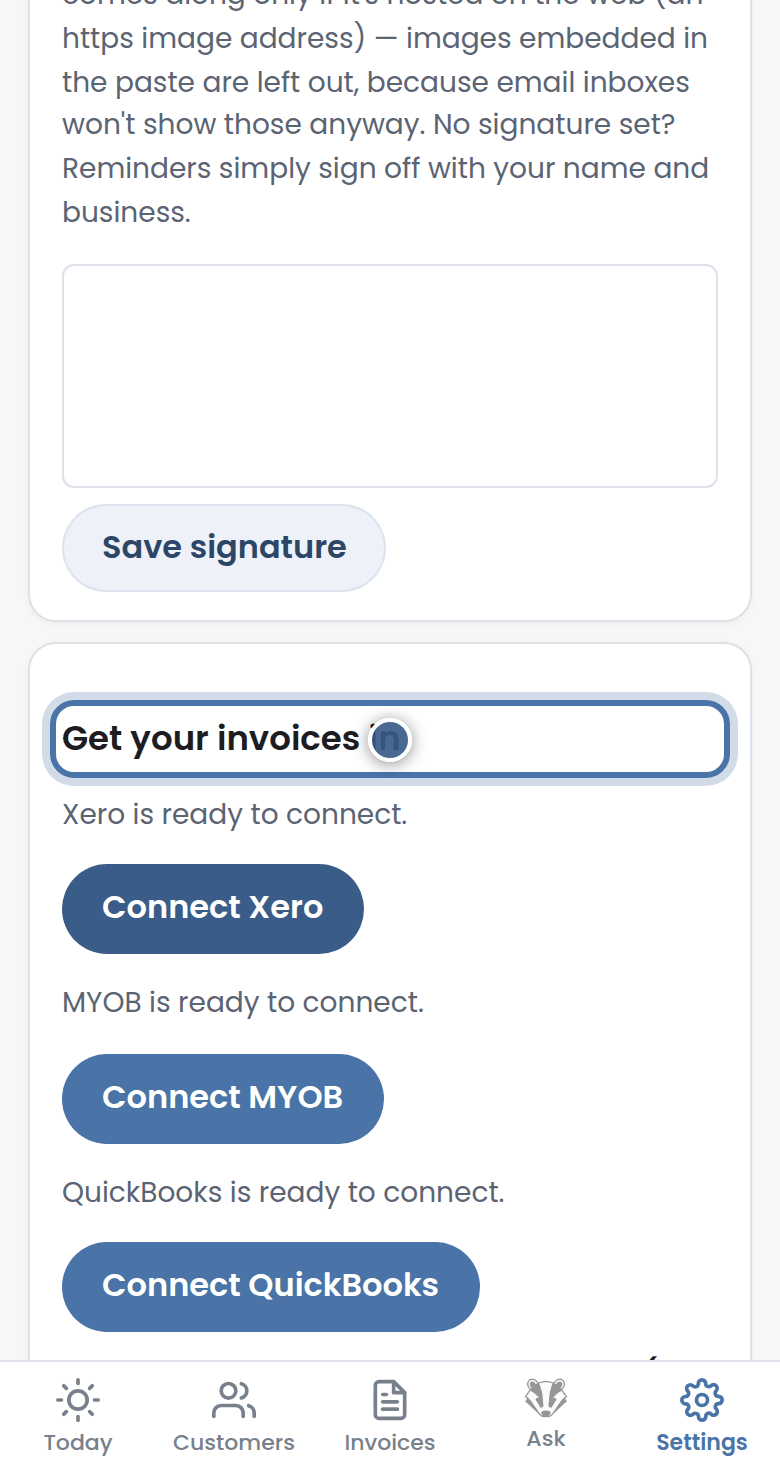
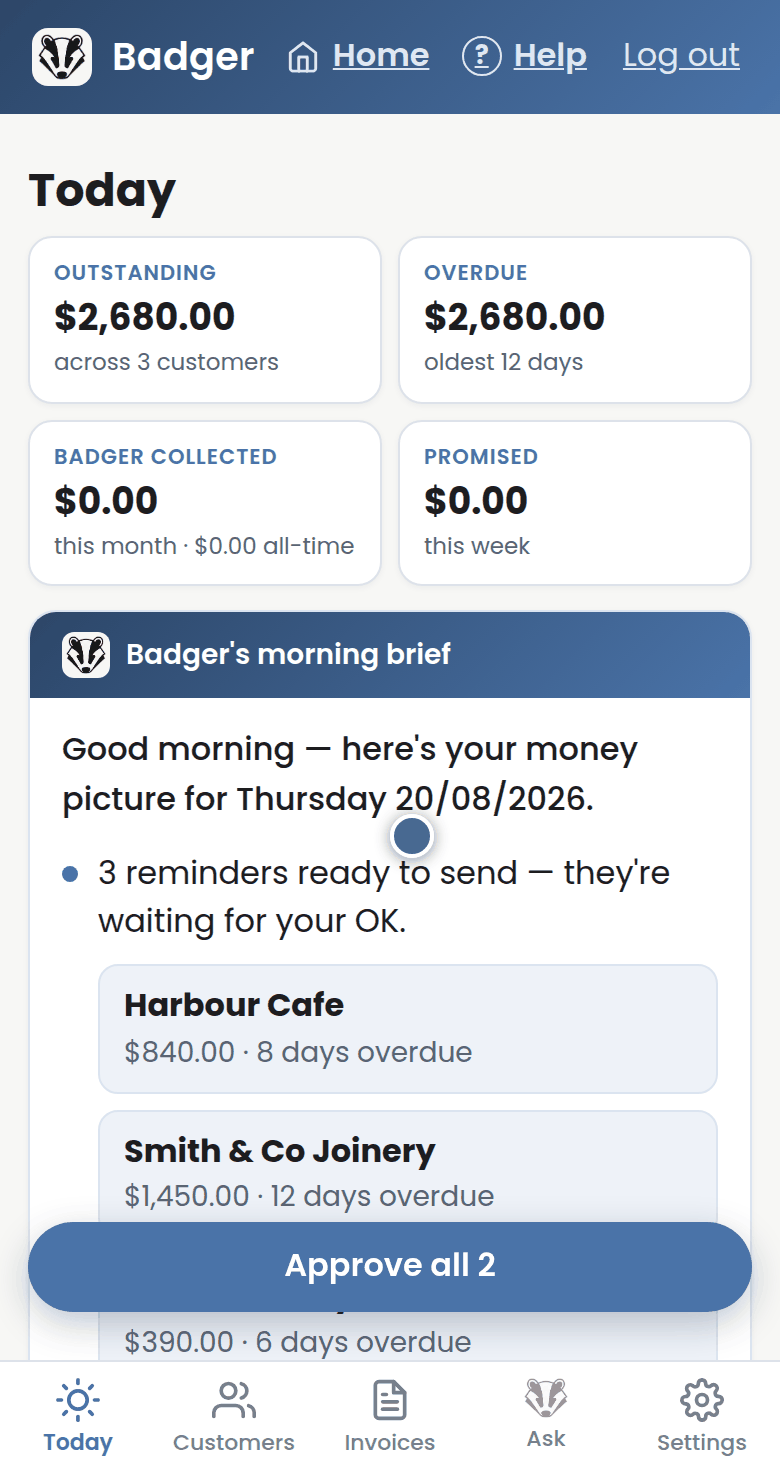
Step 3: Then come back to Today and press Run Badger's morning now.
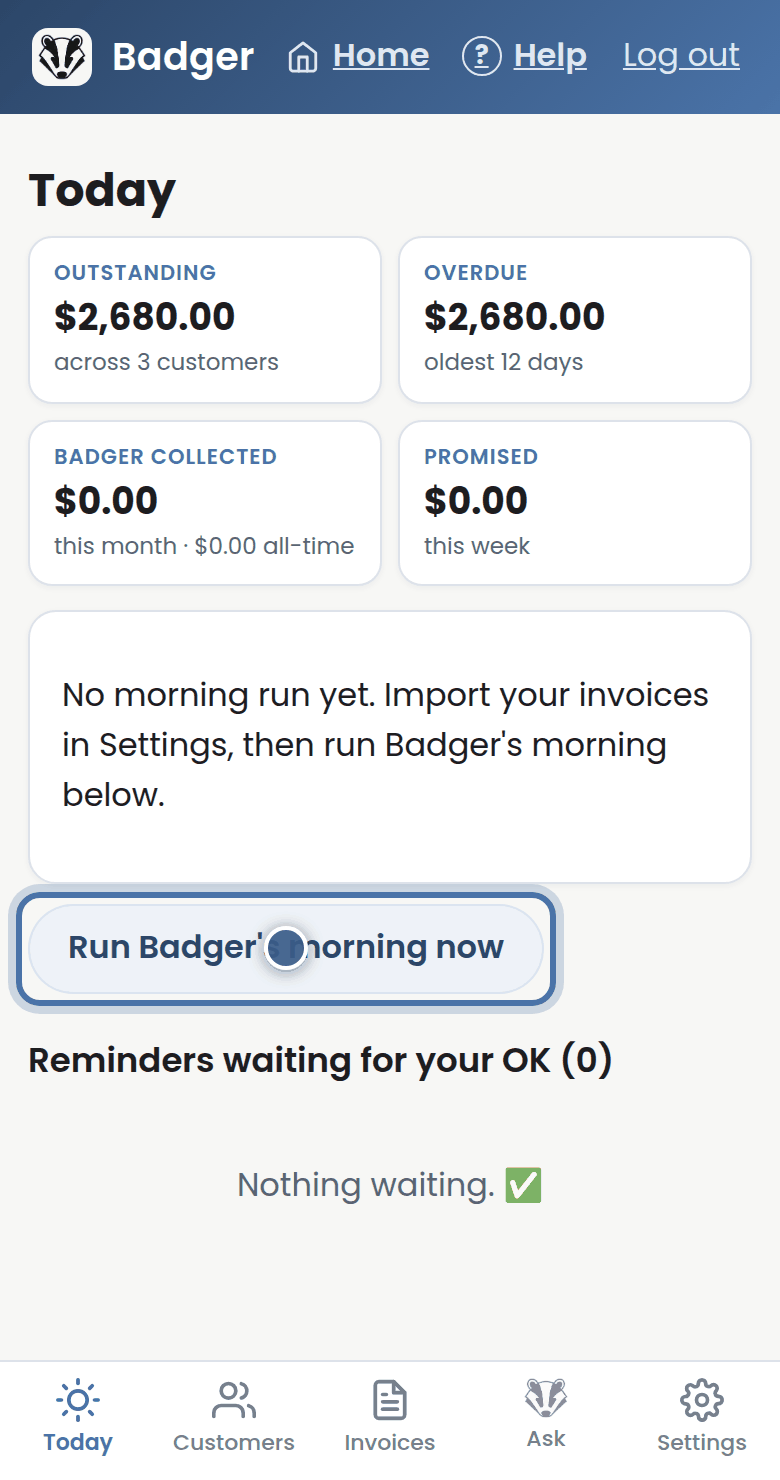
Step 4: Badger works out who to nudge and writes each reminder. Nothing has been sent — every reminder waits for your OK.
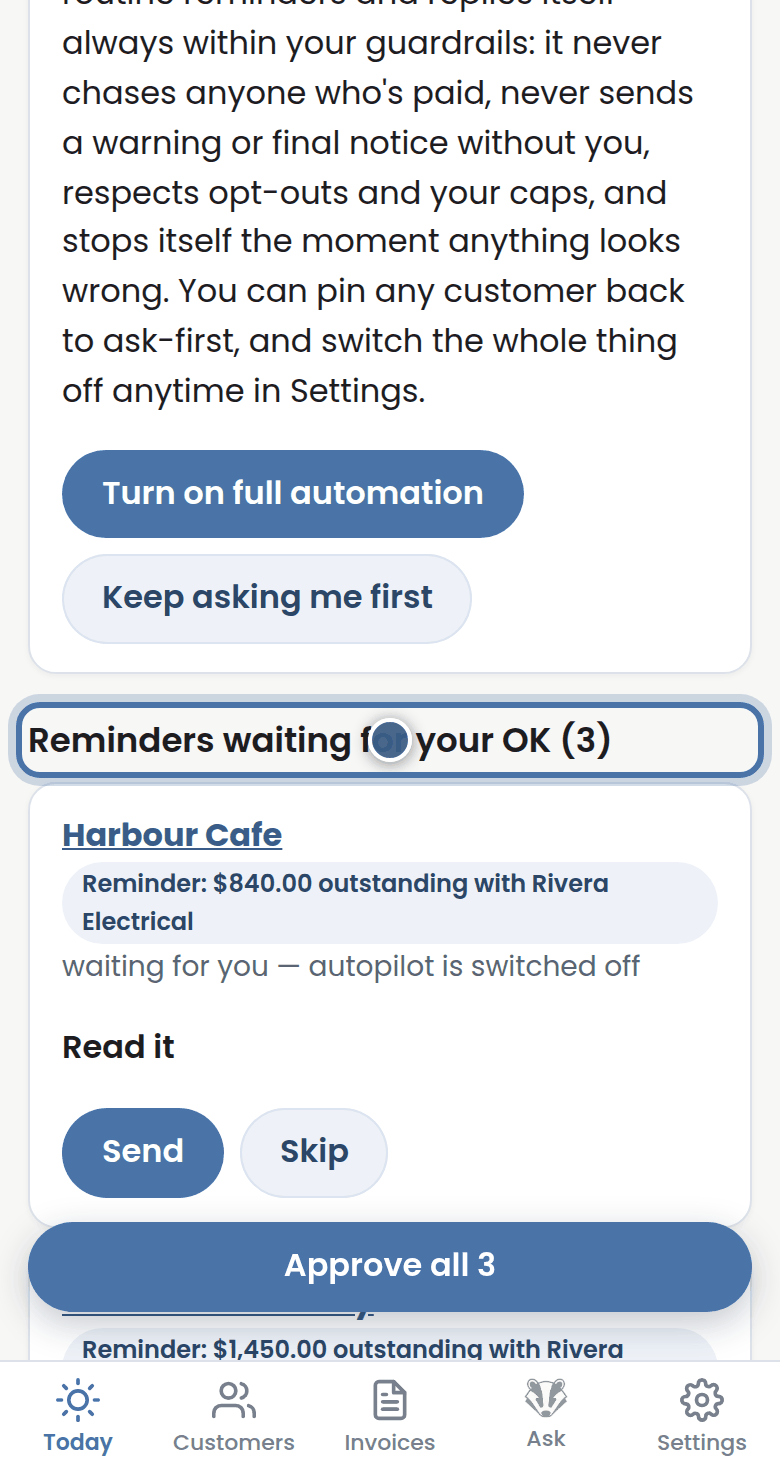
Step 5: Press Read it to see a reminder word for word, then press Send.
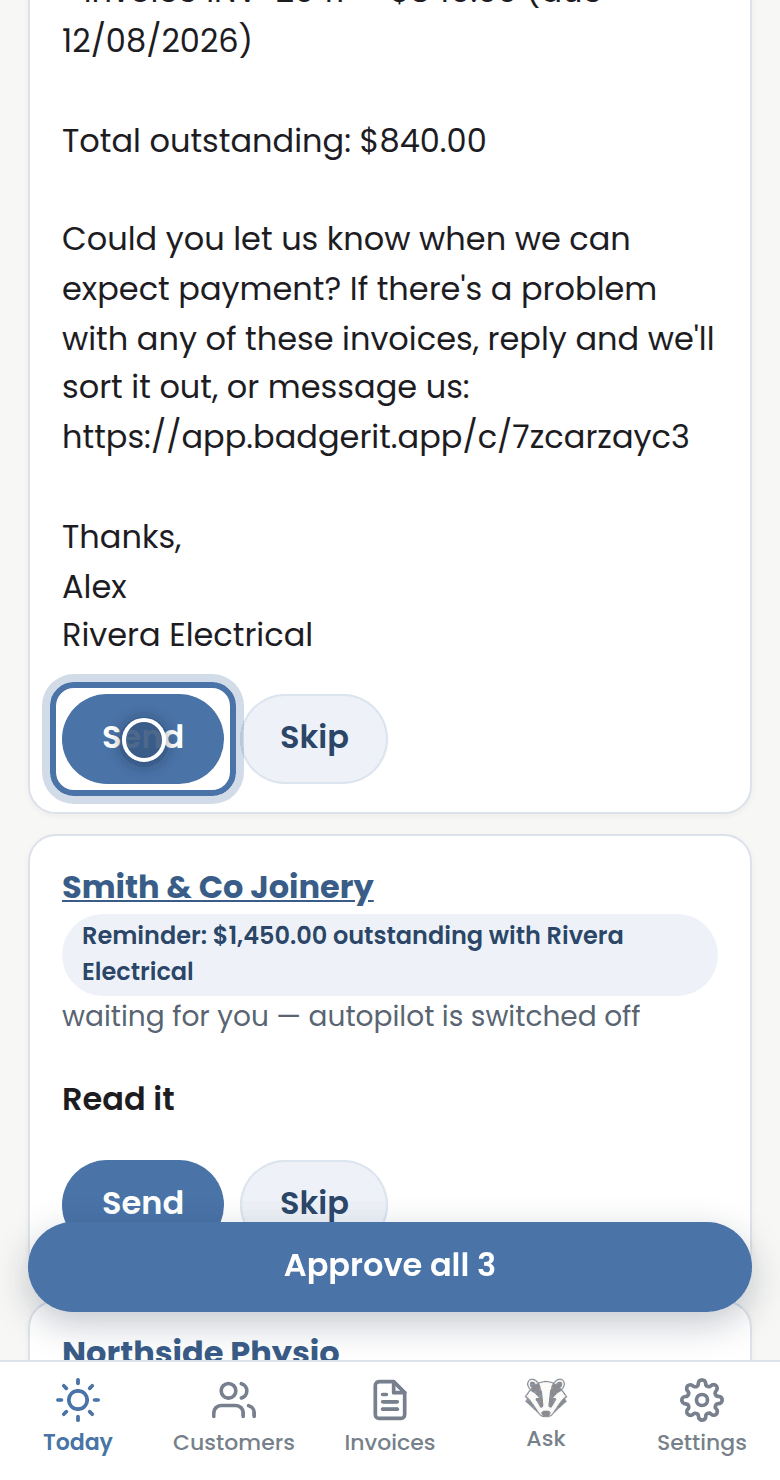
Step 6: That's the whole job: check Today each morning, approve your reminders, and Badger handles the rest.
More tutorials
The Today page
Approving from your inbox
Handling customer replies
Call-backs and Badger's suggestions