 Badger
Getting your invoices in
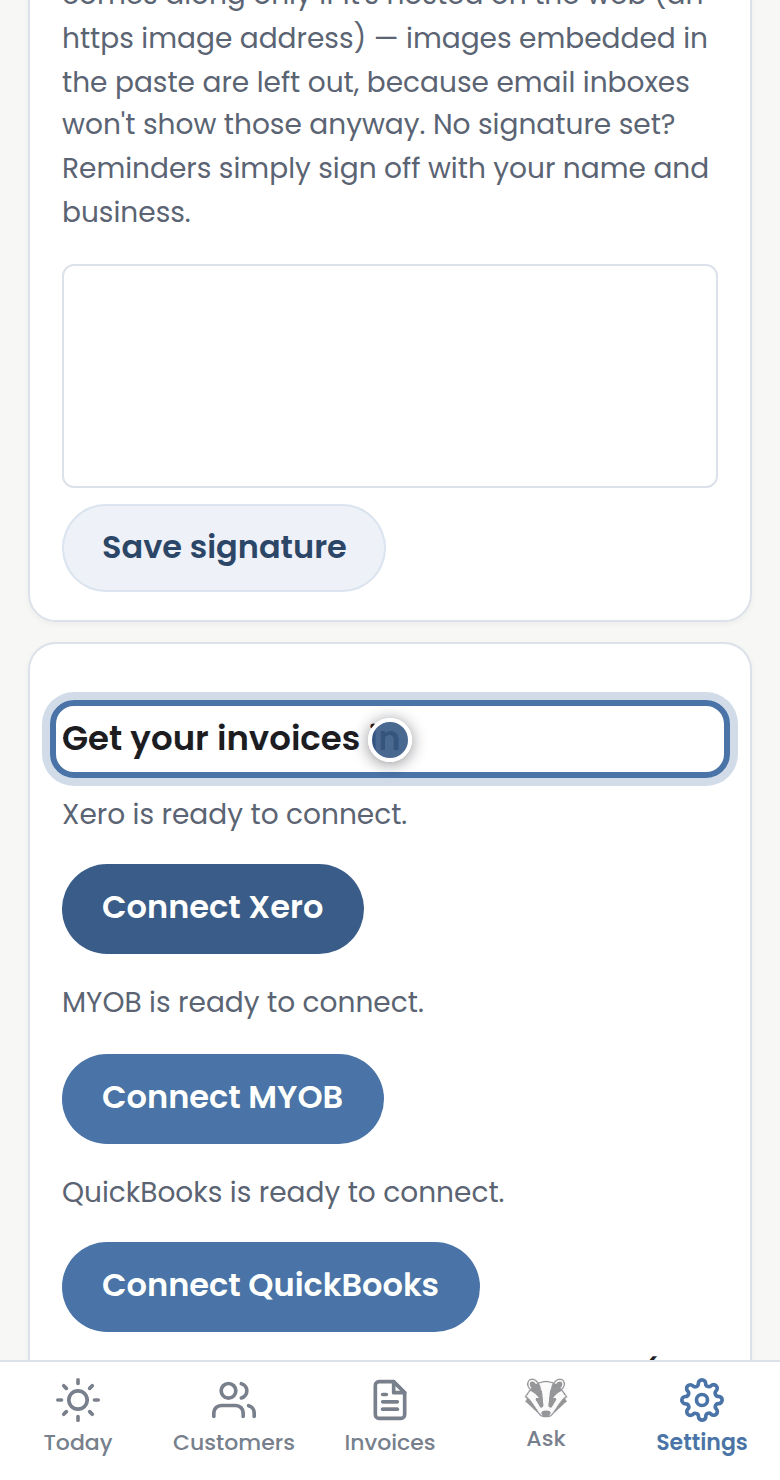
Step 1: Badger can only chase what it can see. Open Settings, then Get your invoices in.
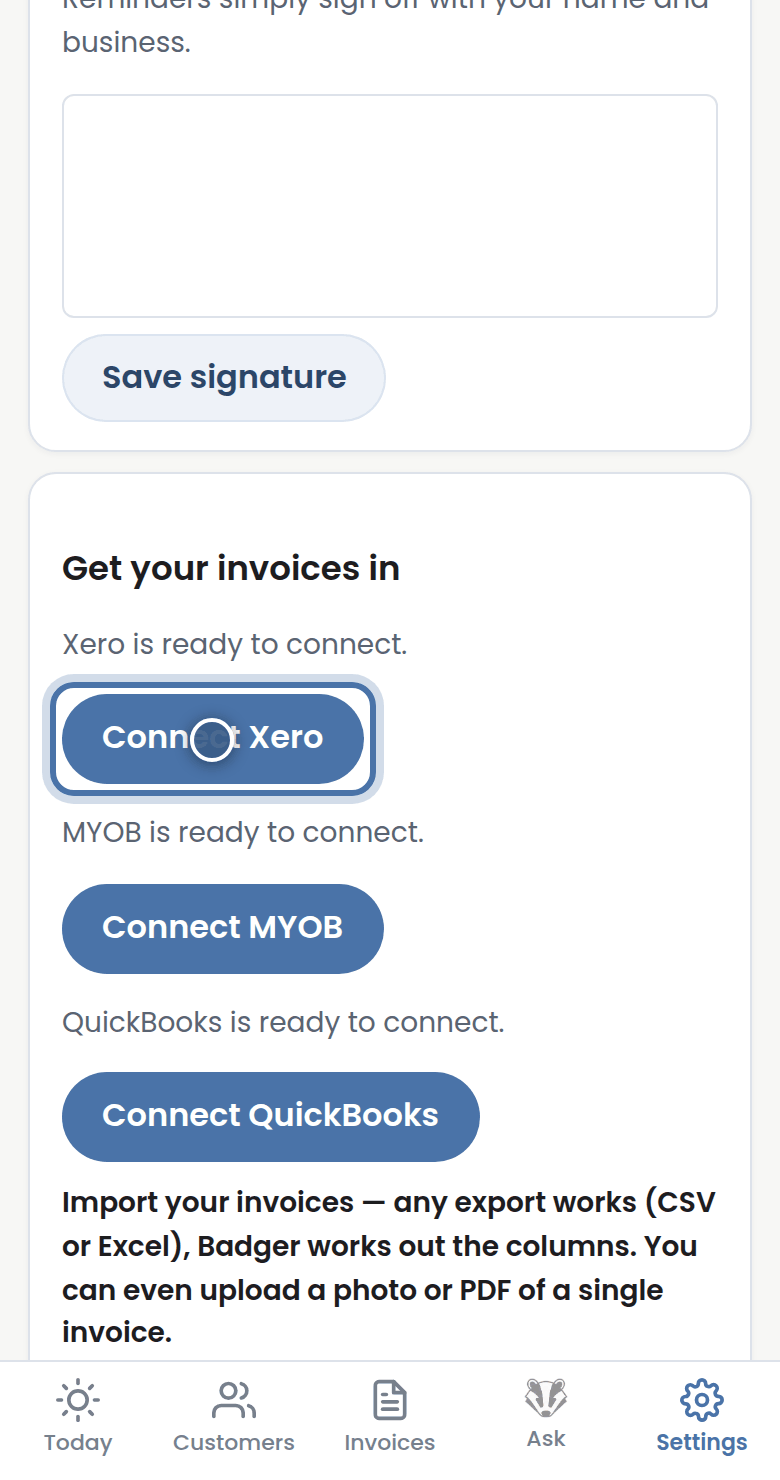
Step 2: The easiest way is Connect Xero — invoices and payments sync automatically.
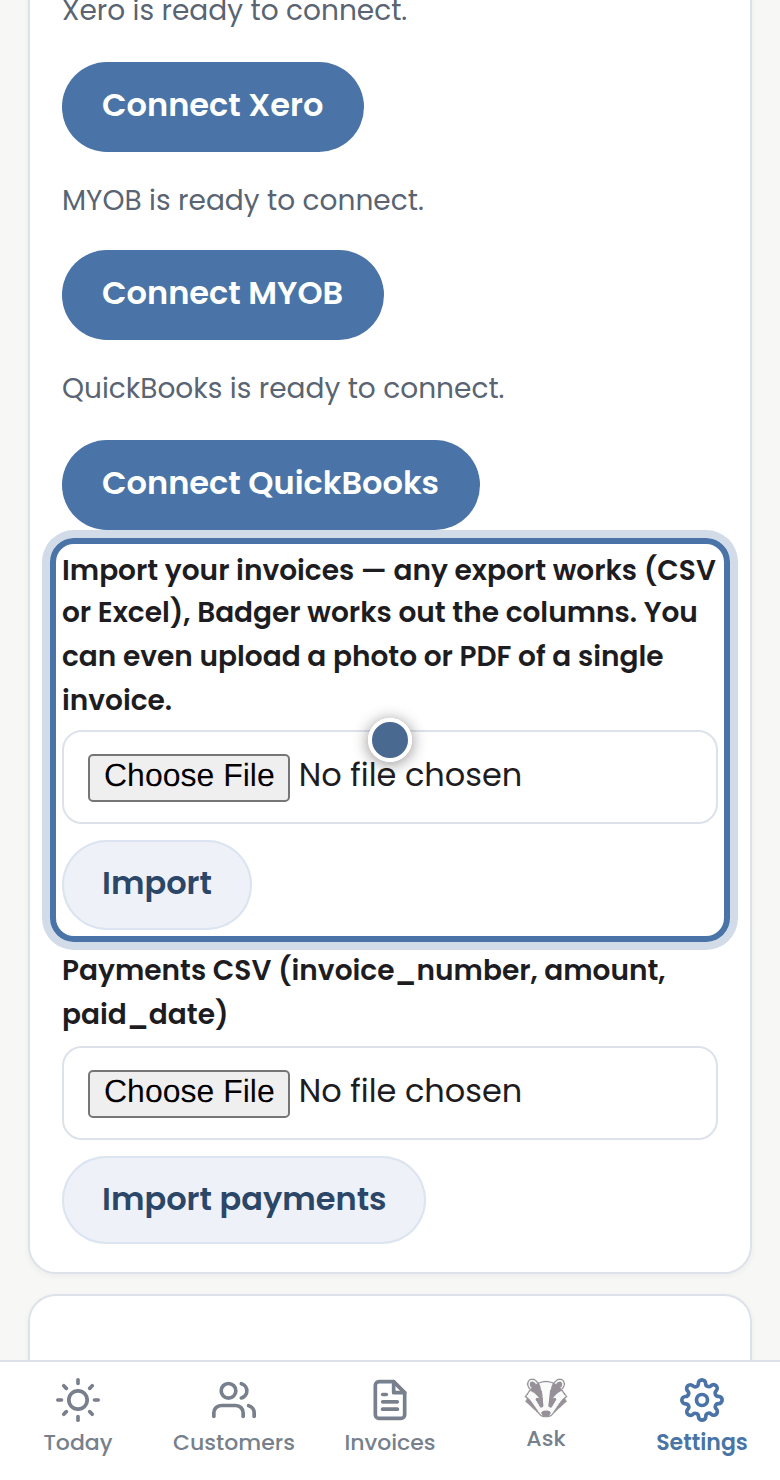
Step 3: No Xero? Upload a spreadsheet or CSV export — Badger works out the columns itself. A photo or PDF of a single invoice works too.
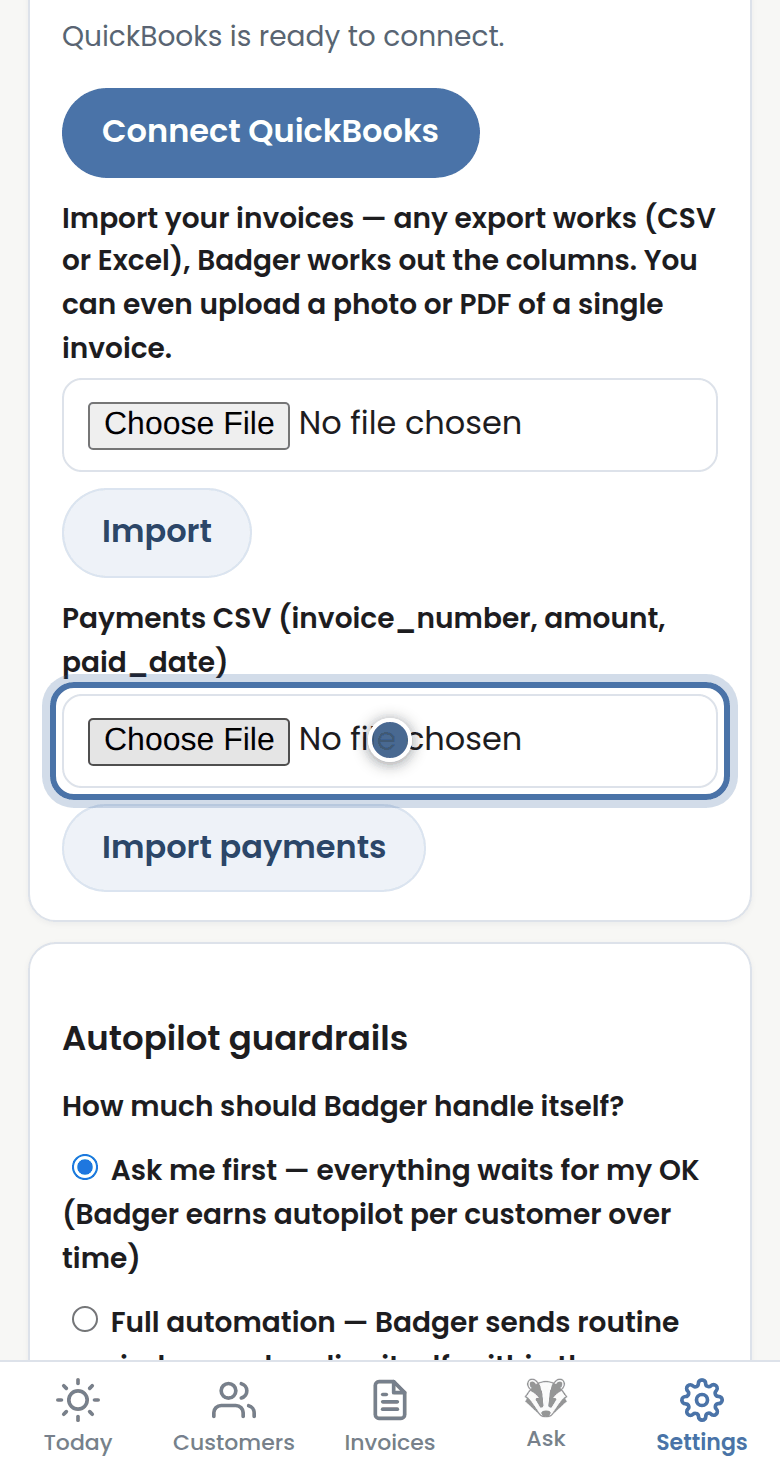
Step 4: You can also import a payments file, so invoices paid at the bank are settled in Badger.
More tutorials
Getting started with Badger
The Today page
Approving from your inbox
Handling customer replies