 Badger
Xero, MYOB and QuickBooks
Step 1: Under Get your invoices in, connect the software you already use — Xero, MYOB, or QuickBooks.
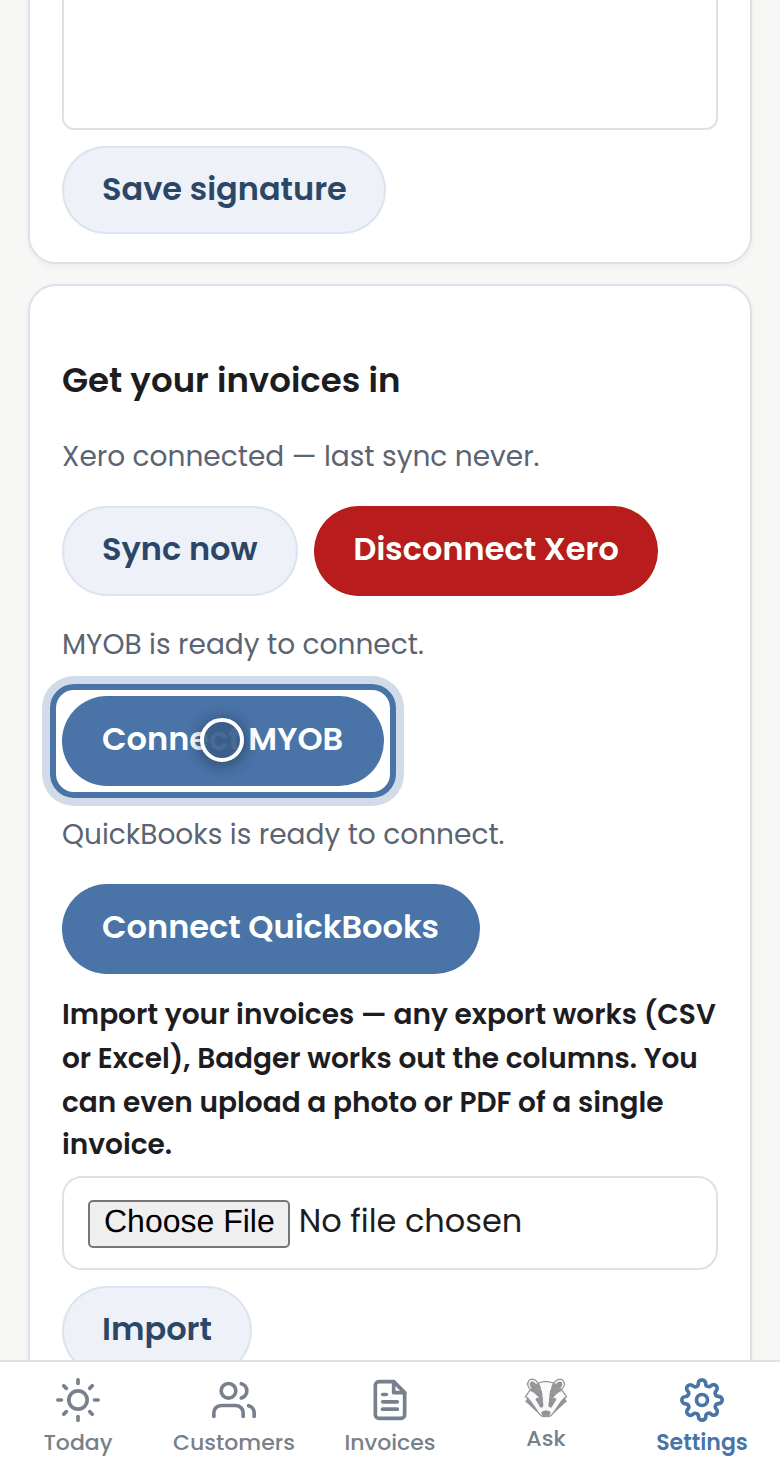
Step 2: Once connected, invoices and payments flow in on their own, and a paid invoice stops its reminders automatically.
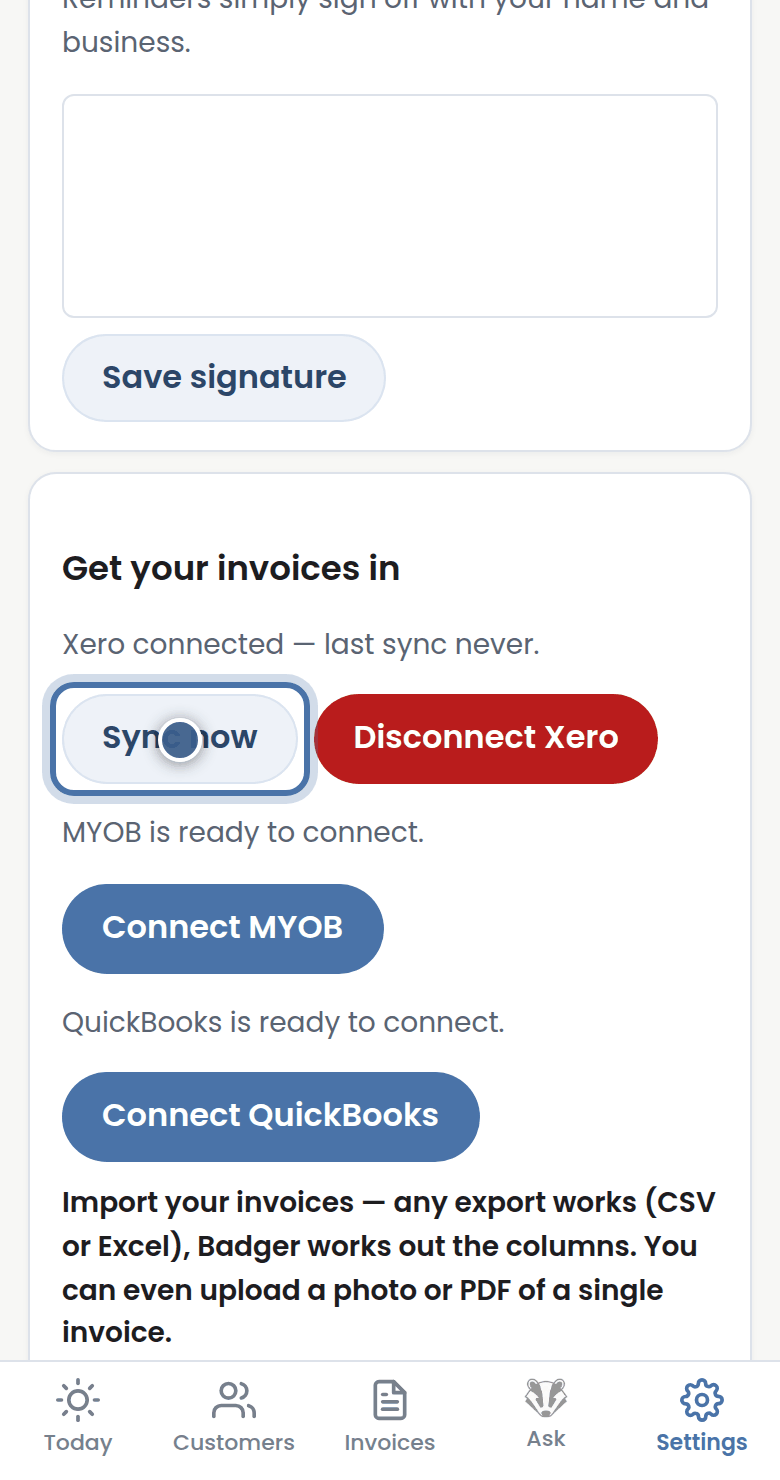
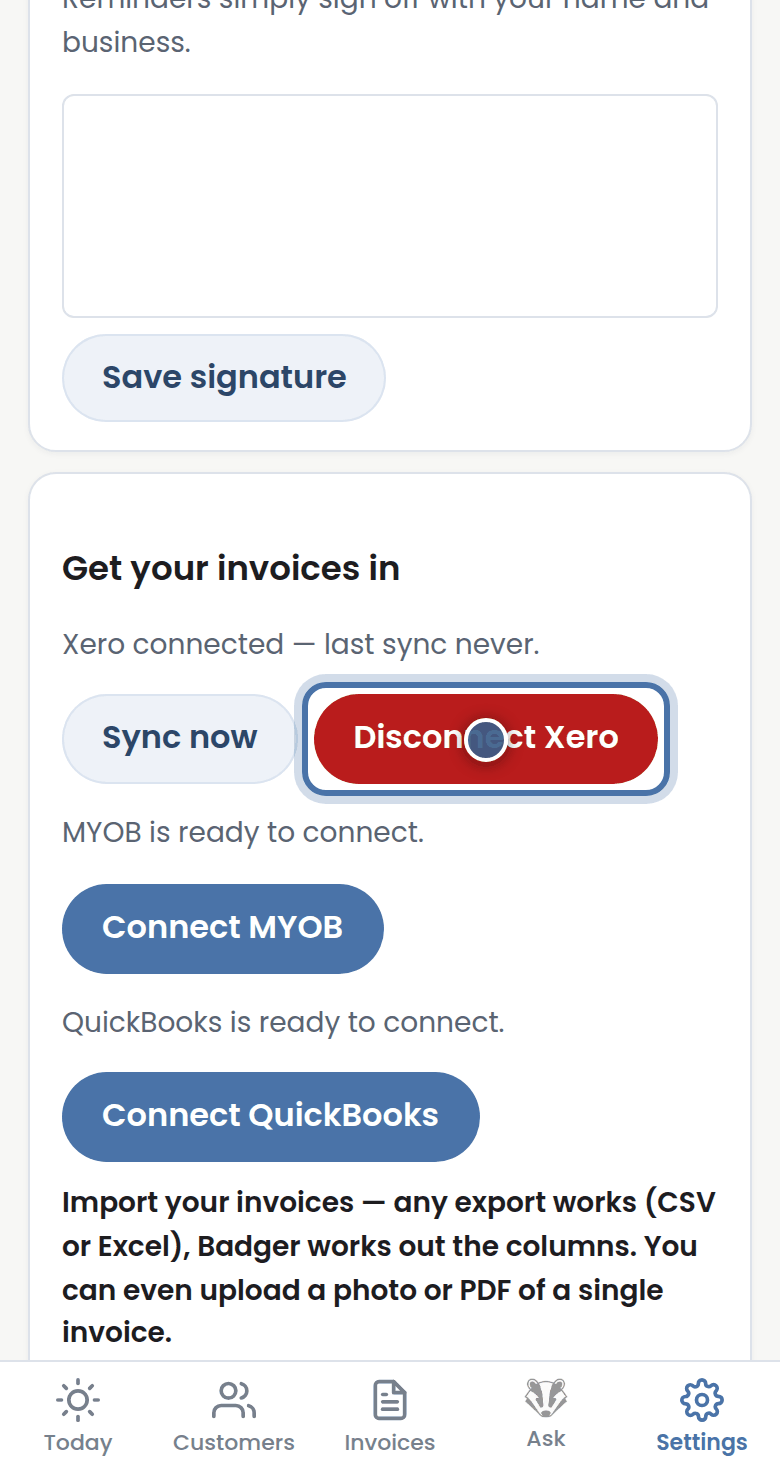
Step 3: Press Sync now any time for a fresh pull, or Disconnect to unhook it — your data stays in Badger.
More tutorials
Getting started with Badger
The Today page
Approving from your inbox
Handling customer replies