 Badger
Linking your phone contacts
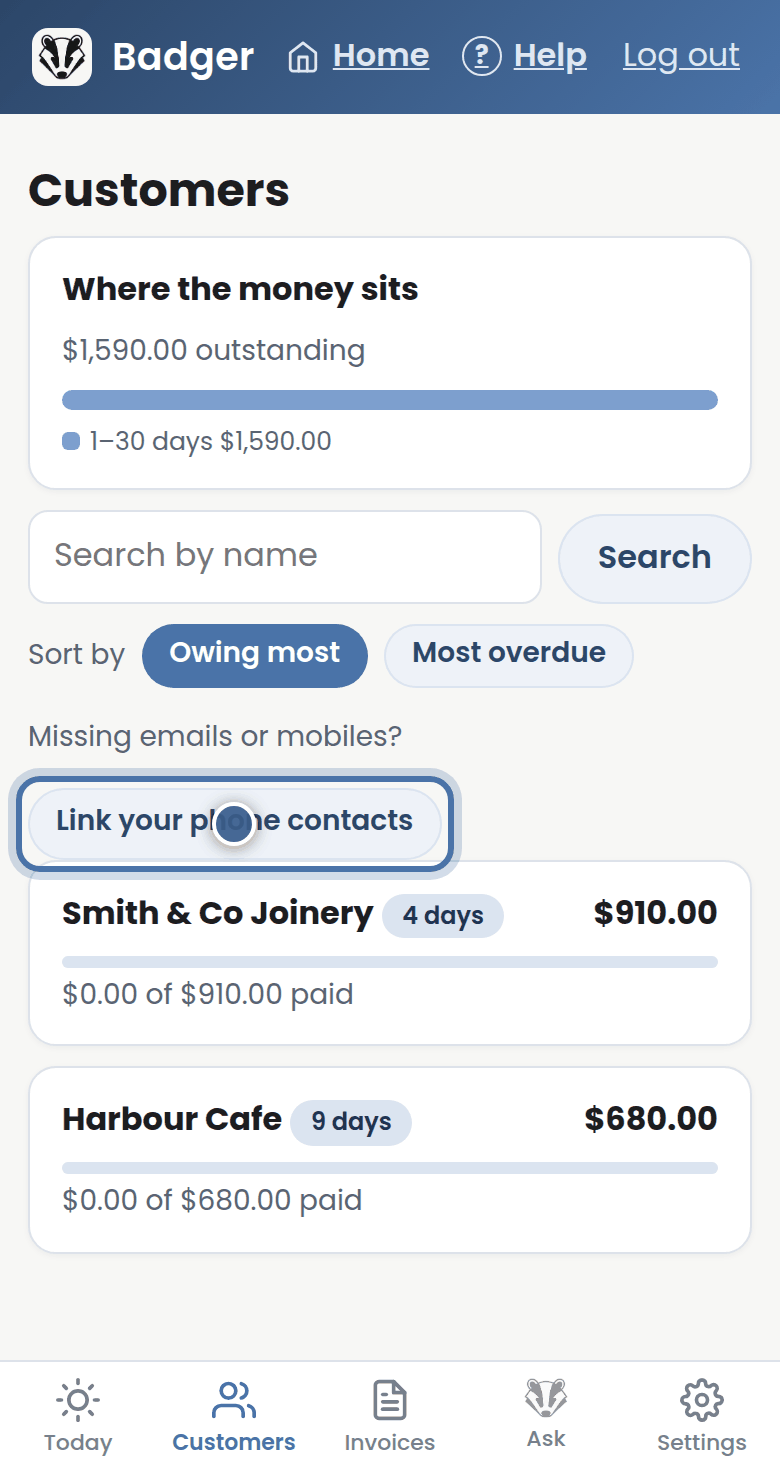
Step 1: Missing emails or mobiles? From Customers, open Link your phone contacts.
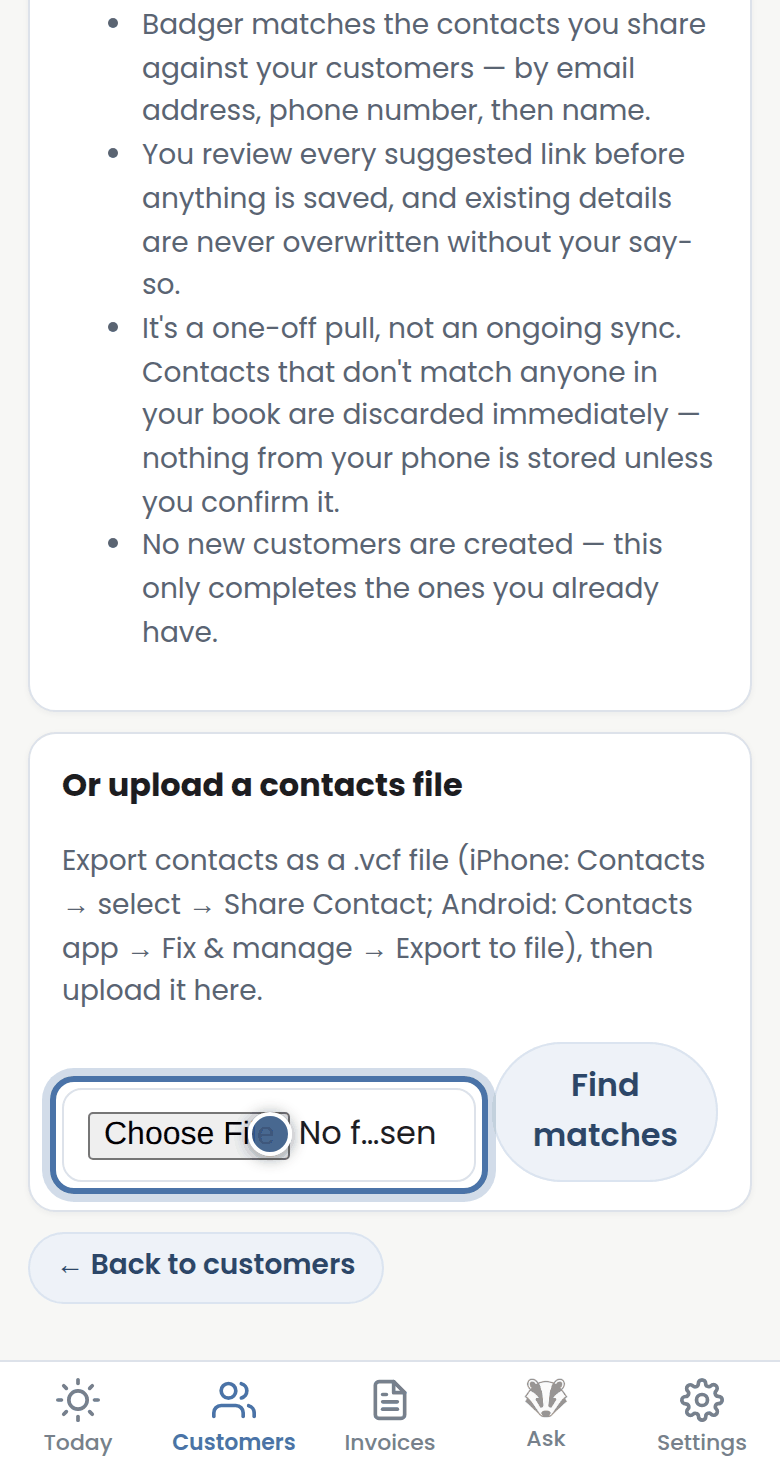
Step 2: On Android you can pick contacts straight from your phone. Anywhere else, upload a contacts file exported from your phone.
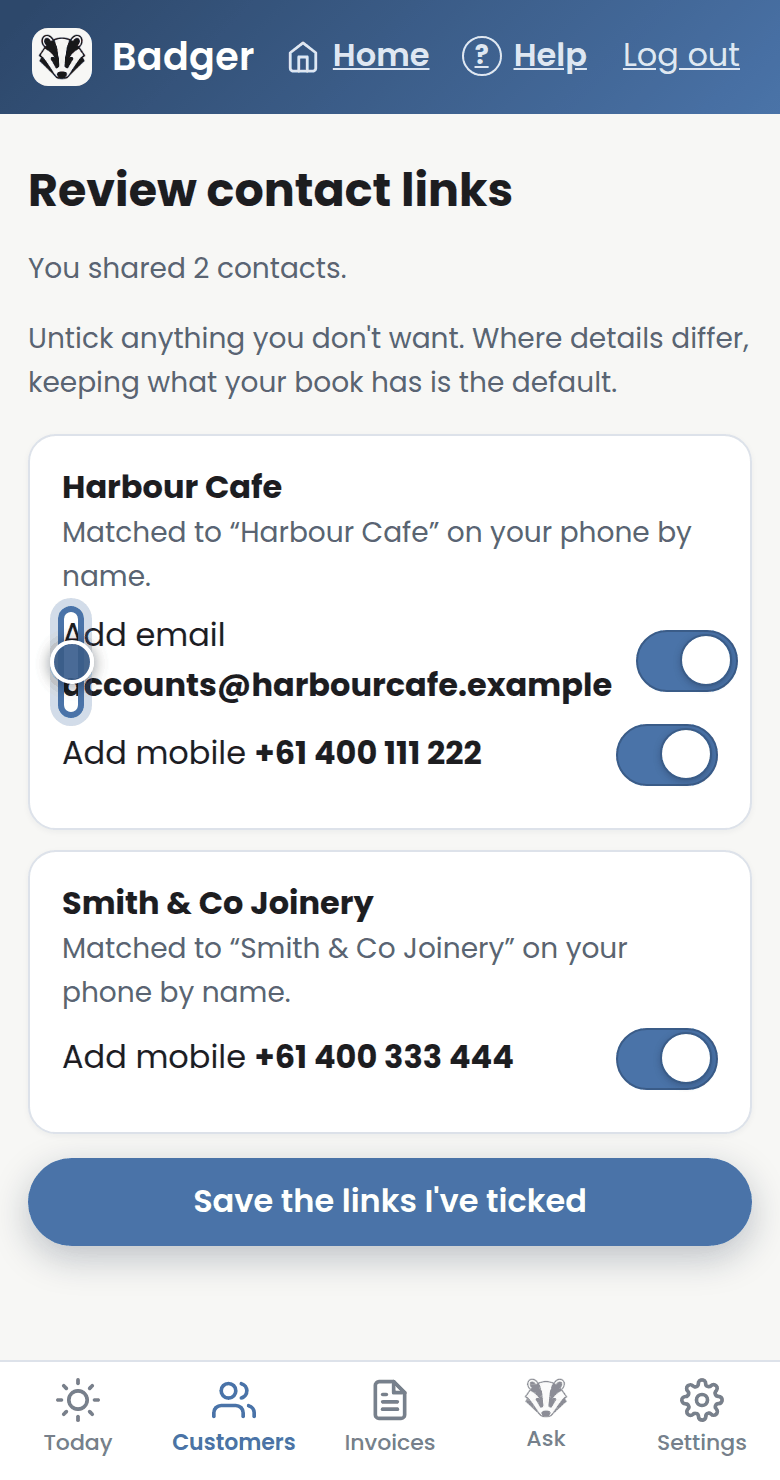
Step 3: Badger matches people to the customers you already have and shows every link before saving — nothing changes until you tick it.
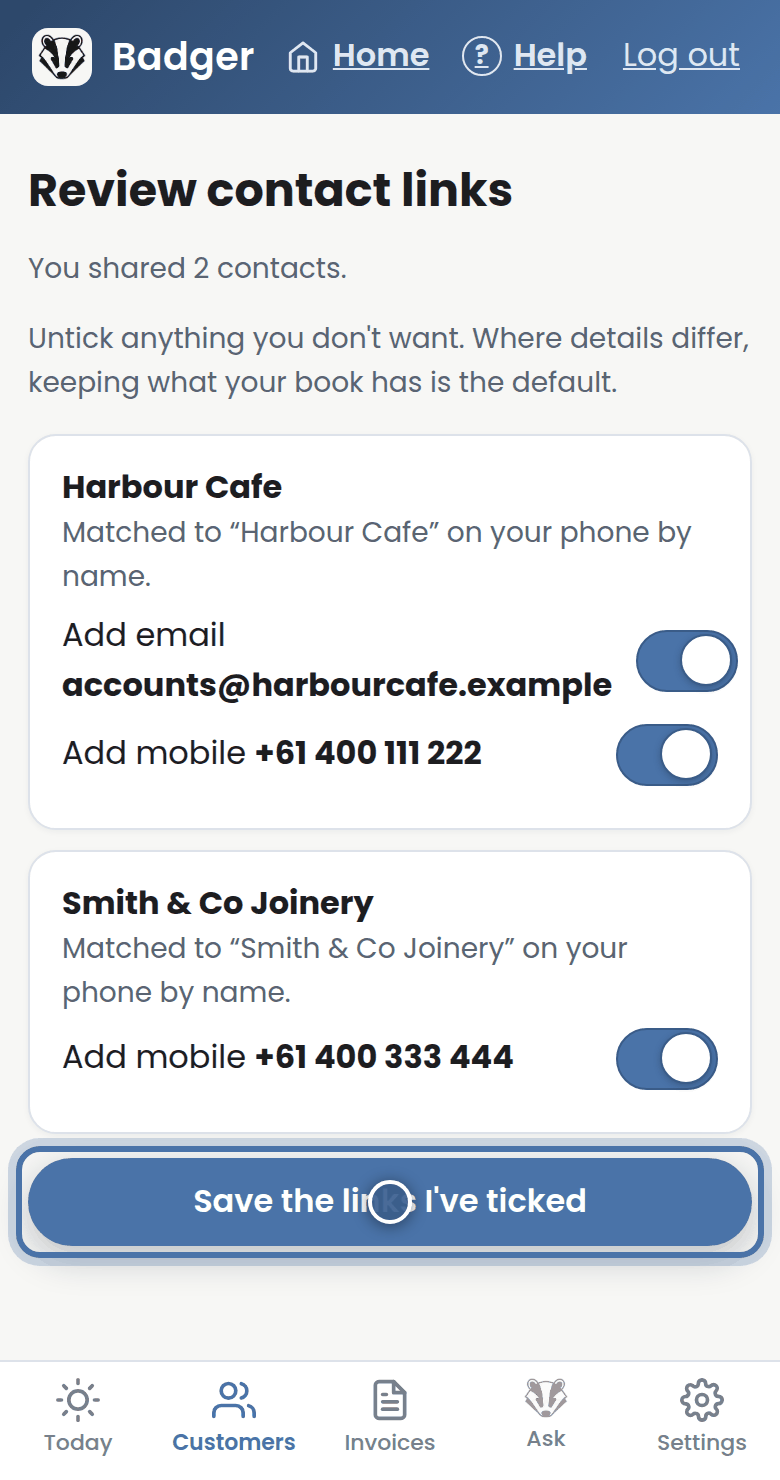
Step 4: Press Save the links I've ticked. Badger only fills gaps — it never adds new customers this way.
More tutorials
Getting started with Badger
The Today page
Approving from your inbox
Handling customer replies