 Badger
Raising an invoice
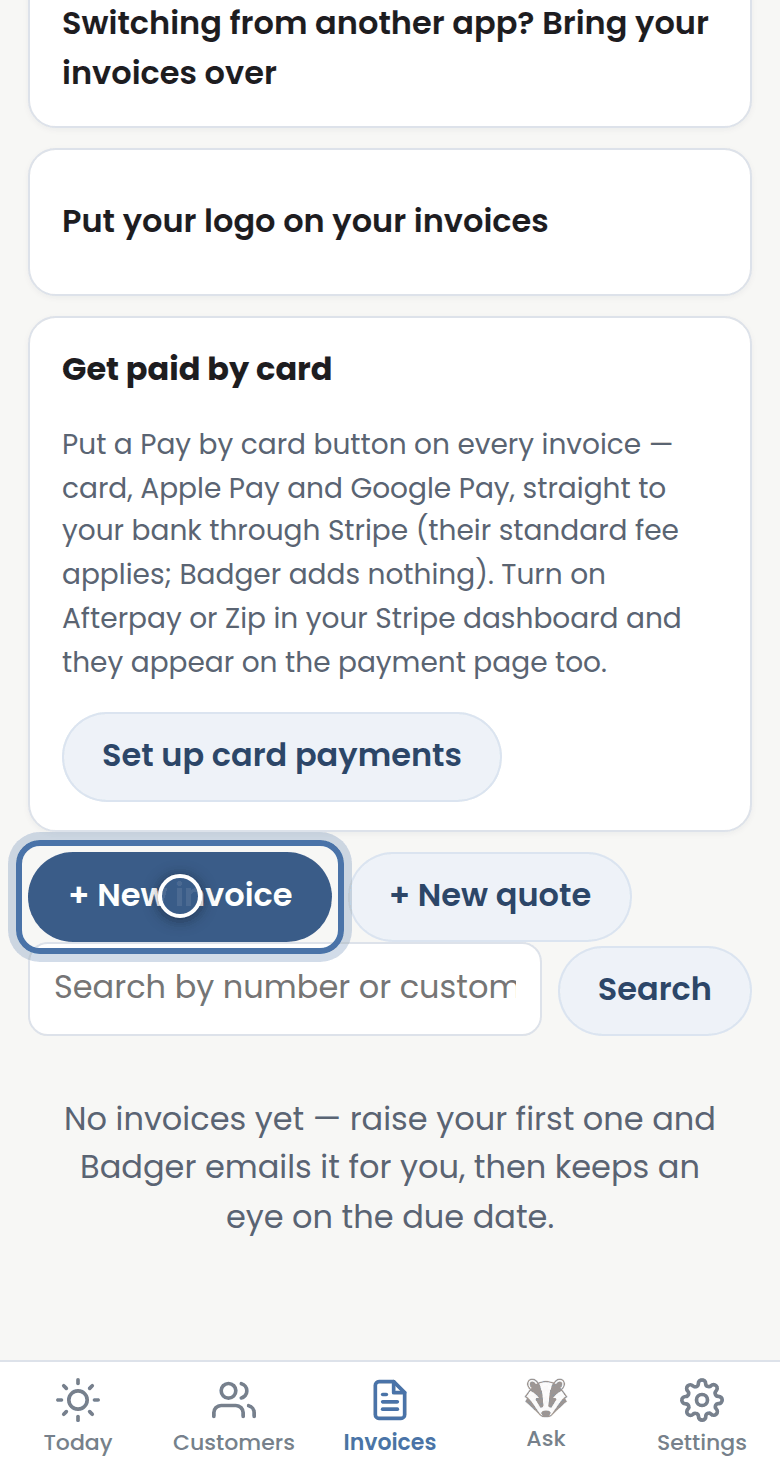
Step 1: Open the Invoices tab and press New invoice.
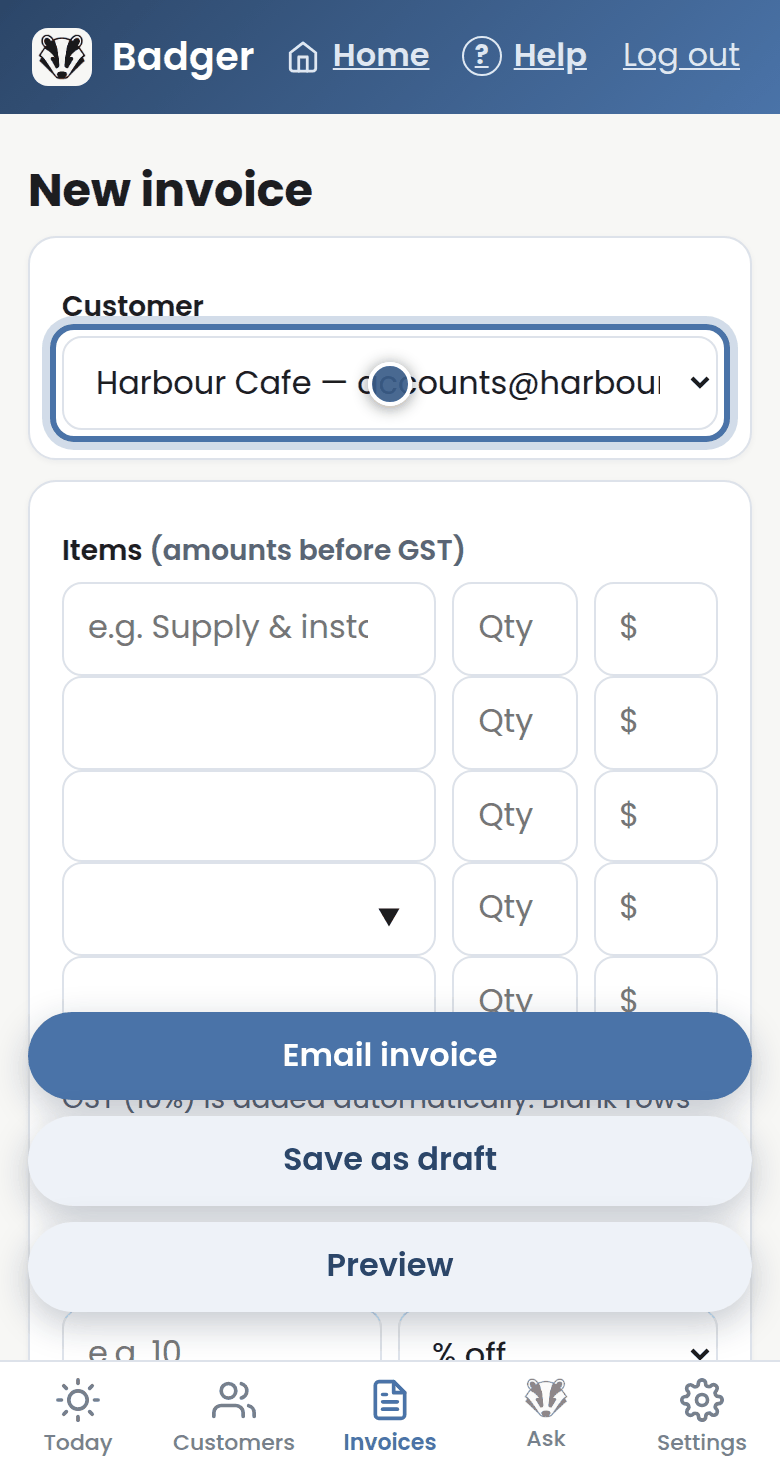
Step 2: Pick a customer — or choose New customer and type their name and email.
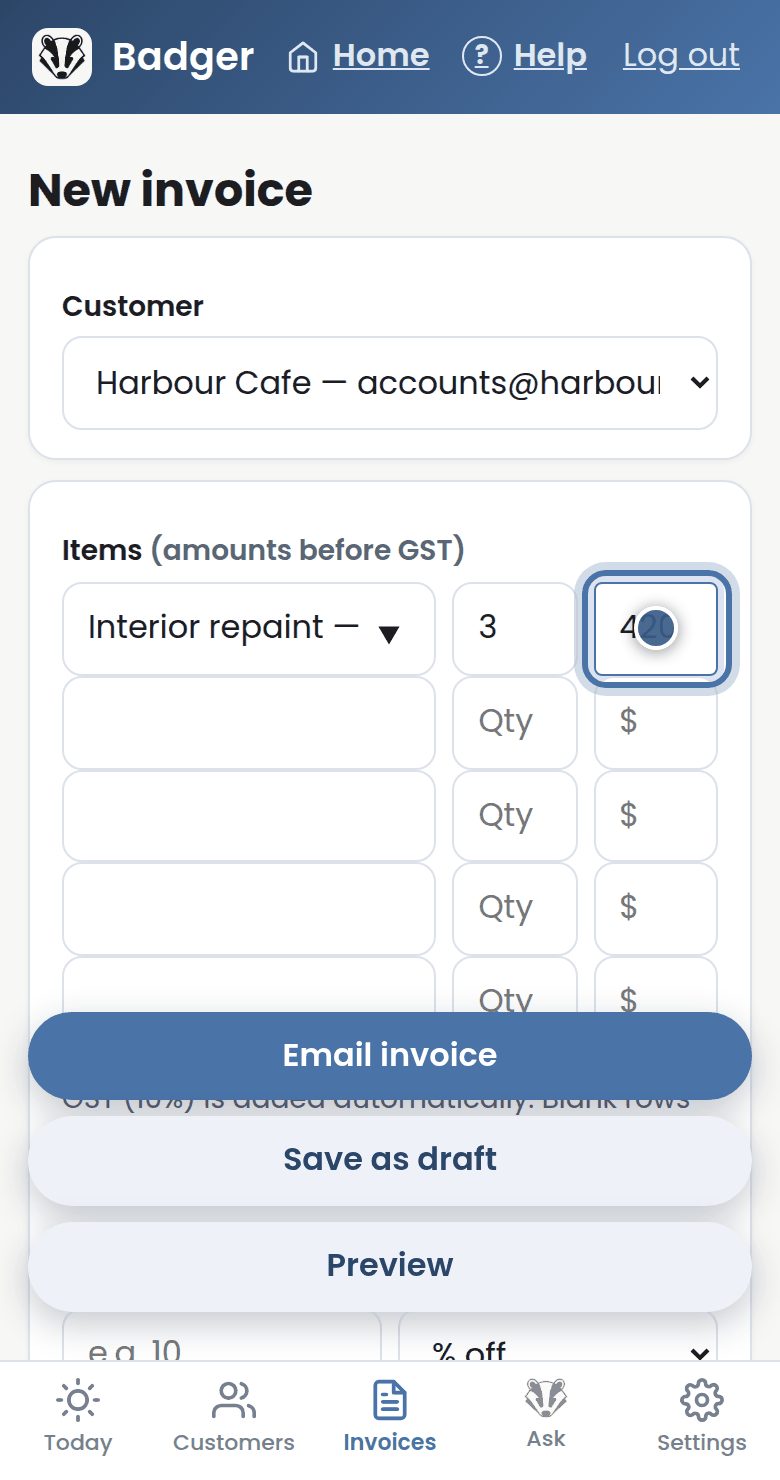
Step 3: Add each line: what it was, how many, and the price. Your saved price list fills prices in as you type.
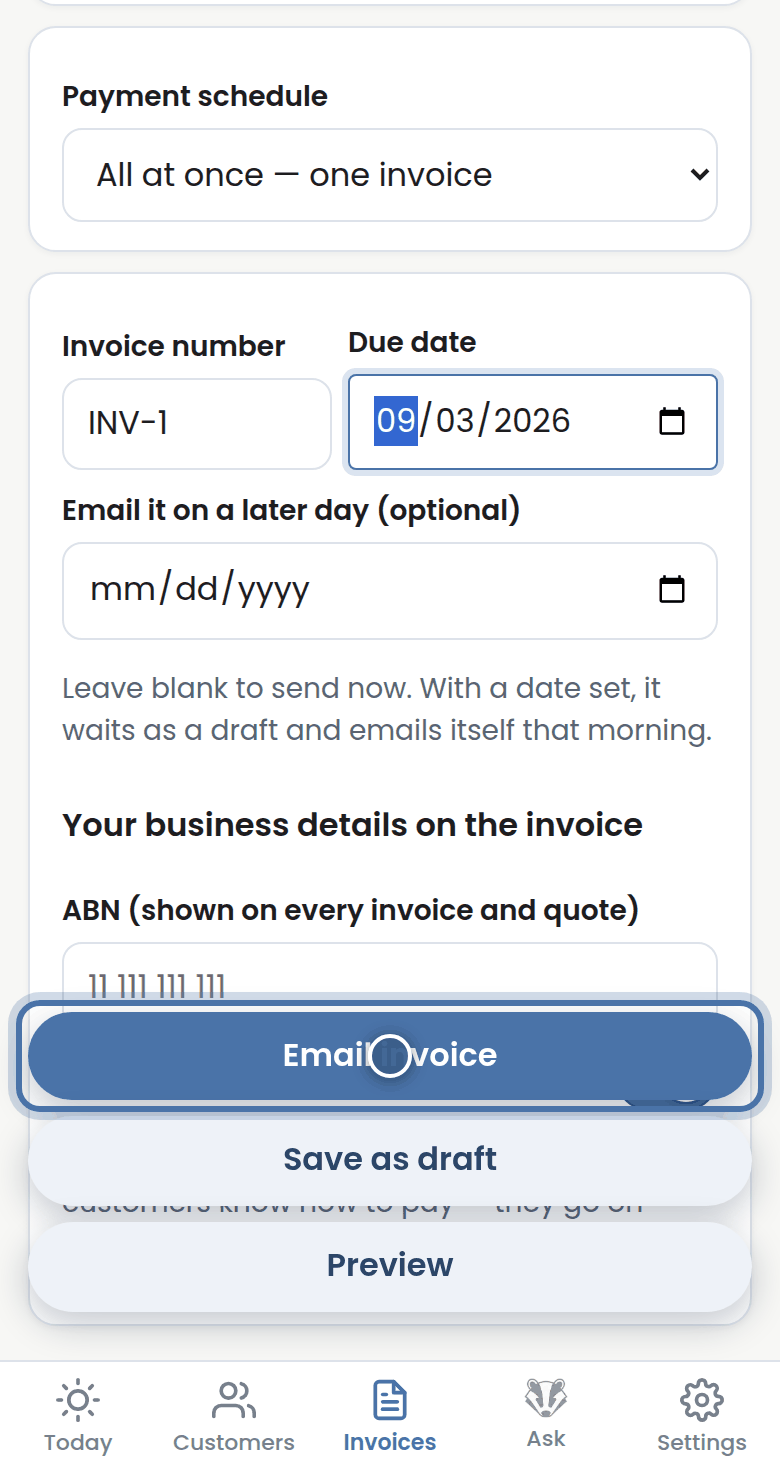
Step 4: Give it a number and a due date — or set Email it on a later day and Badger holds it until then.
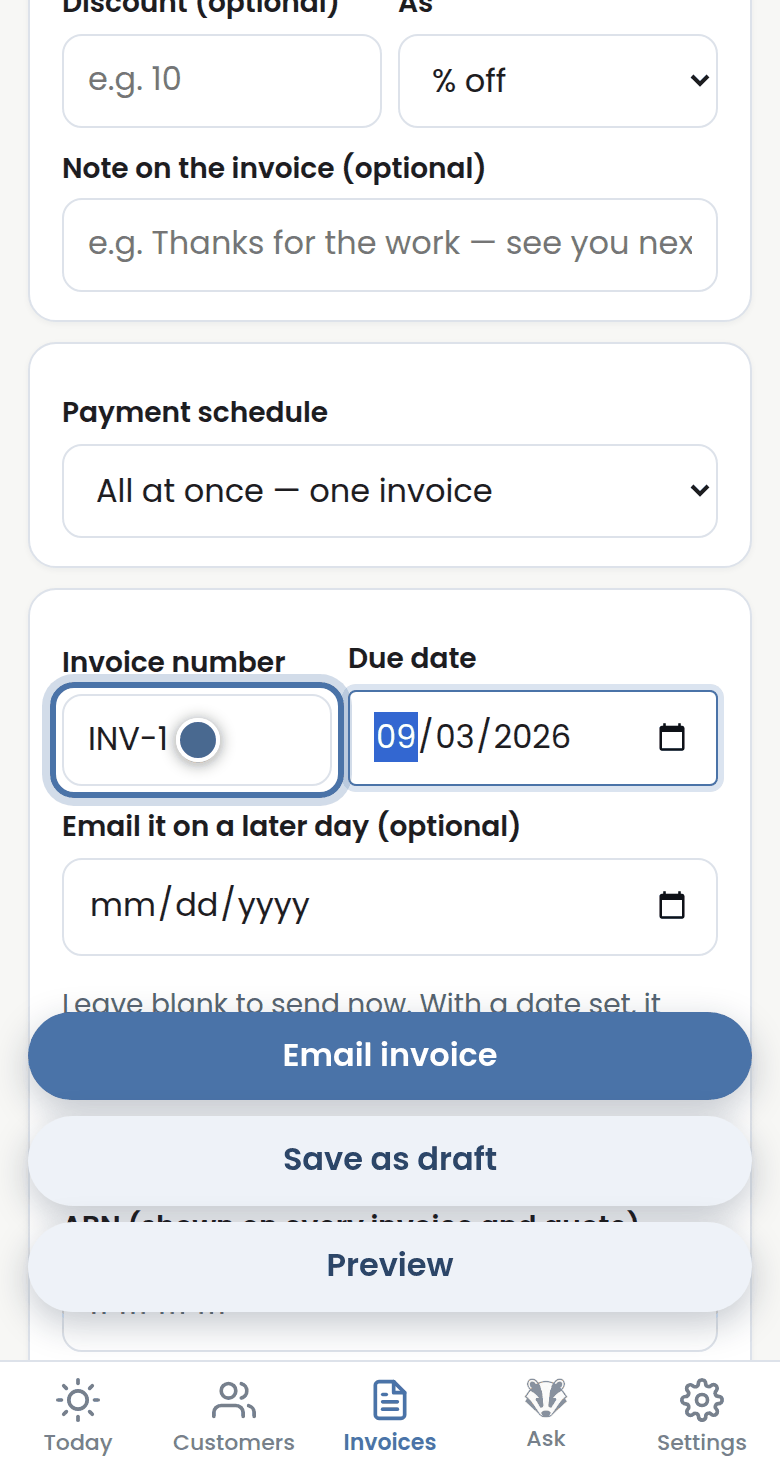
Step 5: Press Email invoice to send it now, or Save as draft and Preview first. Badger emails it and watches the due date.
More tutorials
Getting started with Badger
The Today page
Approving from your inbox
Handling customer replies