 Badger
Pausing and autopilot
Step 1: Open a customer to control exactly how Badger treats them.
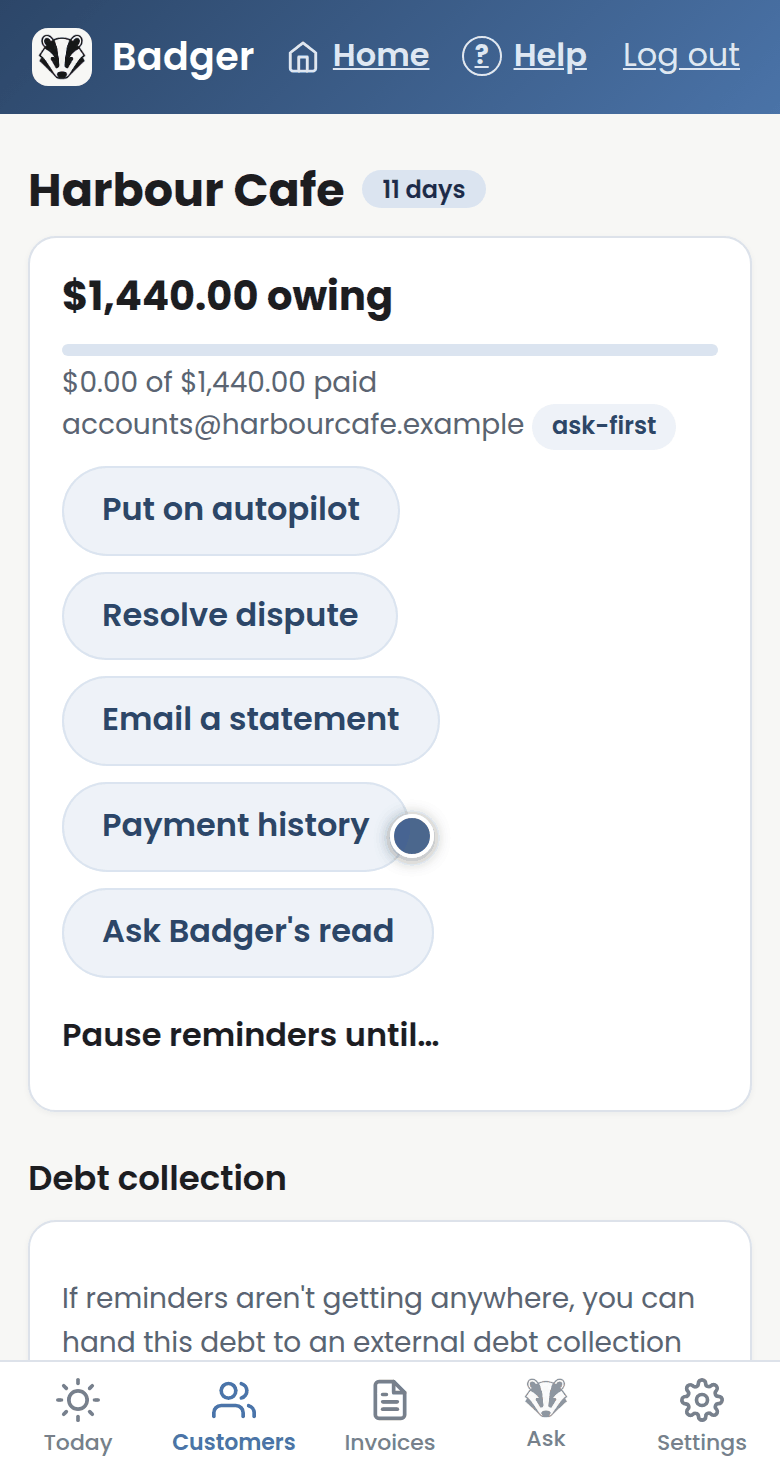
Step 2: To give someone breathing room, open Pause reminders until, pick a date, and save. Badger stays quiet until then.
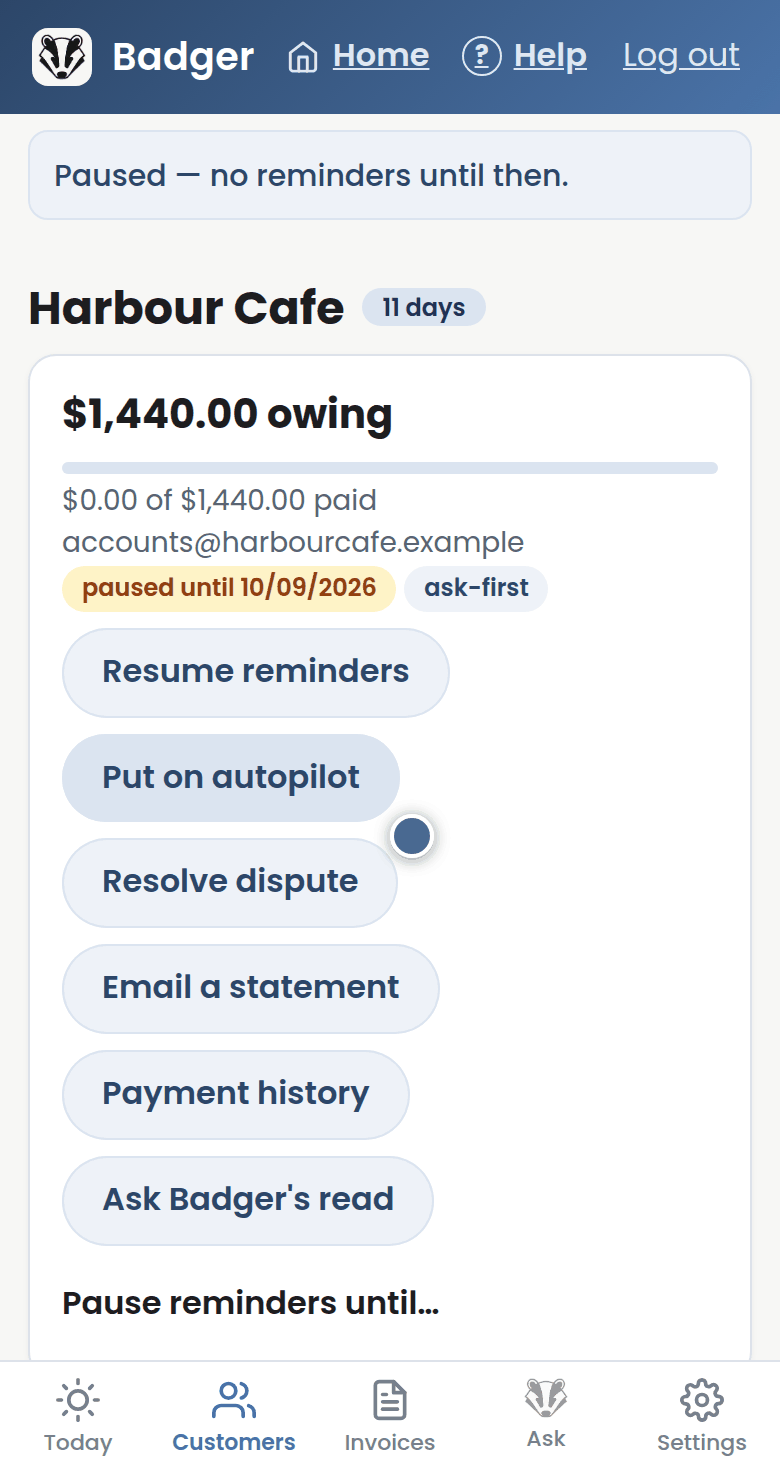
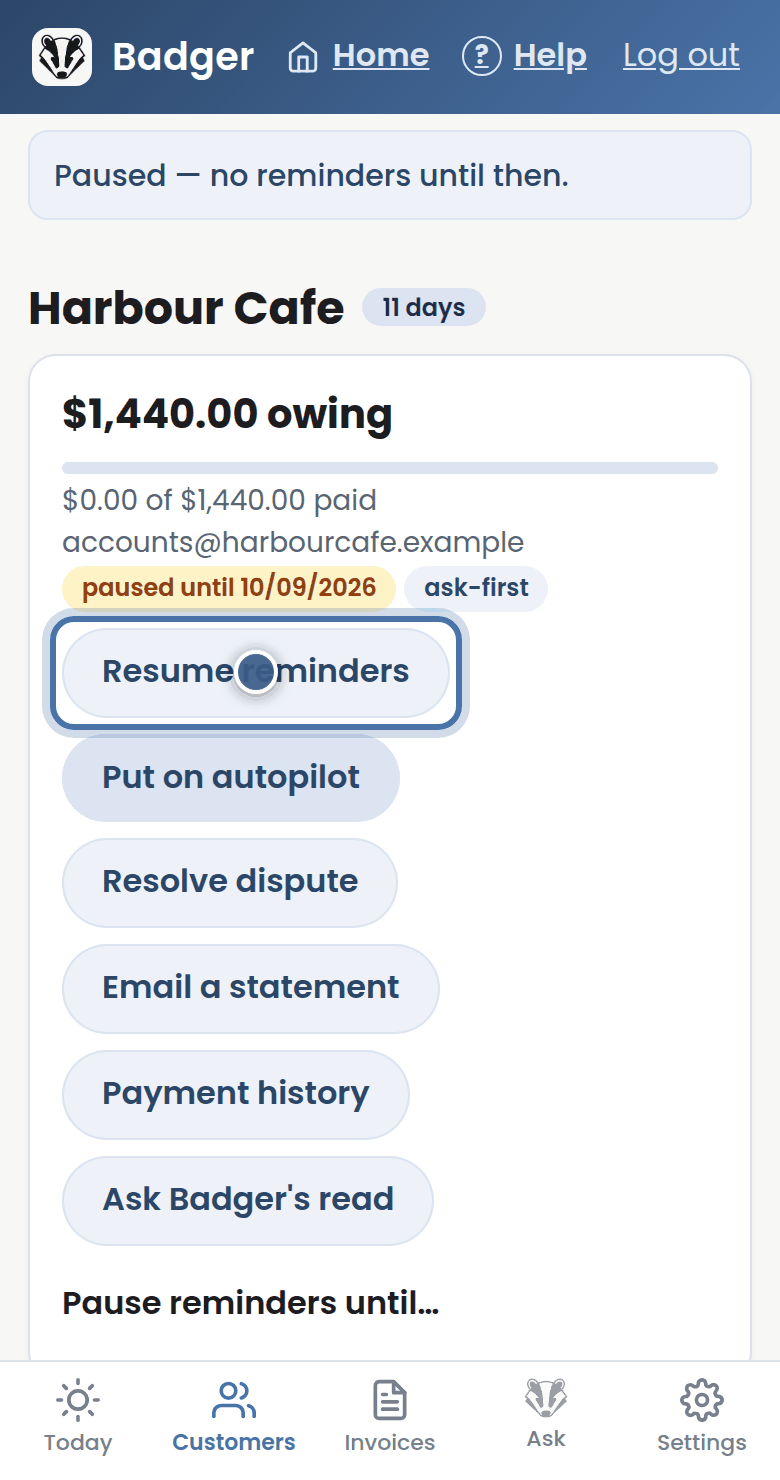
Step 3: Press Resume reminders any time to lift the pause.
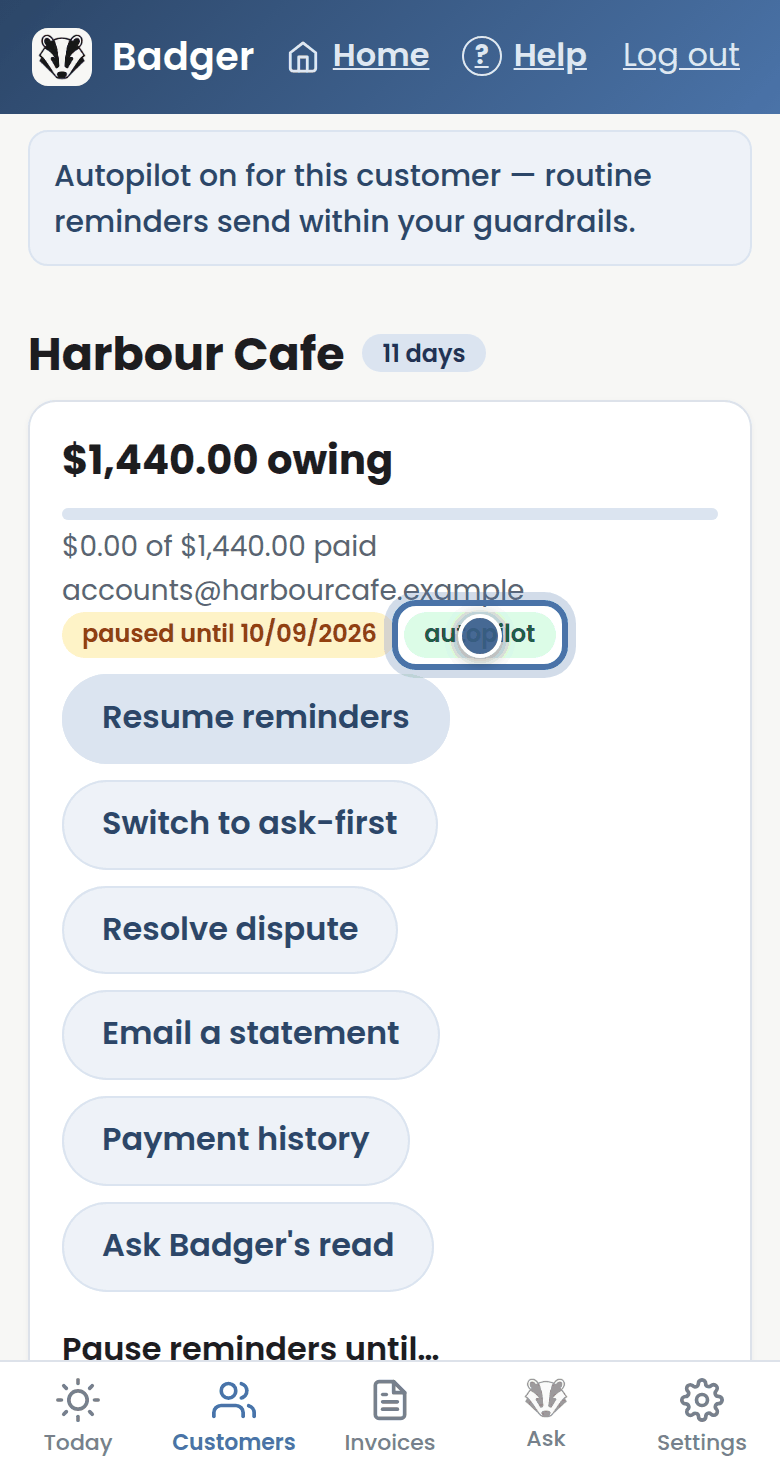
Step 4: Put on autopilot lets Badger send routine reminders to this customer without asking you first. Switch back whenever you like.
More tutorials
Getting started with Badger
The Today page
Approving from your inbox
Handling customer replies