 Badger
Your price list and BAS totals
Step 1: Every item you invoice lands in your Price list with its price — next time, it fills itself in as you type.
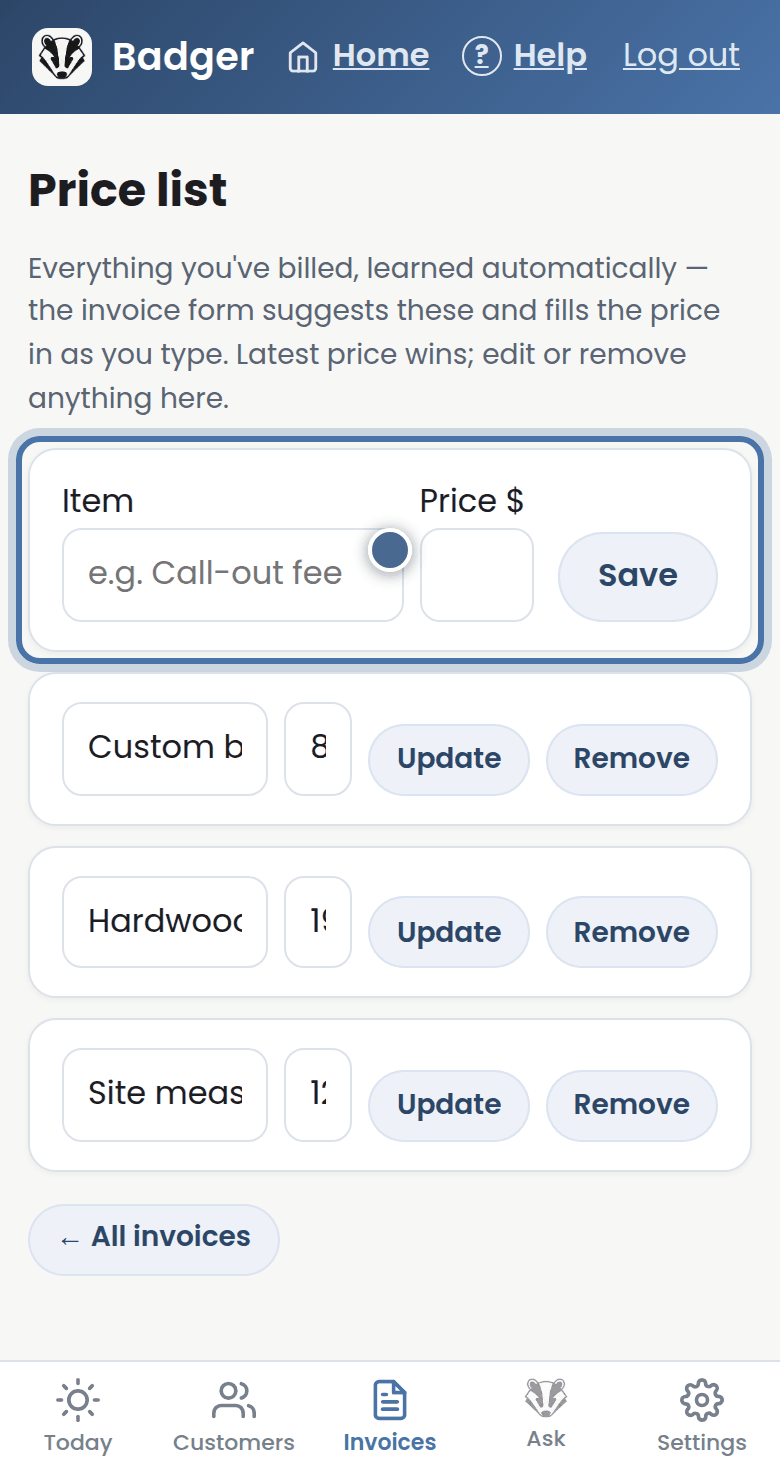
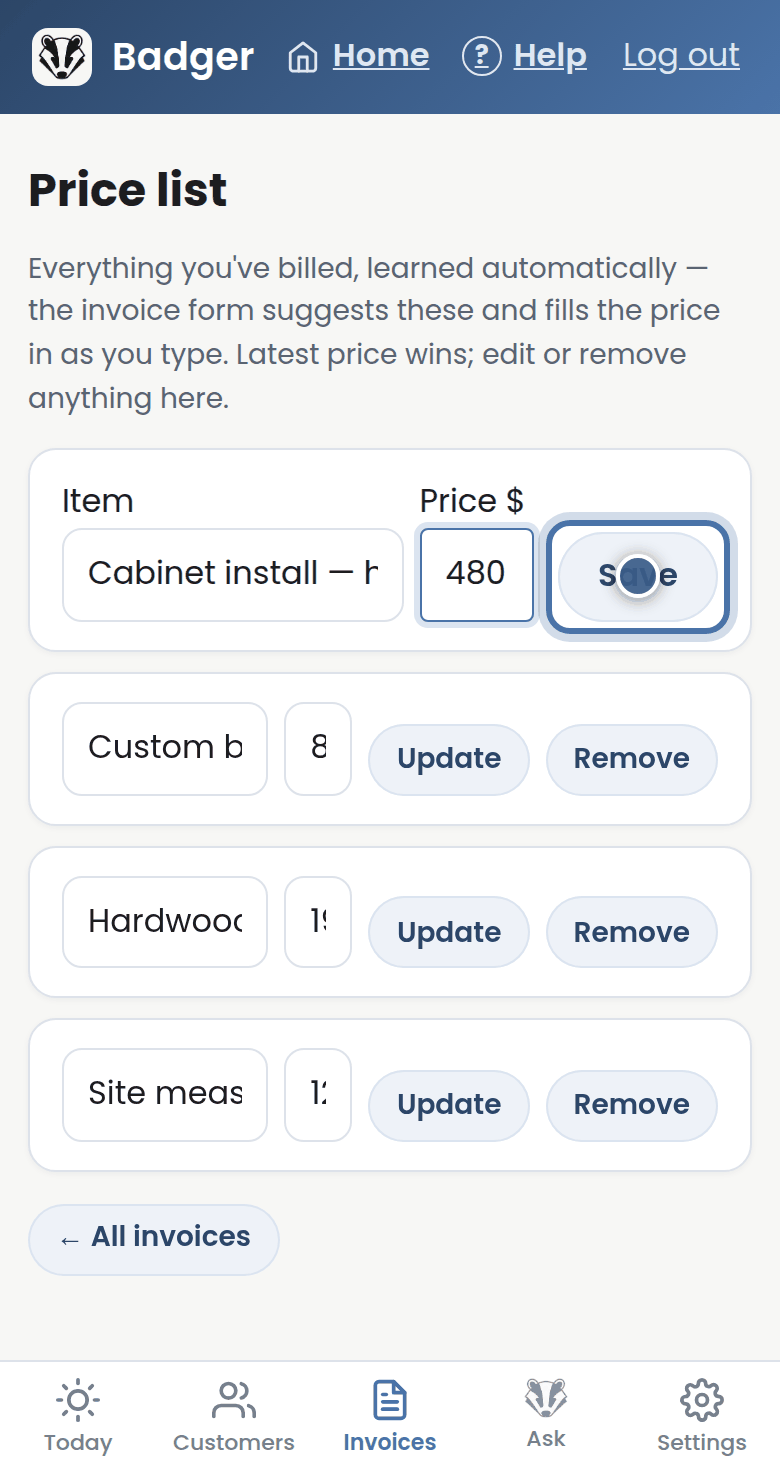
Step 2: Tidy it here any time: change a price and press Update, or add something new and press Save.
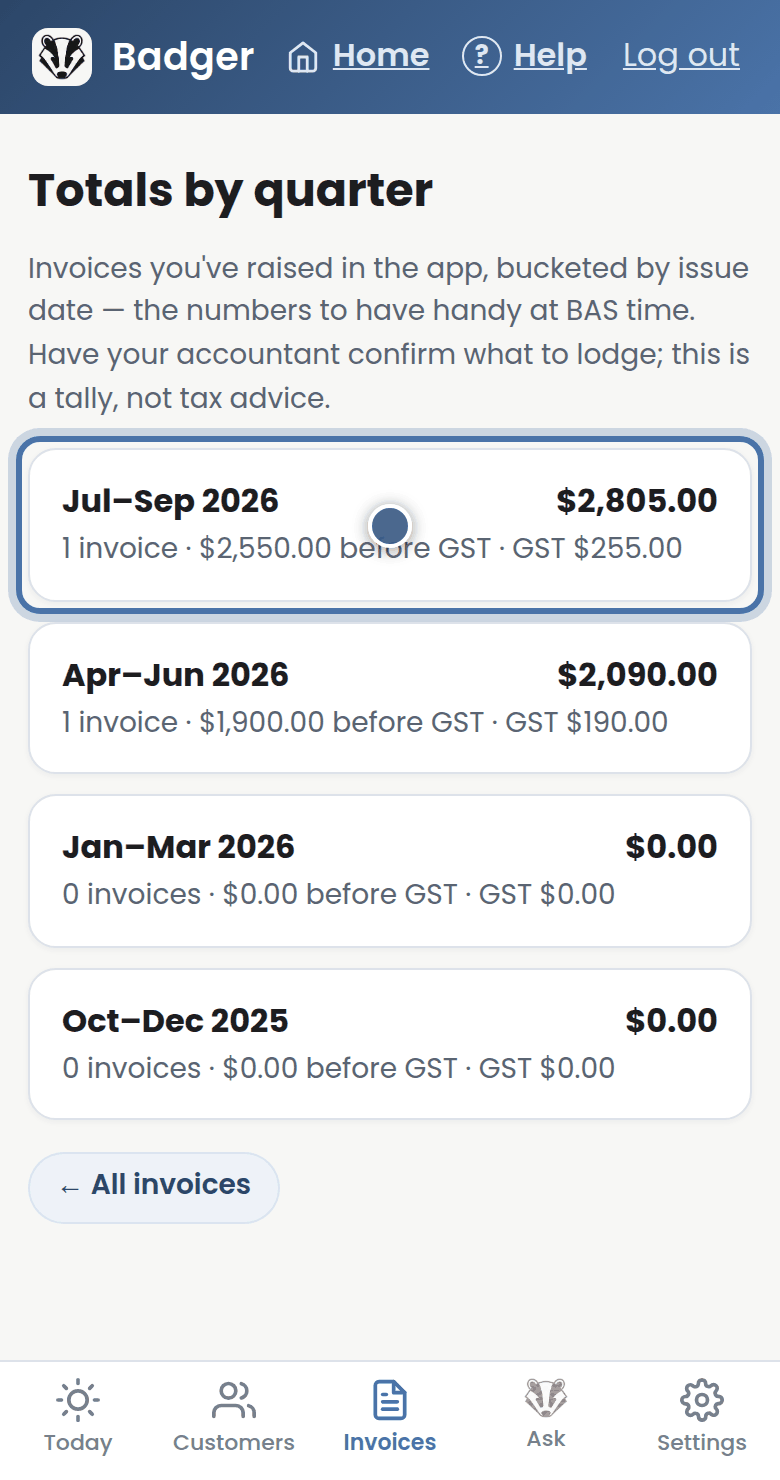
Step 3: Totals by quarter tallies your invoicing for BAS time — before GST, and the GST on top.
More tutorials
Getting started with Badger
The Today page
Approving from your inbox
Handling customer replies