 Badger
Text reminders and the chat line
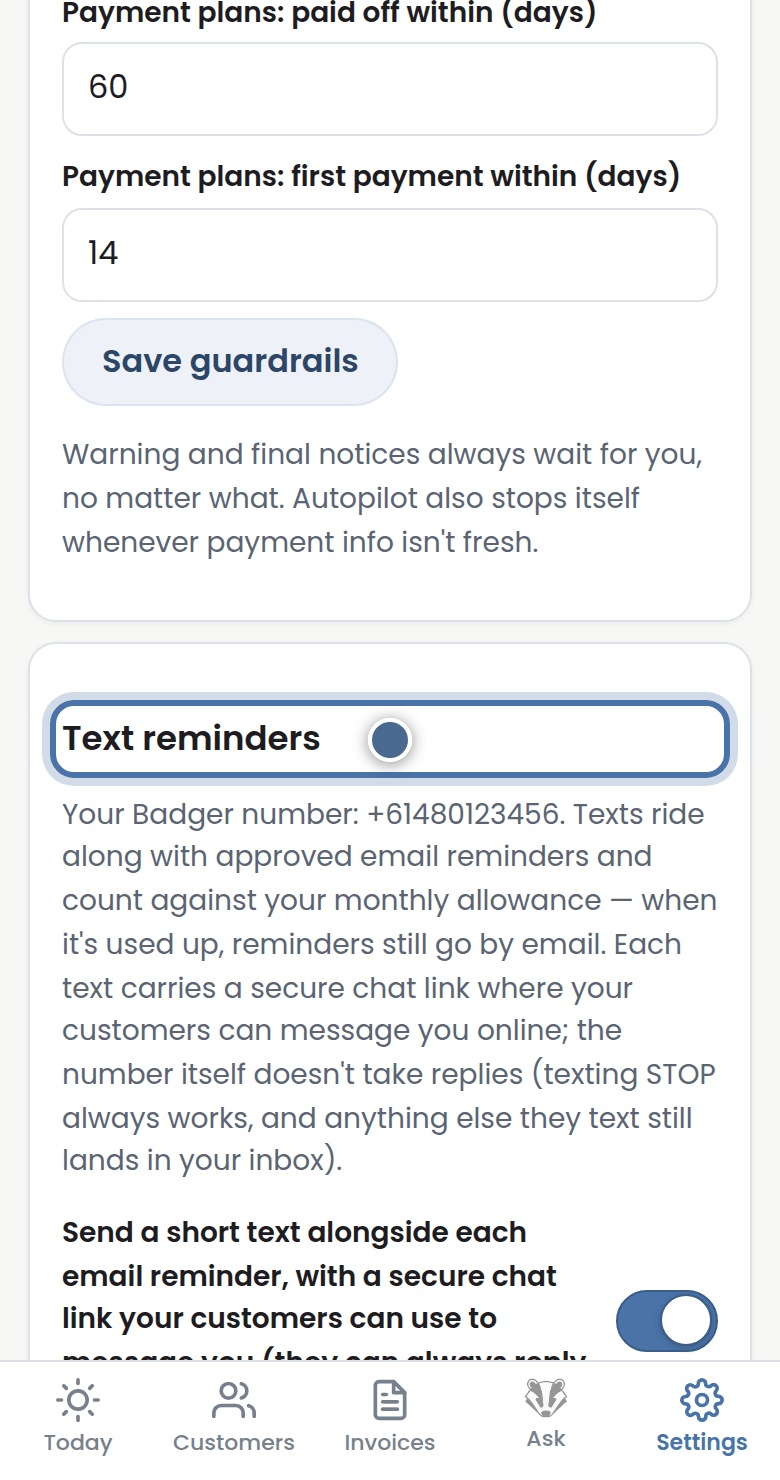
Step 1: Flick on Text reminders in Settings and Badger can text as well as email — texts get read fast.
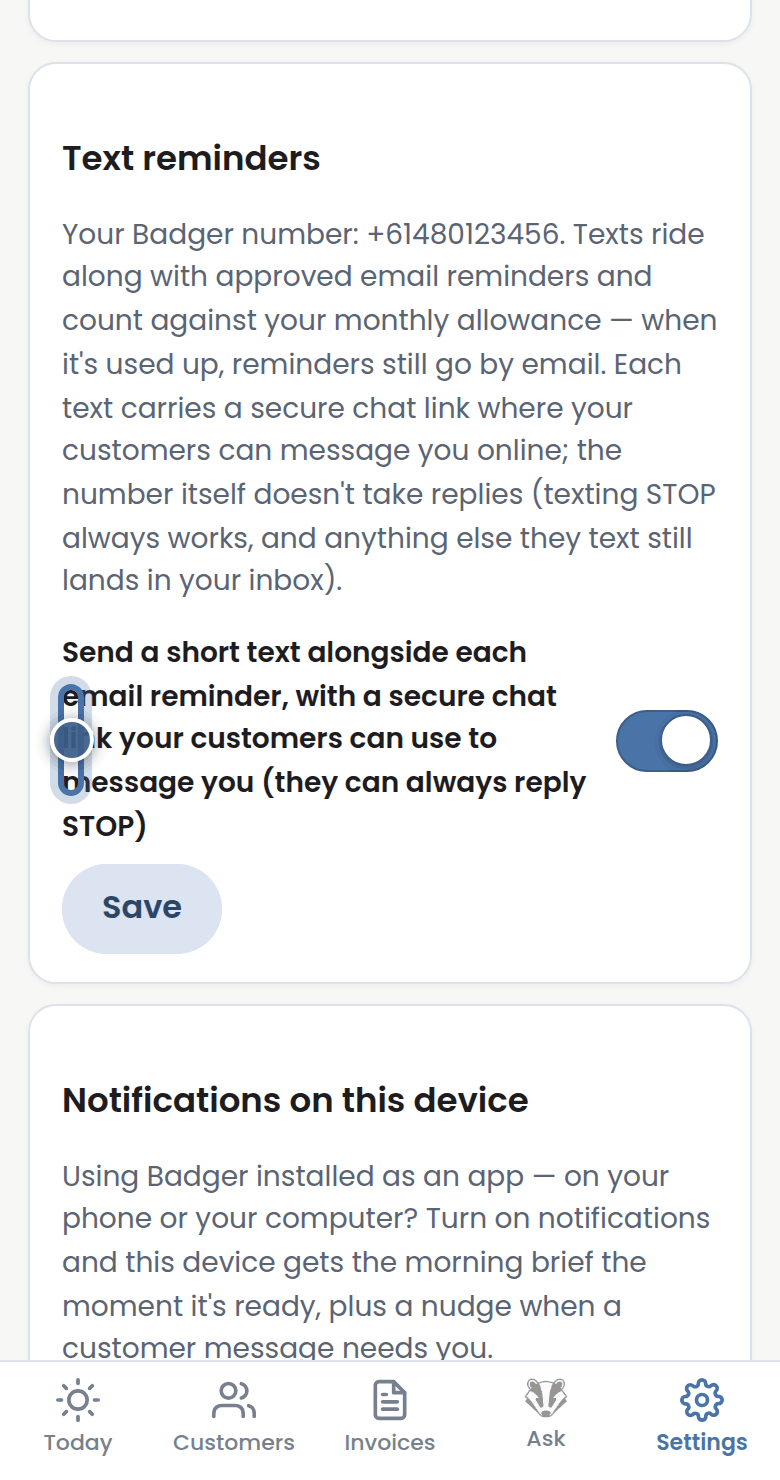
Step 2: Every text carries a secure chat link, and replying STOP always stops texts immediately.
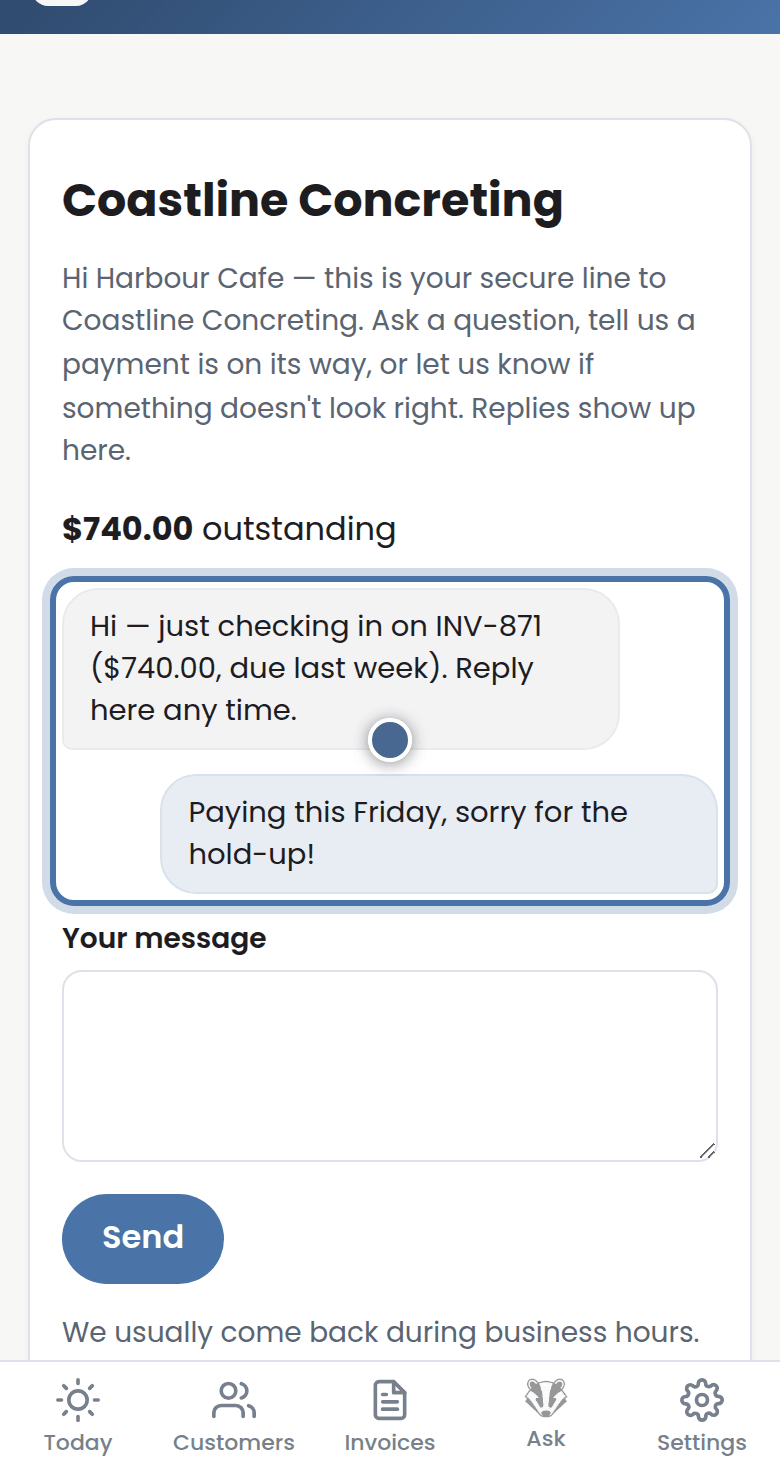
Step 3: The link opens that customer's own chat page — what they write there lands on your Today page for your judgment.
More tutorials
Getting started with Badger
The Today page
Approving from your inbox
Handling customer replies