 Badger
Statements and the customer log
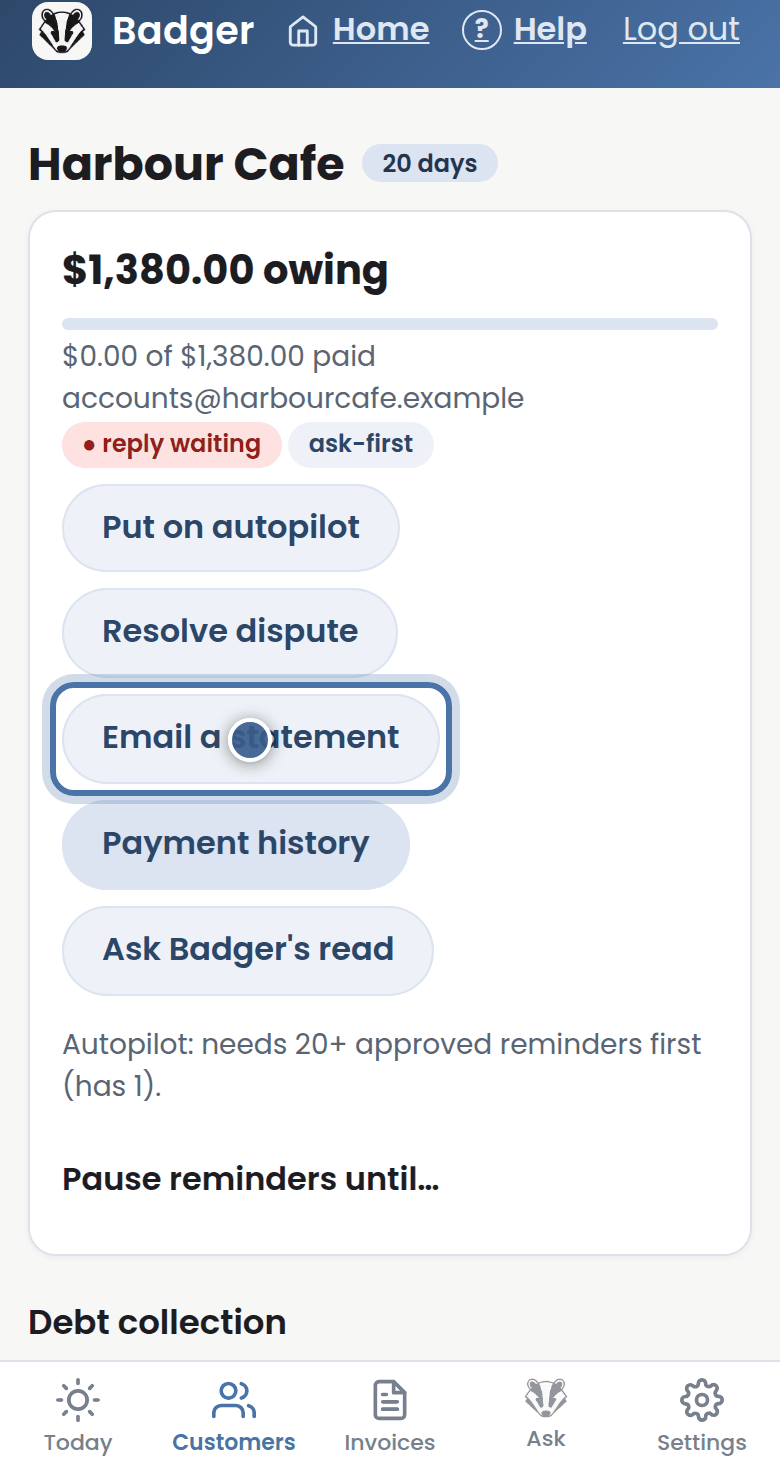
Step 1: Need to send someone the full picture? Open their page and press Email a statement — every open invoice in one tidy email.
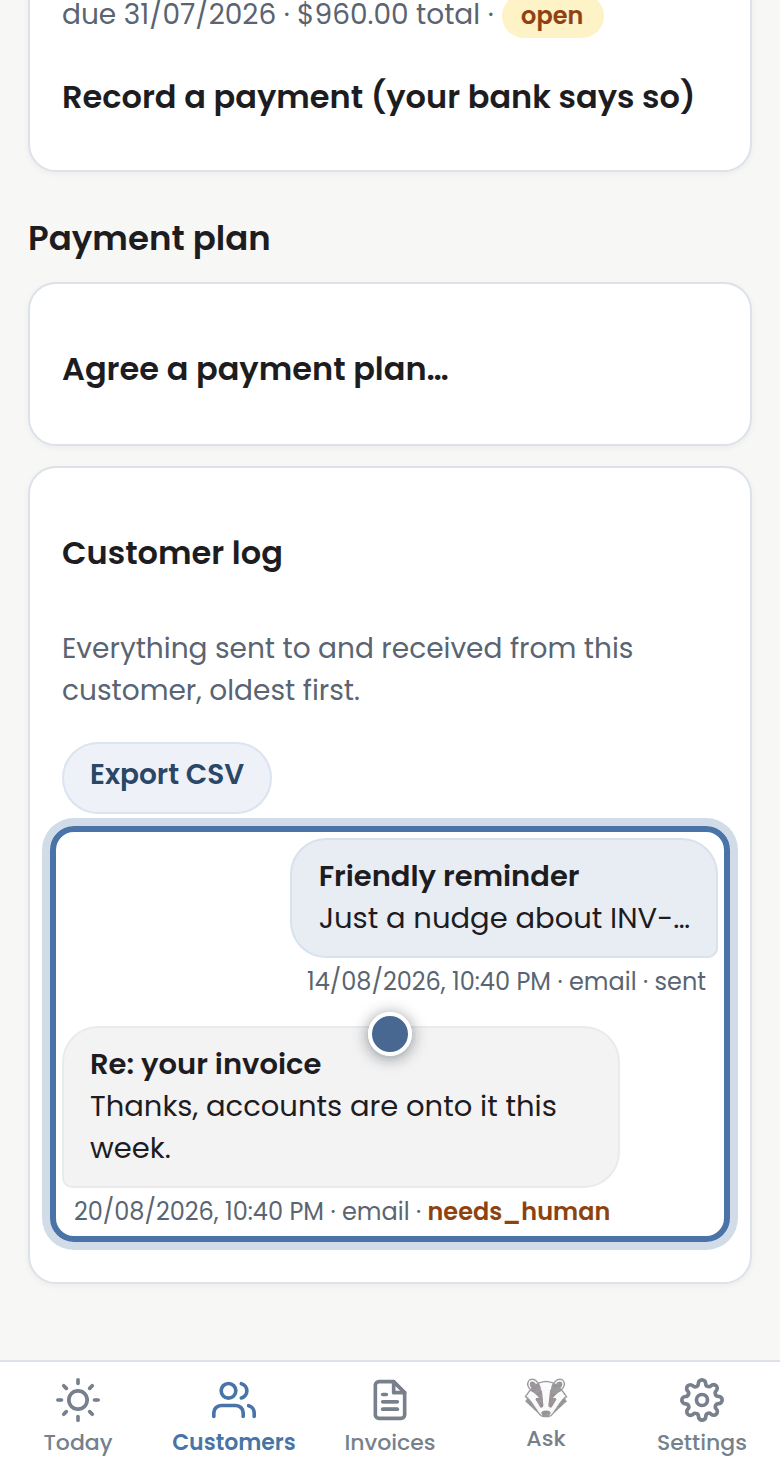
Step 2: The Customer log below keeps every message in and out, in order, with what Badger did and why.
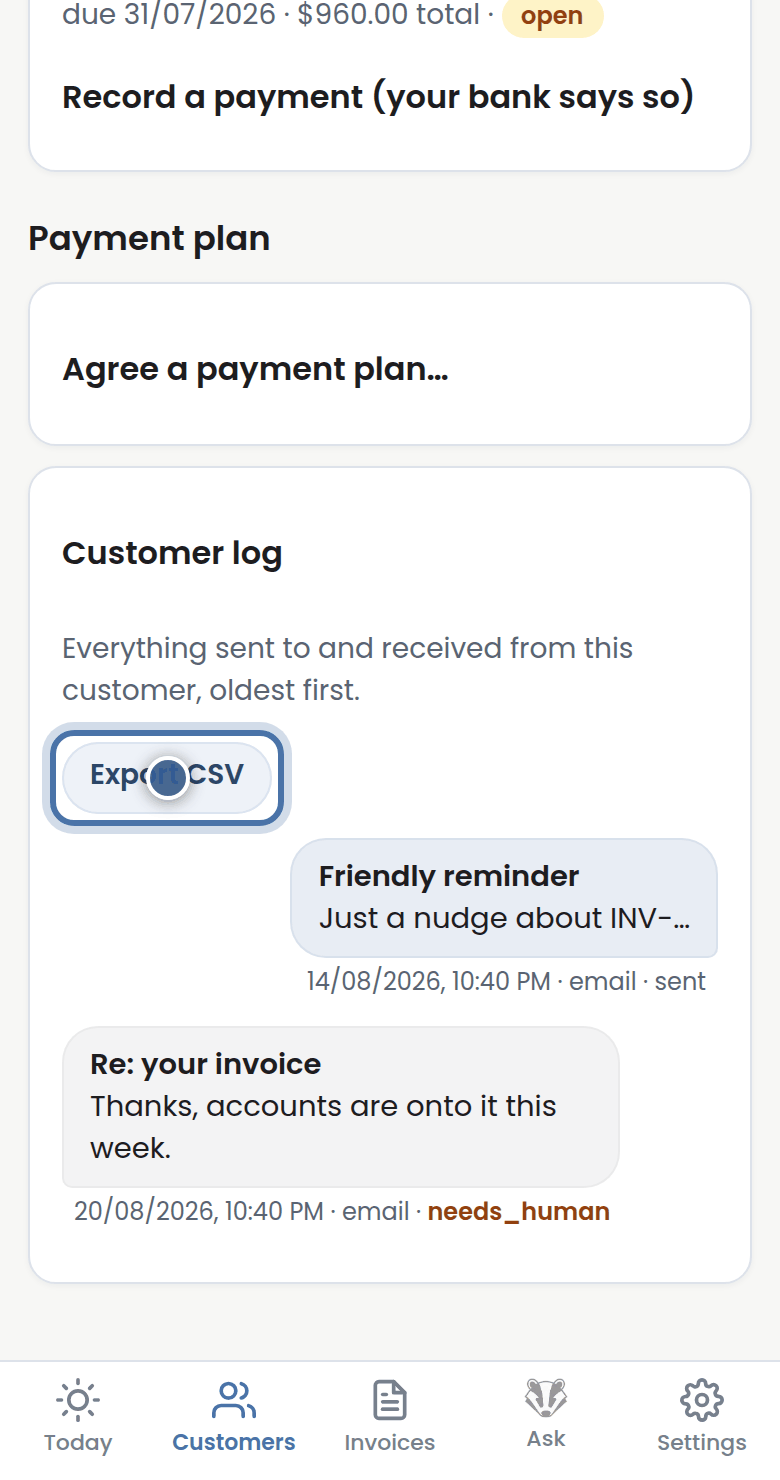
Step 3: Press Export CSV to take the whole history to a spreadsheet or your accountant.
More tutorials
Getting started with Badger
The Today page
Approving from your inbox
Handling customer replies