 Badger
Inviting your team
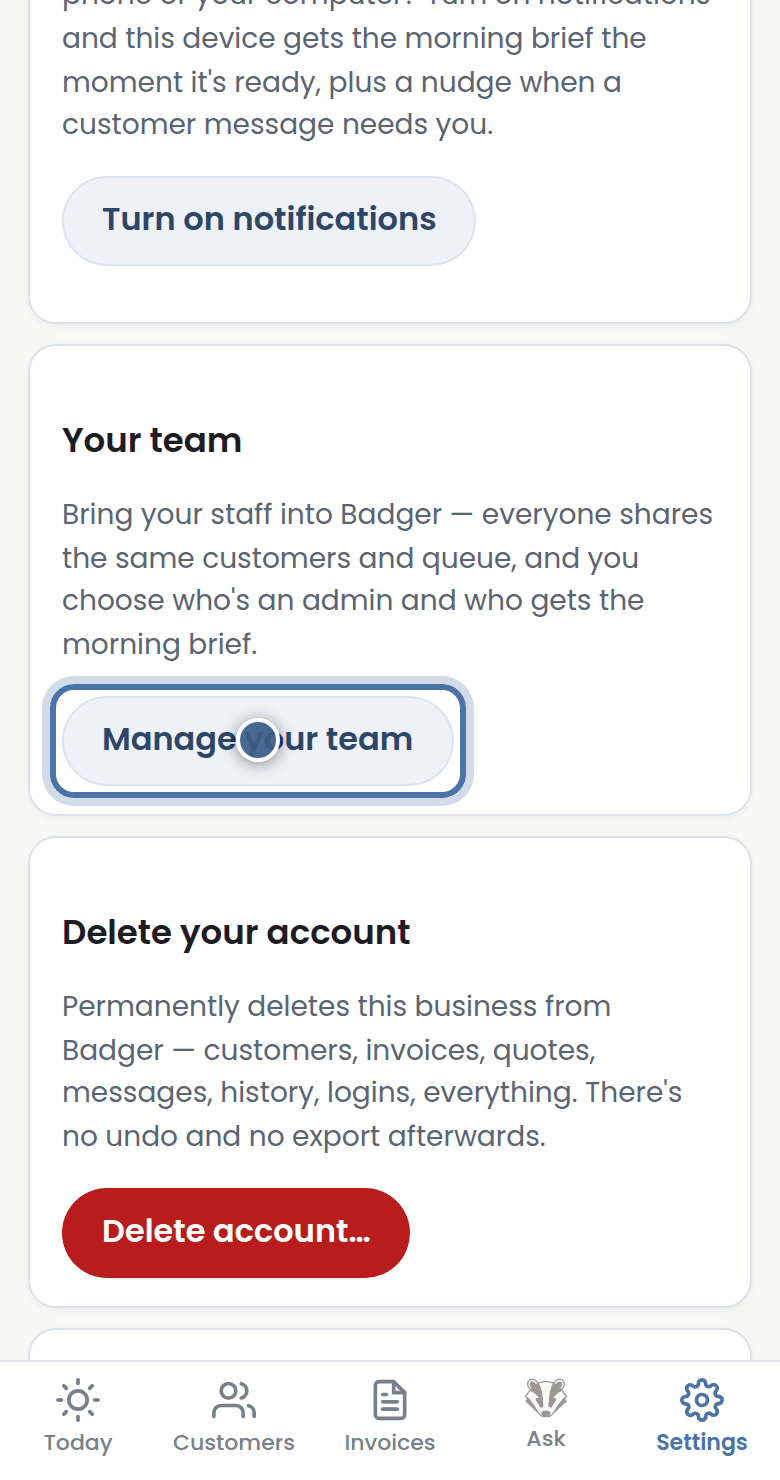
Step 1: Open Settings, then Manage your team.
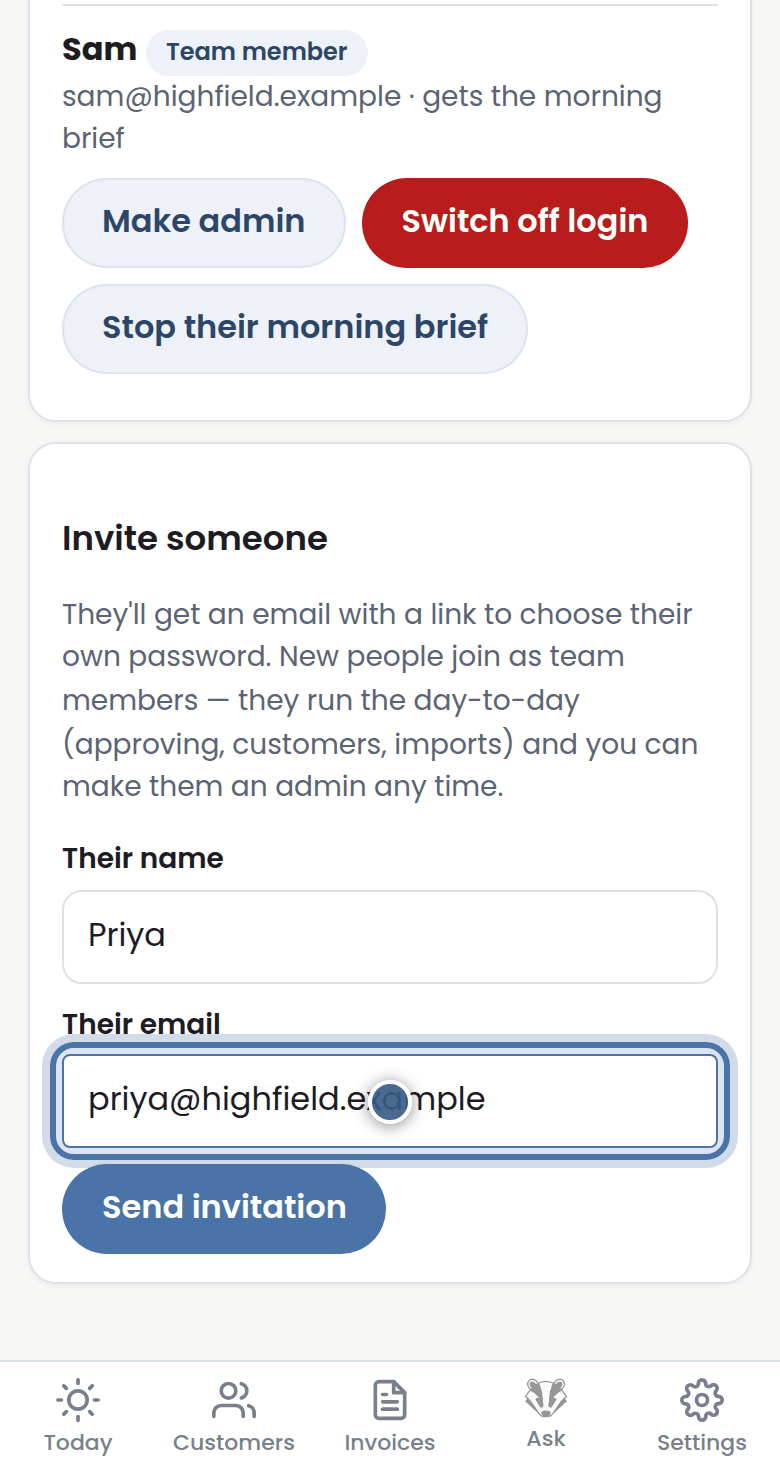
Step 2: Under Invite someone, enter their name and email and press Send invitation — they set their own password.
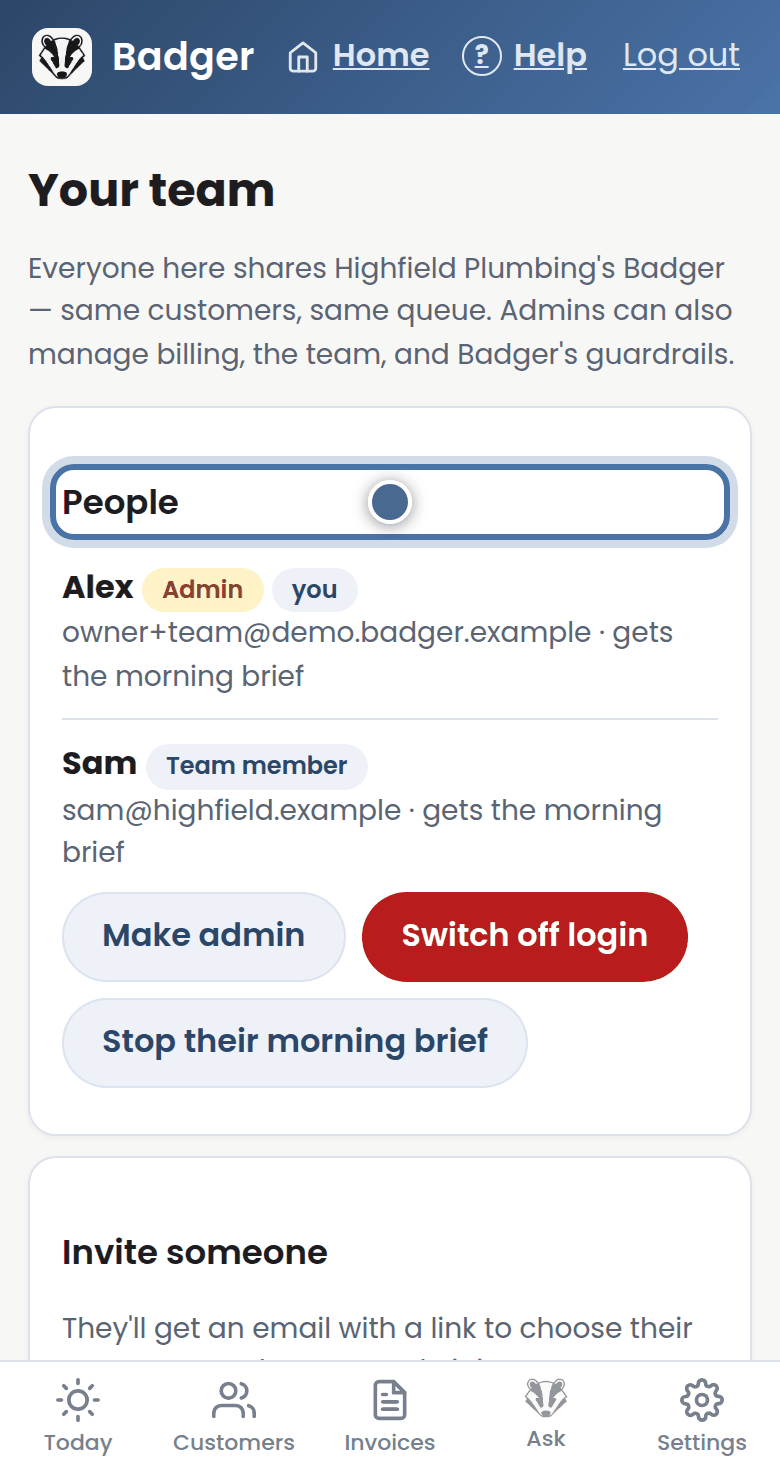
Step 3: People lists everyone: make someone an admin, switch a login off, or send them the morning brief too.
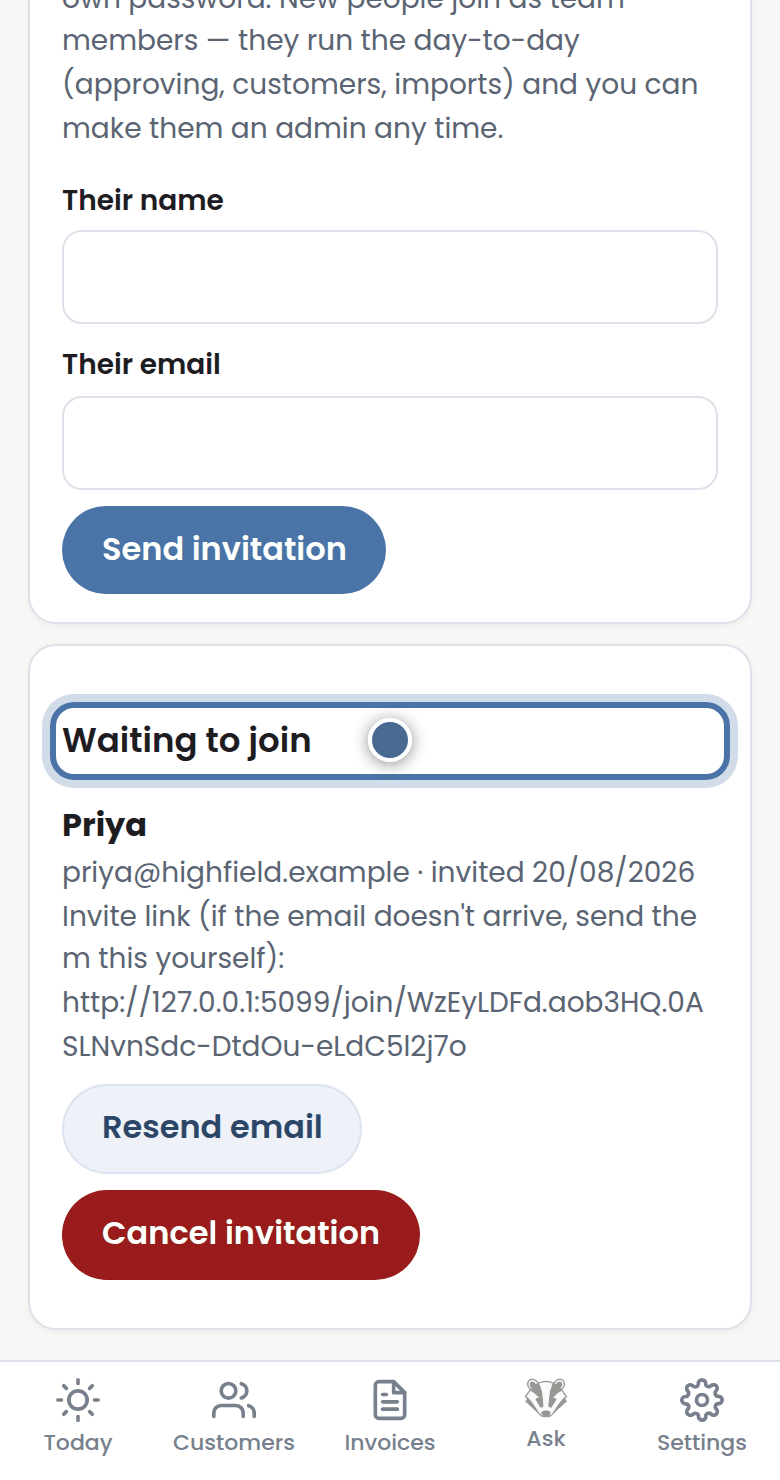
Step 4: Invitations wait under Waiting to join — resend or cancel any time.
More tutorials
Getting started with Badger
The Today page
Approving from your inbox
Handling customer replies