
Badger Help

← All tutorials

Getting paid — your bank details

So how to pay you is on everything you send.

Step 1: In Settings, under Getting paid, save your account name, BSB and account number — or just a PayID.
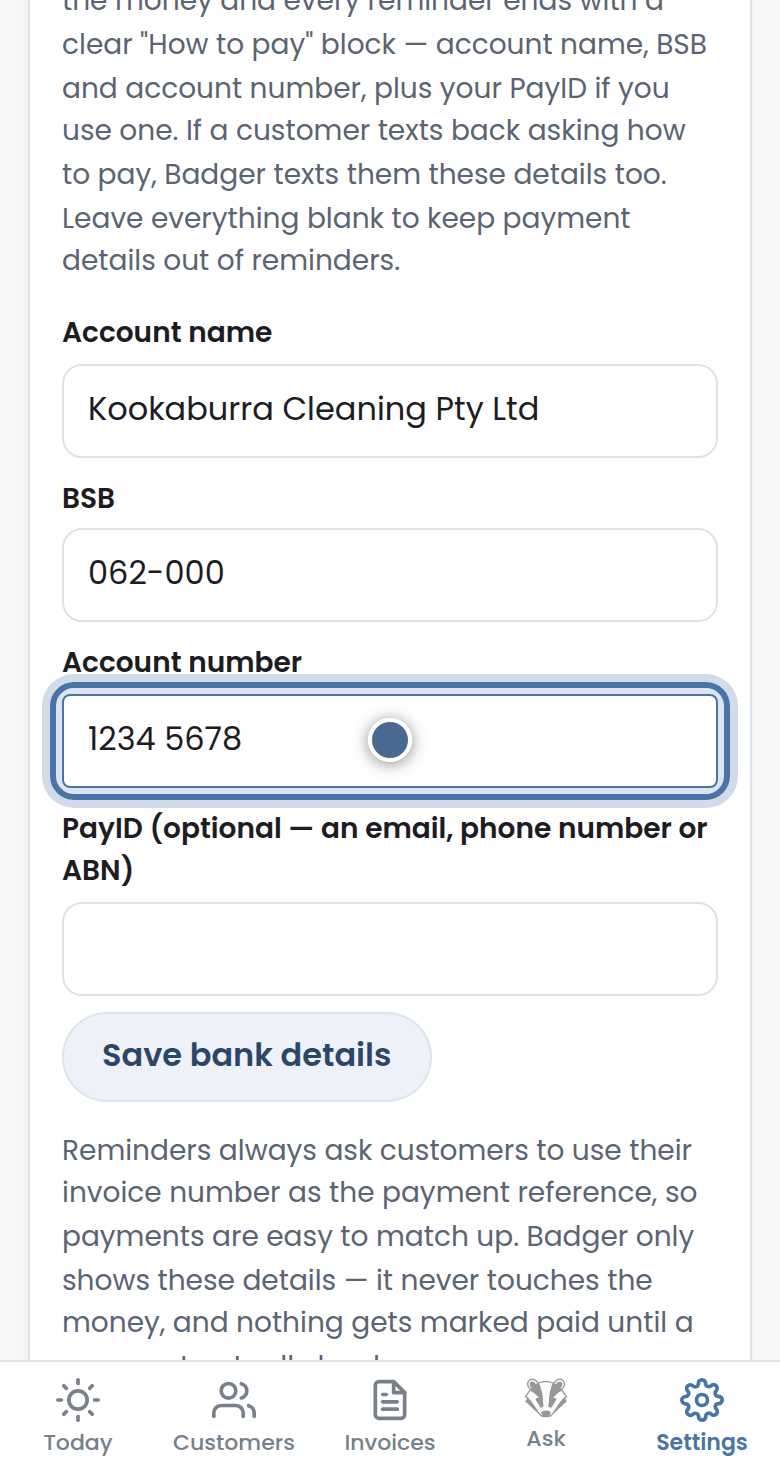
Badger's screen for this step

Step 2: Press Save bank details and everything Badger sends carries exactly how to pay you.
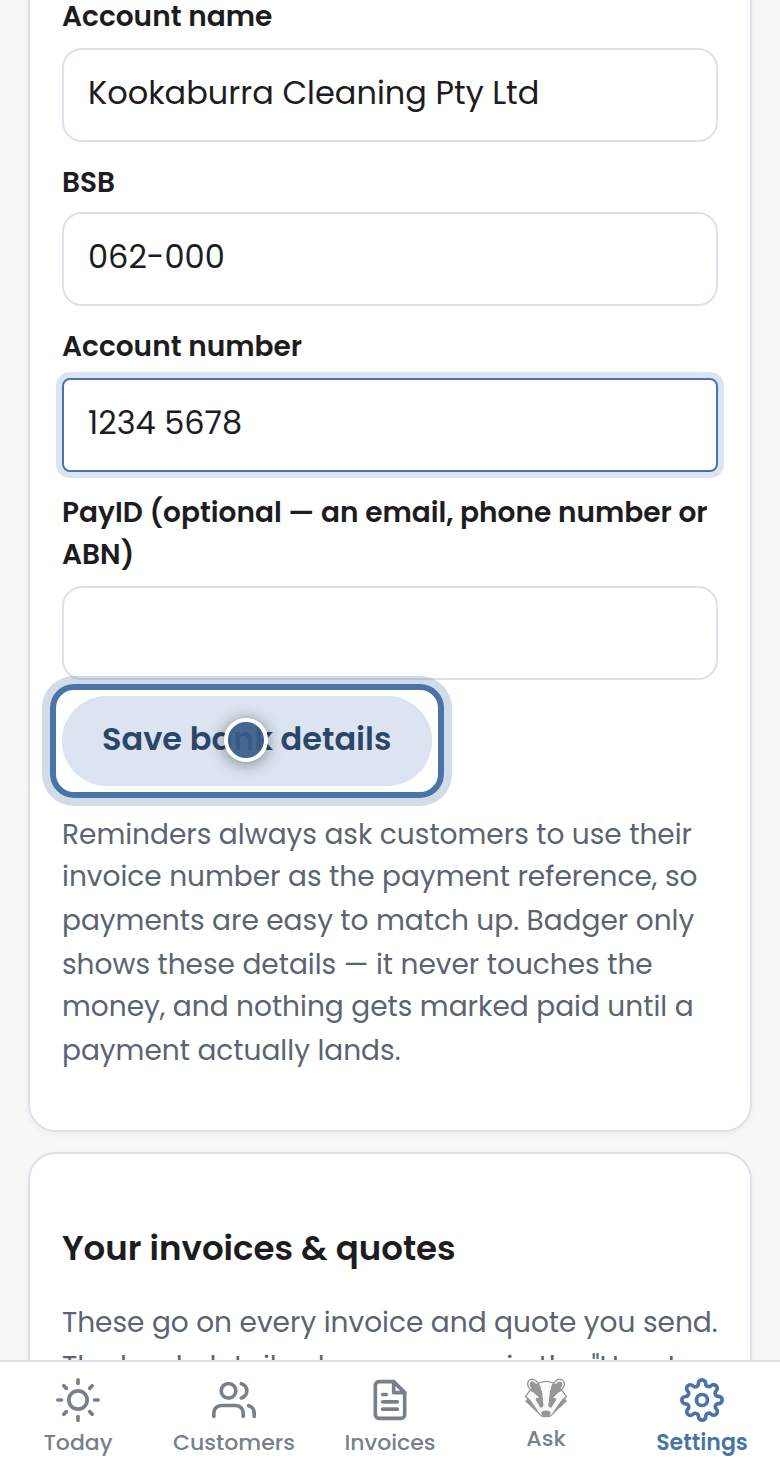
Badger's screen for this step

Didn't answer it? Chat to us and a human will help by email.

More tutorials

Getting started with Badger
Your first run-through: invoices in, reminders approved, done.
The Today page
Your morning brief and the approval queue.
Approving from your inbox
The morning brief email has its own approval page.
Handling customer replies
What to do when a reply needs your judgment.

See all tutorials