 Badger
Receipts, credit notes and copies
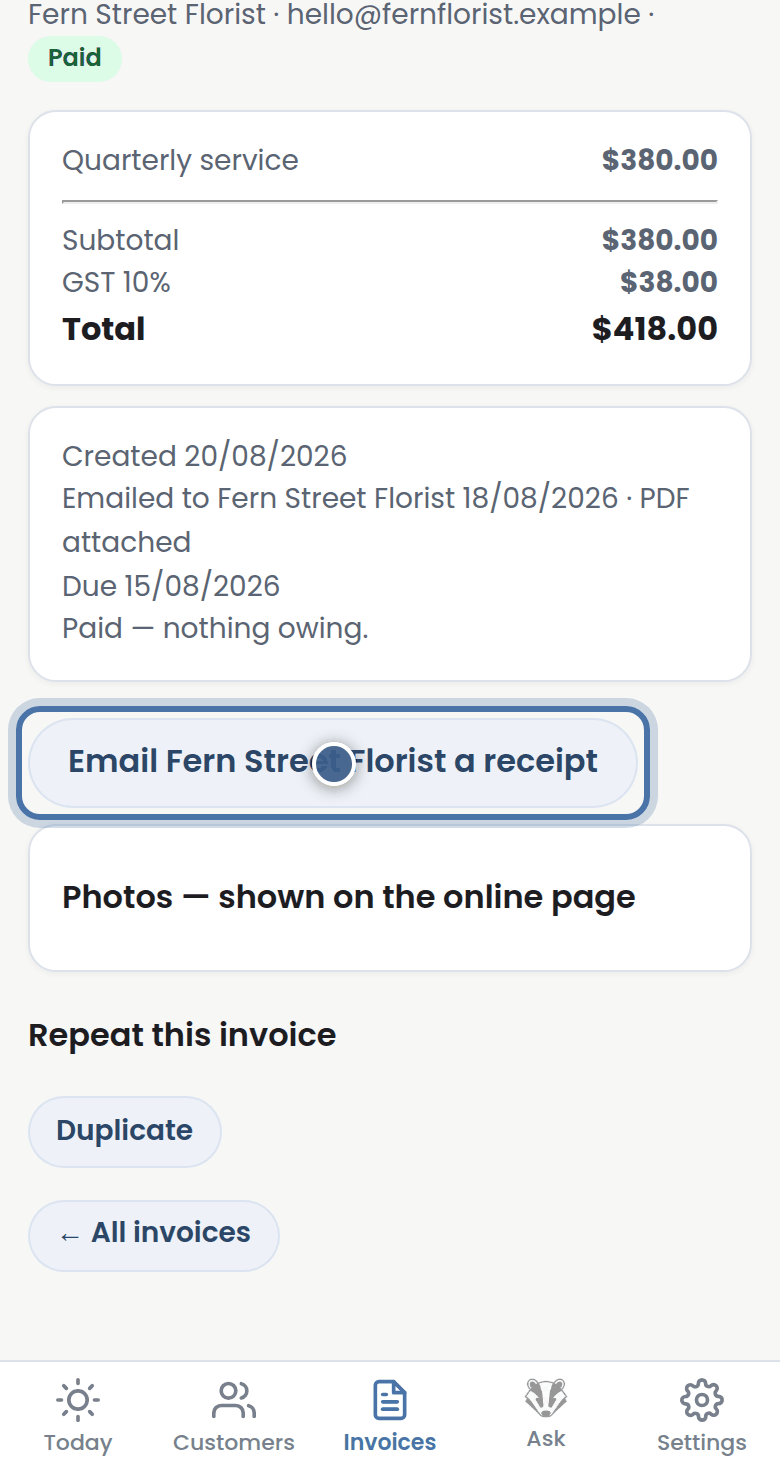
Step 1: When an invoice is settled, press Email a receipt so your customer has it on file.
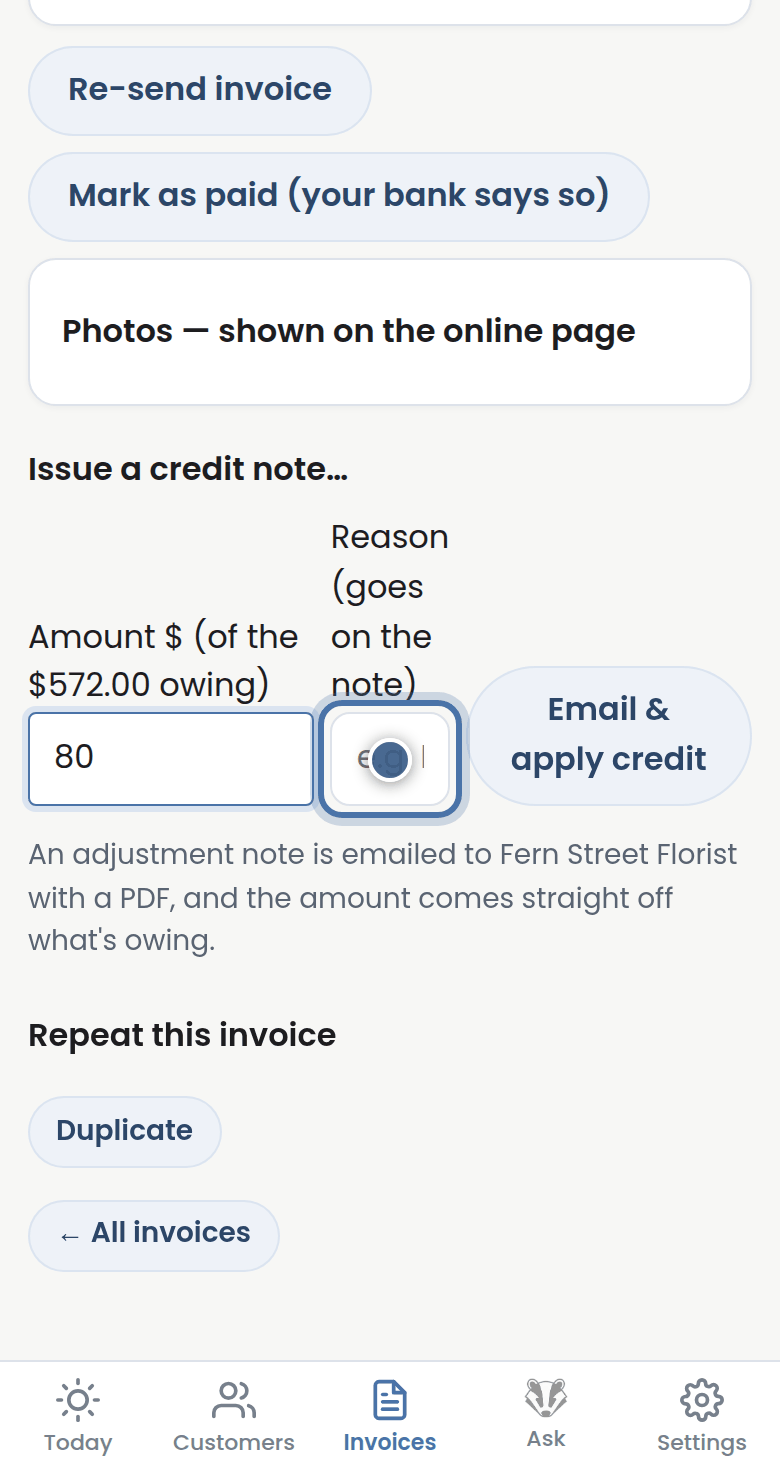
Step 2: Overcharged, or settling a dispute? Issue a credit note — Badger emails it and takes it off what's owing.
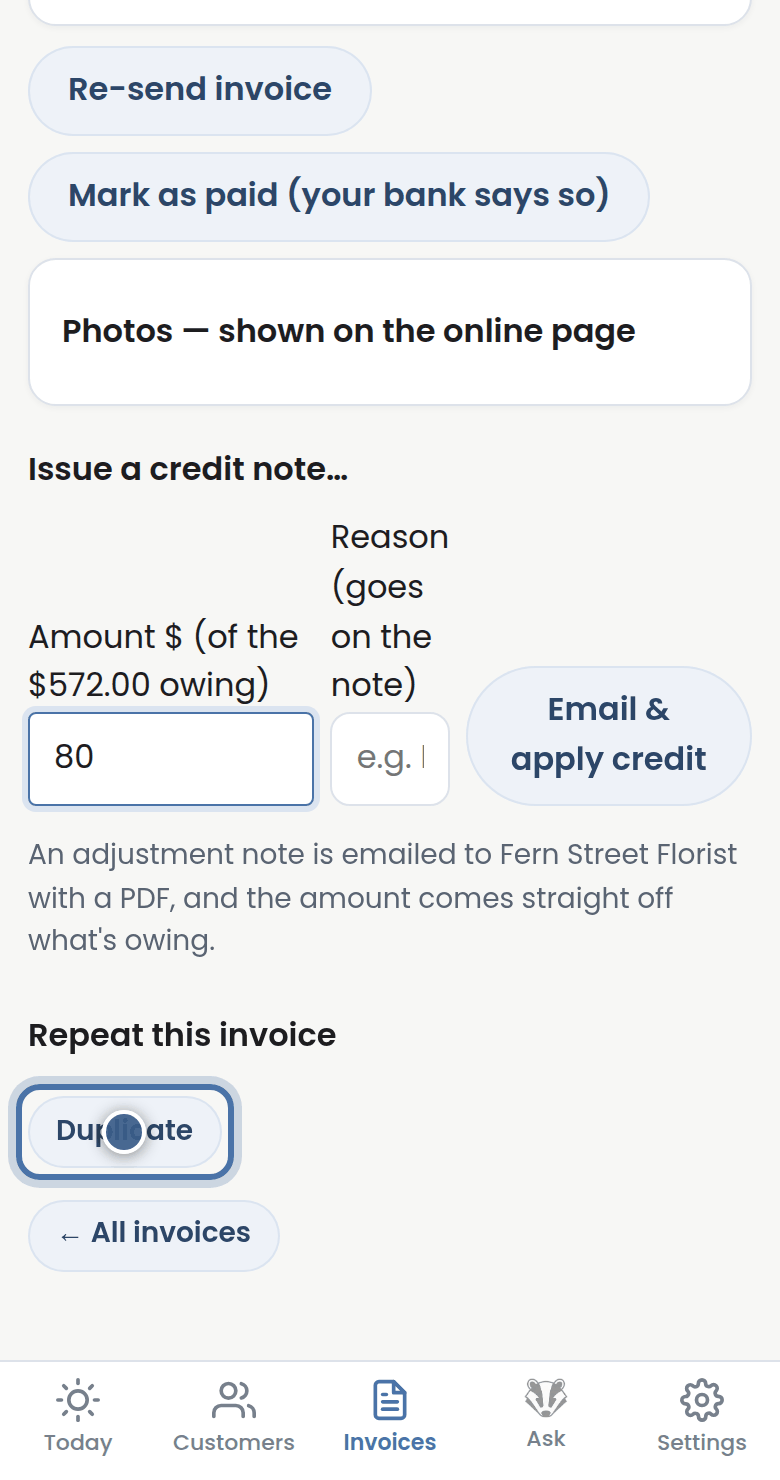
Step 3: Duplicate copies an invoice, ready to edit for the next job like it.
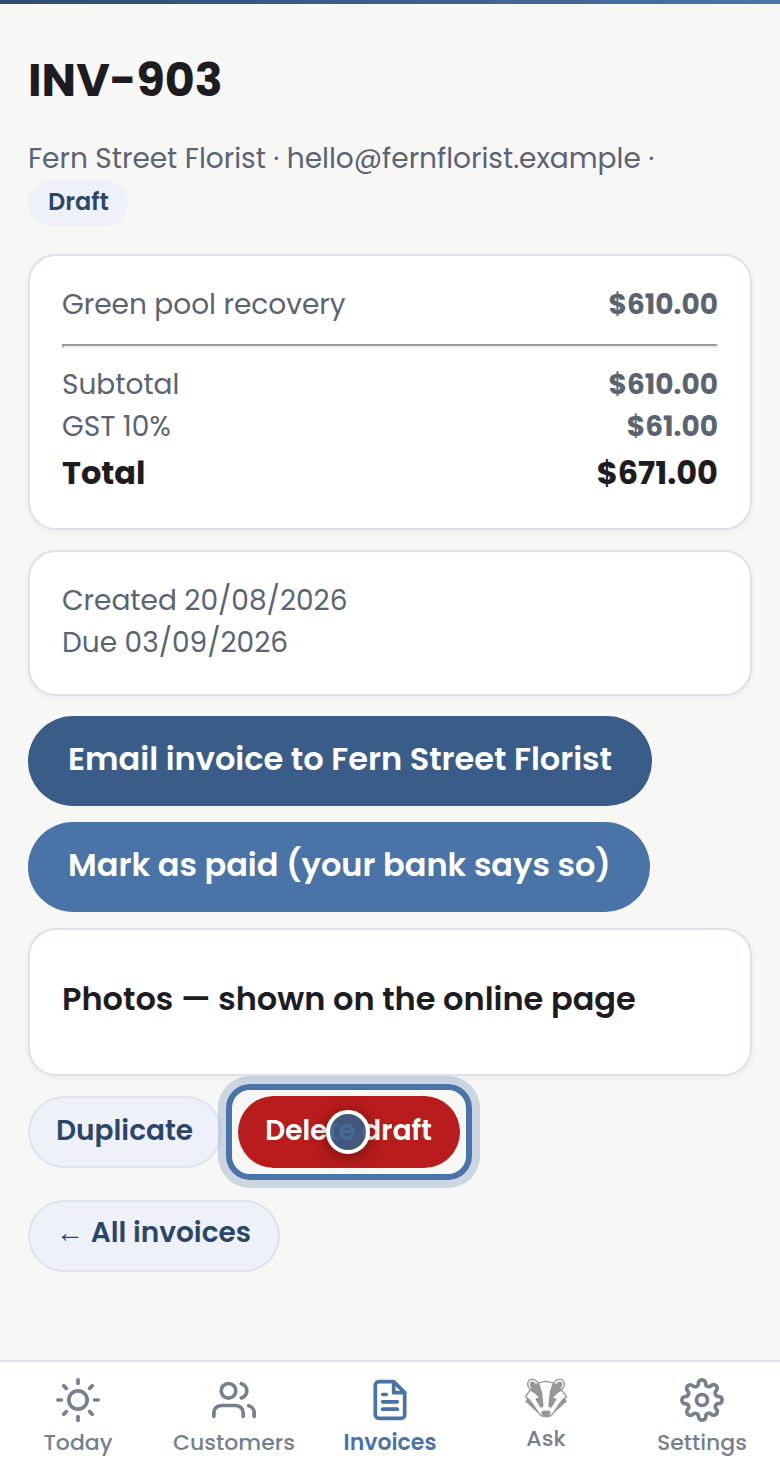
Step 4: A draft you never sent can be deleted. Sent invoices stay put — a clean paper trail.
More tutorials
Getting started with Badger
The Today page
Approving from your inbox
Handling customer replies