 Badger
Deposits and milestone billing
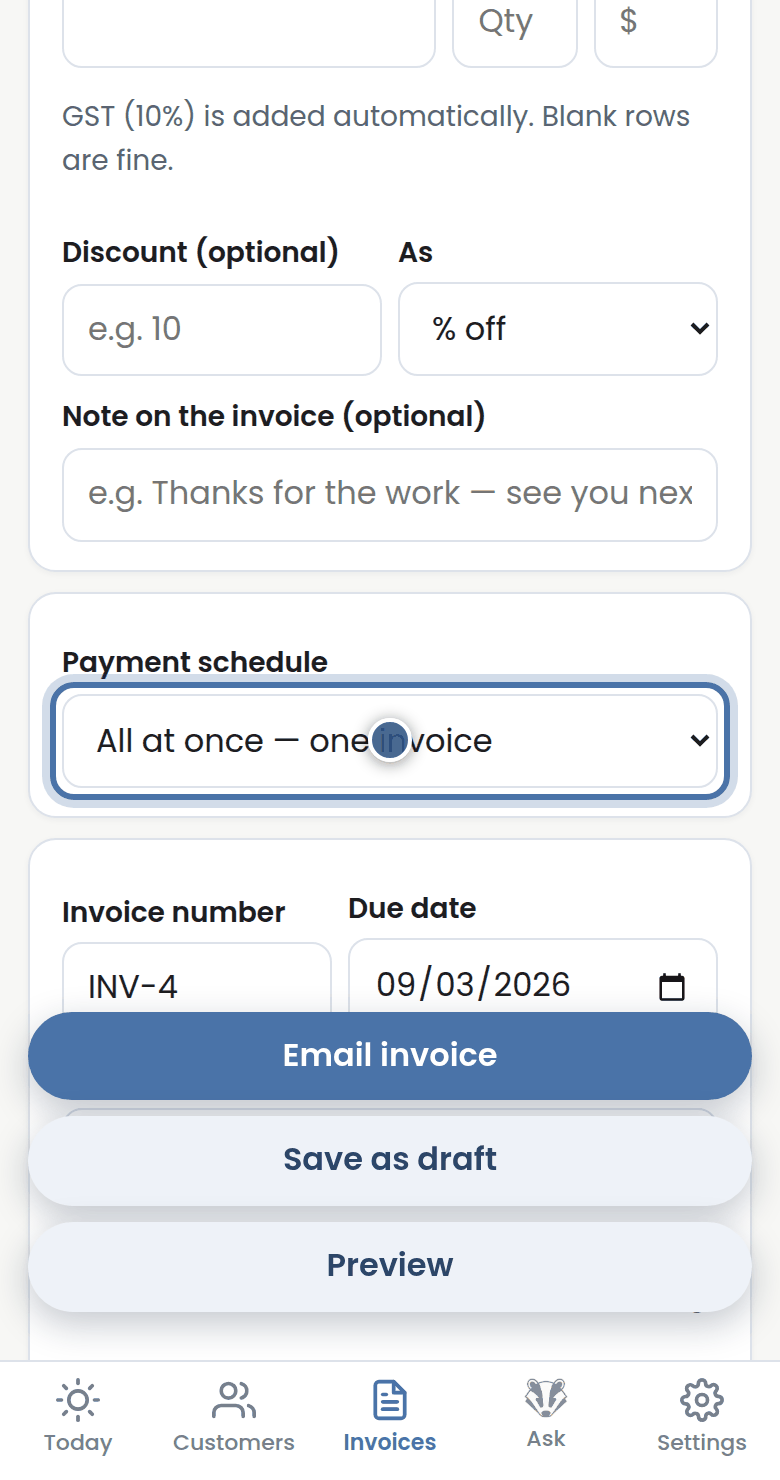
Step 1: On a new invoice, Payment schedule chooses how the job is billed: all at once, deposit first, or in milestones.
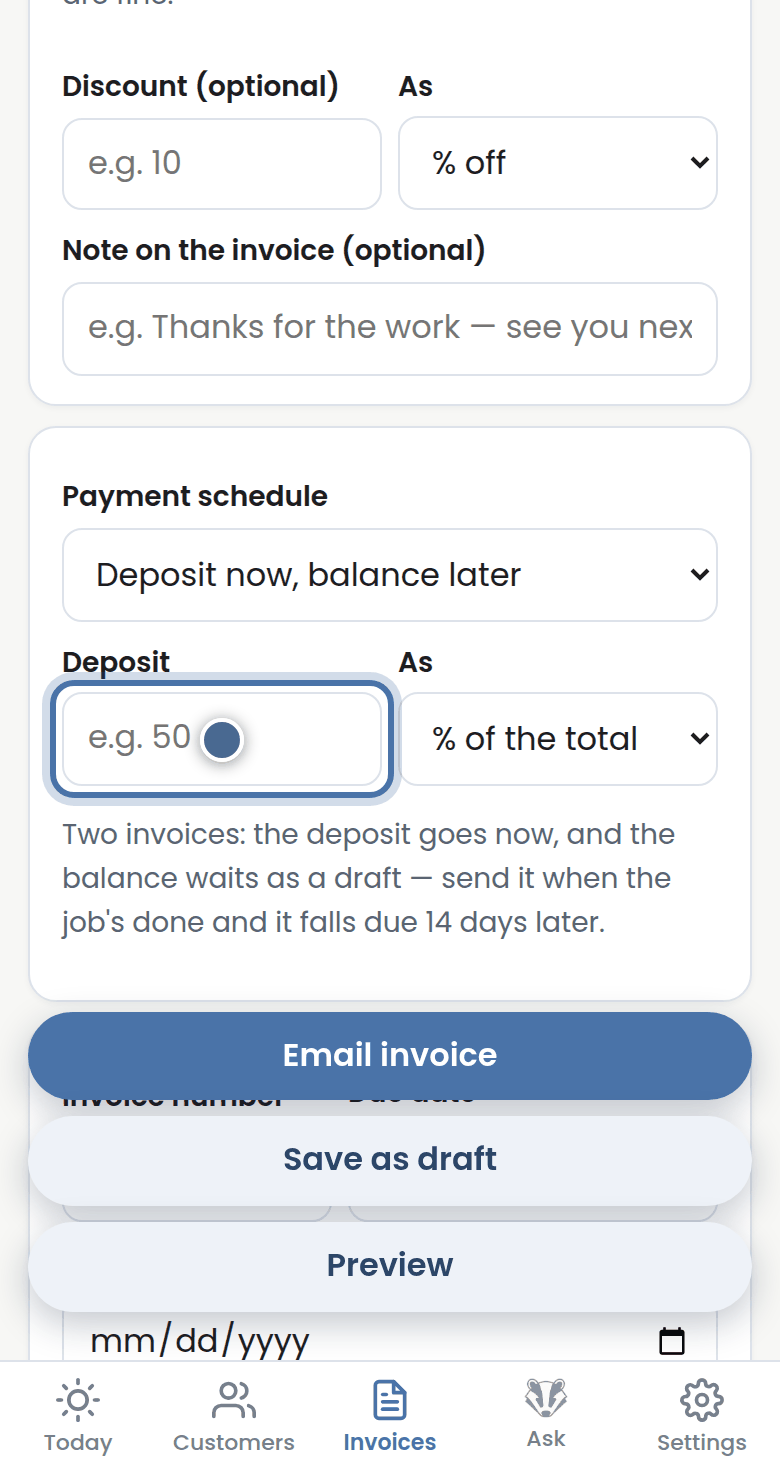
Step 2: Deposit now, balance later splits it in two — set the deposit as a percentage or a dollar amount.
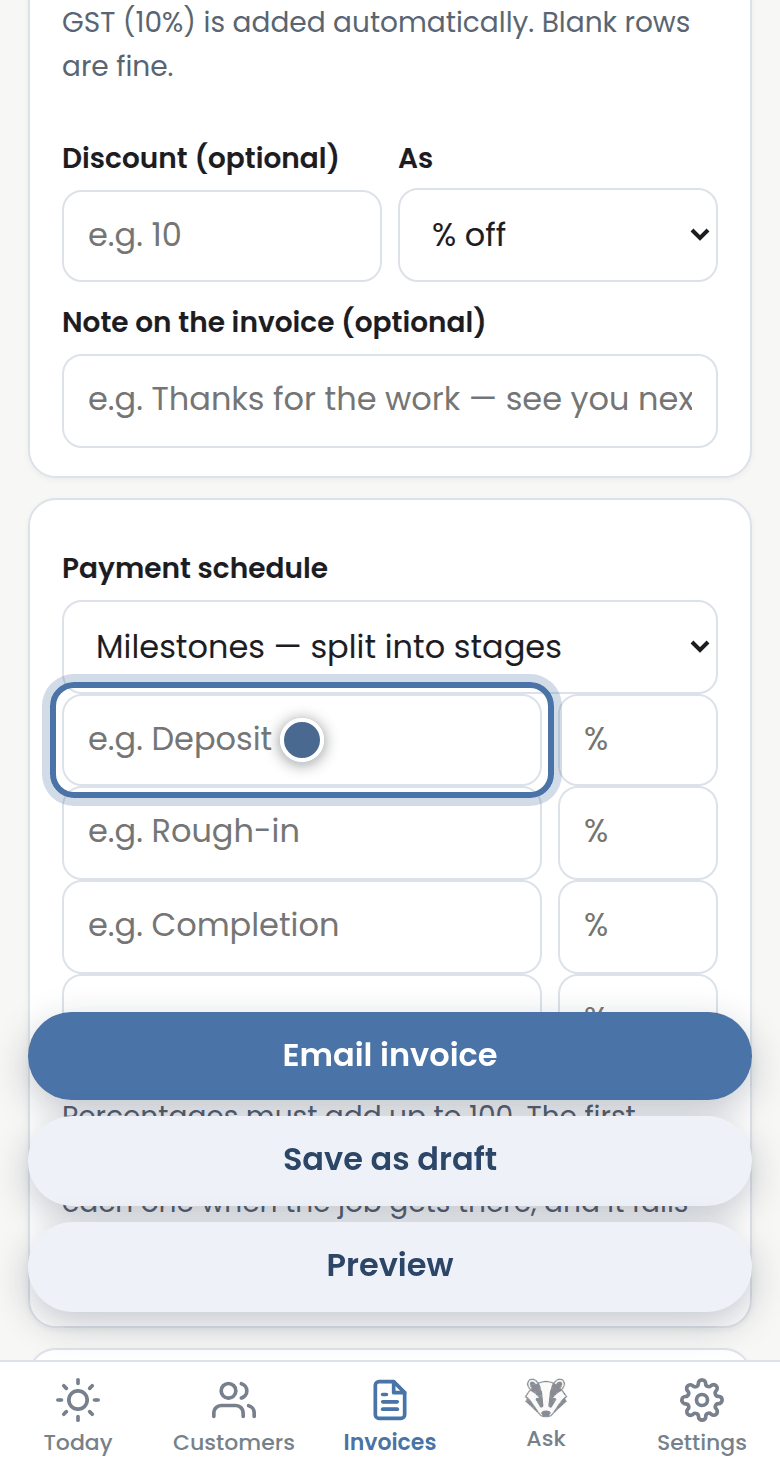
Step 3: Milestones splits the job into stages — name each stage and give it its share of the total.
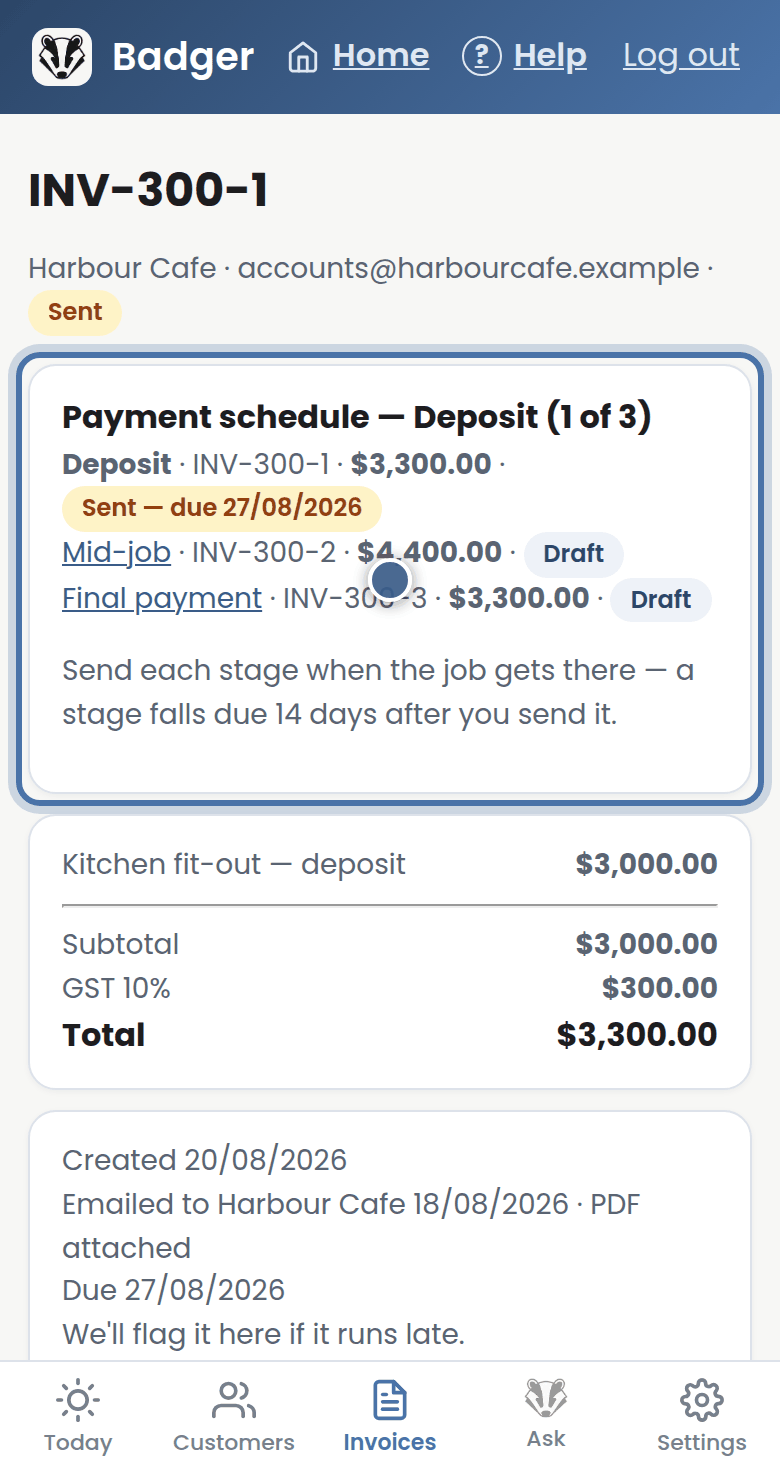
Step 4: Each stage becomes its own invoice, linked together on its page — email each one when the job gets there.
More tutorials
Getting started with Badger
The Today page
Approving from your inbox
Handling customer replies