 Badger
Your plan, billing and leaving
Step 1: Your plan in Settings shows where you stand — free trial, active, or free invoicing.
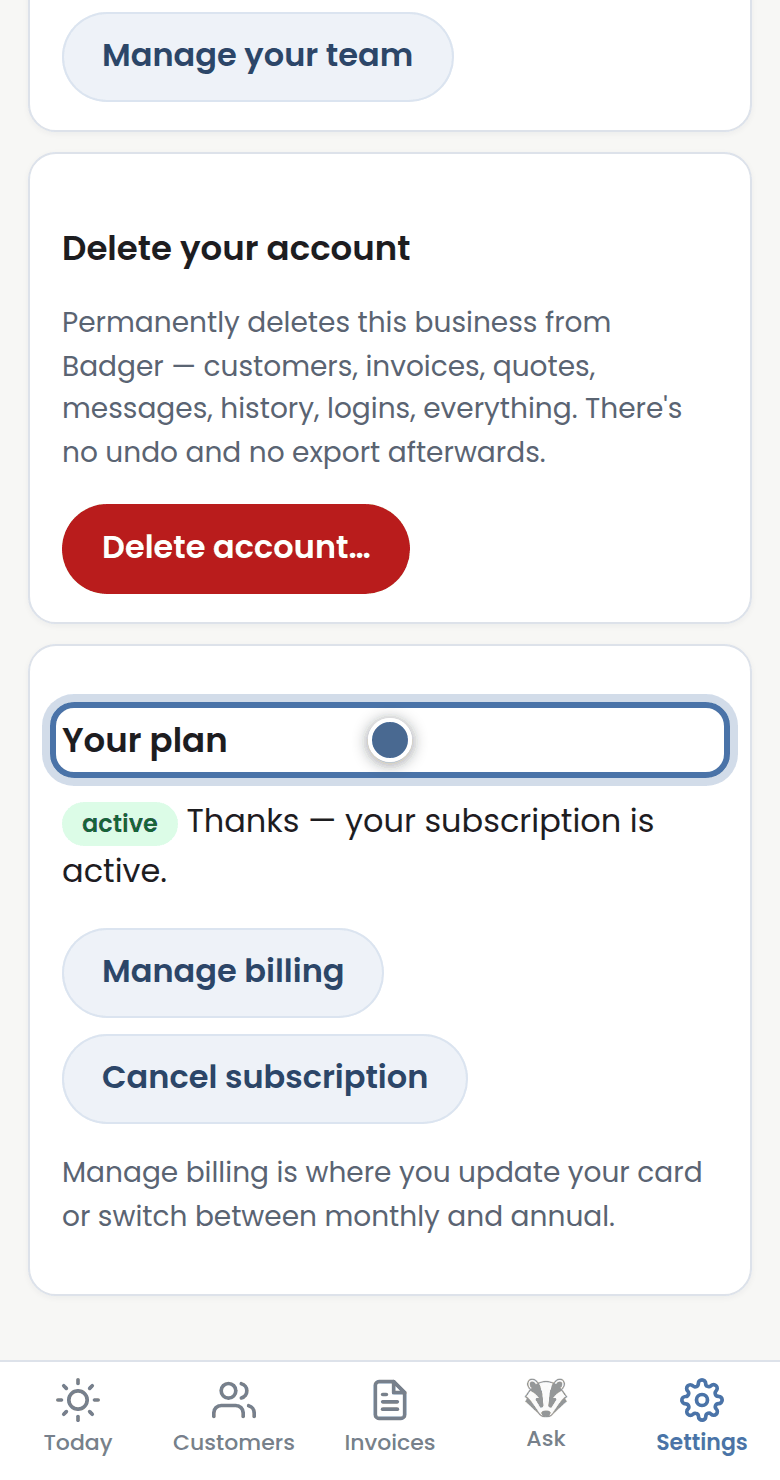
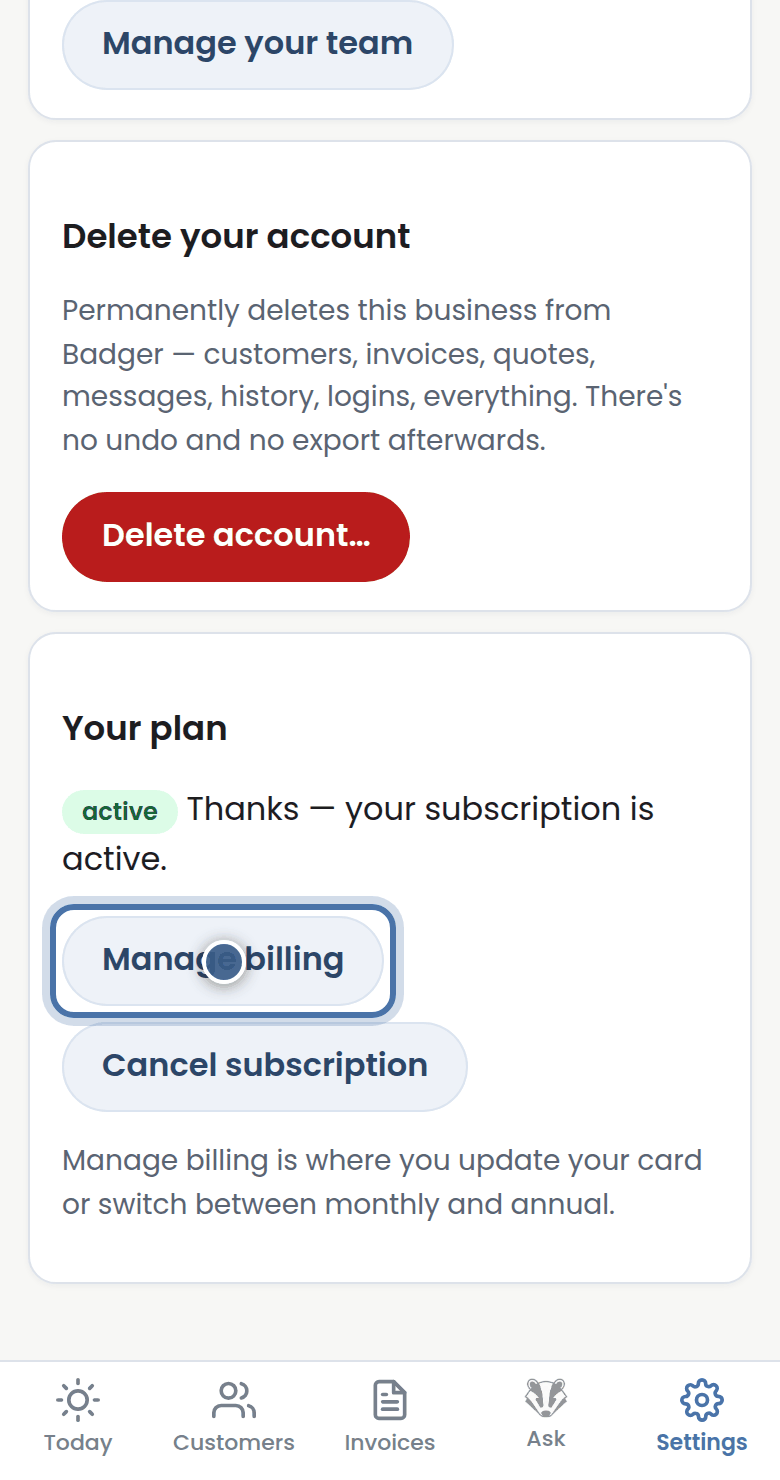
Step 2: Pick Monthly or Annual to subscribe. Manage billing opens your invoices and card details, held safely by Stripe.
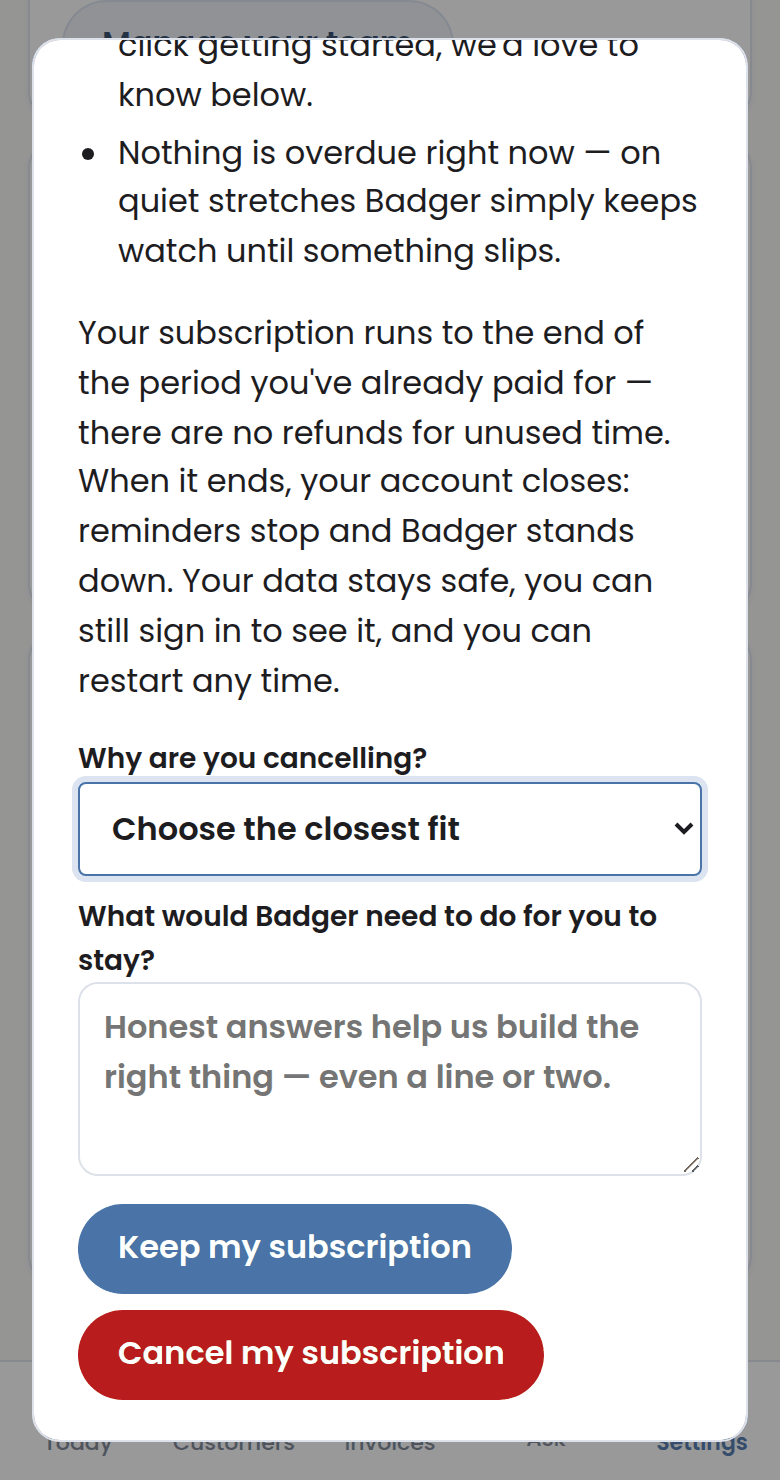
Step 3: Cancelling takes one press and a why. Badger keeps chasing to the end of what you've paid for, then parks quietly — your data stays.
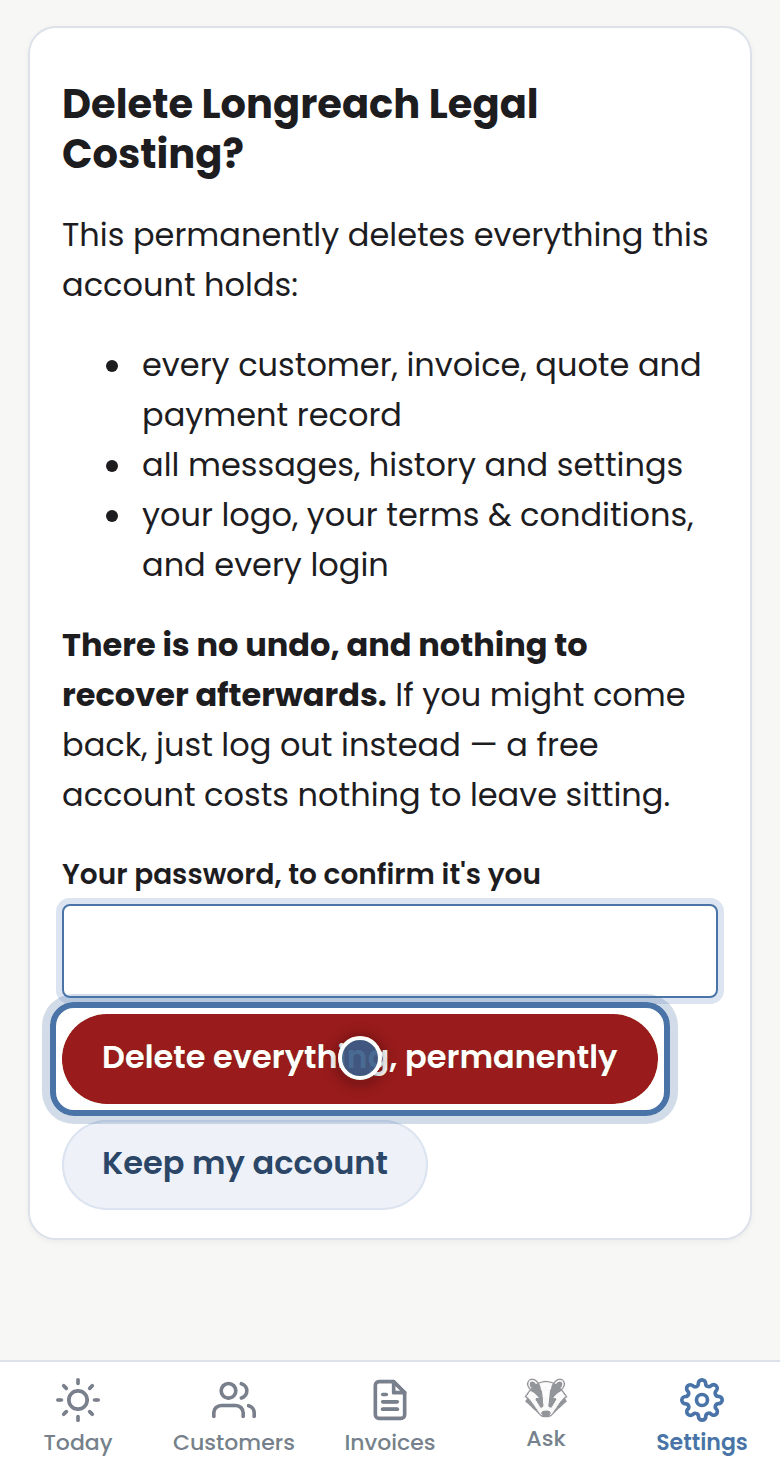
Step 4: Deleting your account is different and permanent: everything goes. Your data, your call.
More tutorials
Getting started with Badger
The Today page
Approving from your inbox
Handling customer replies