 Badger
Recording a payment
Step 1: When your bank shows a customer has paid, record it so Badger stops chasing that invoice.
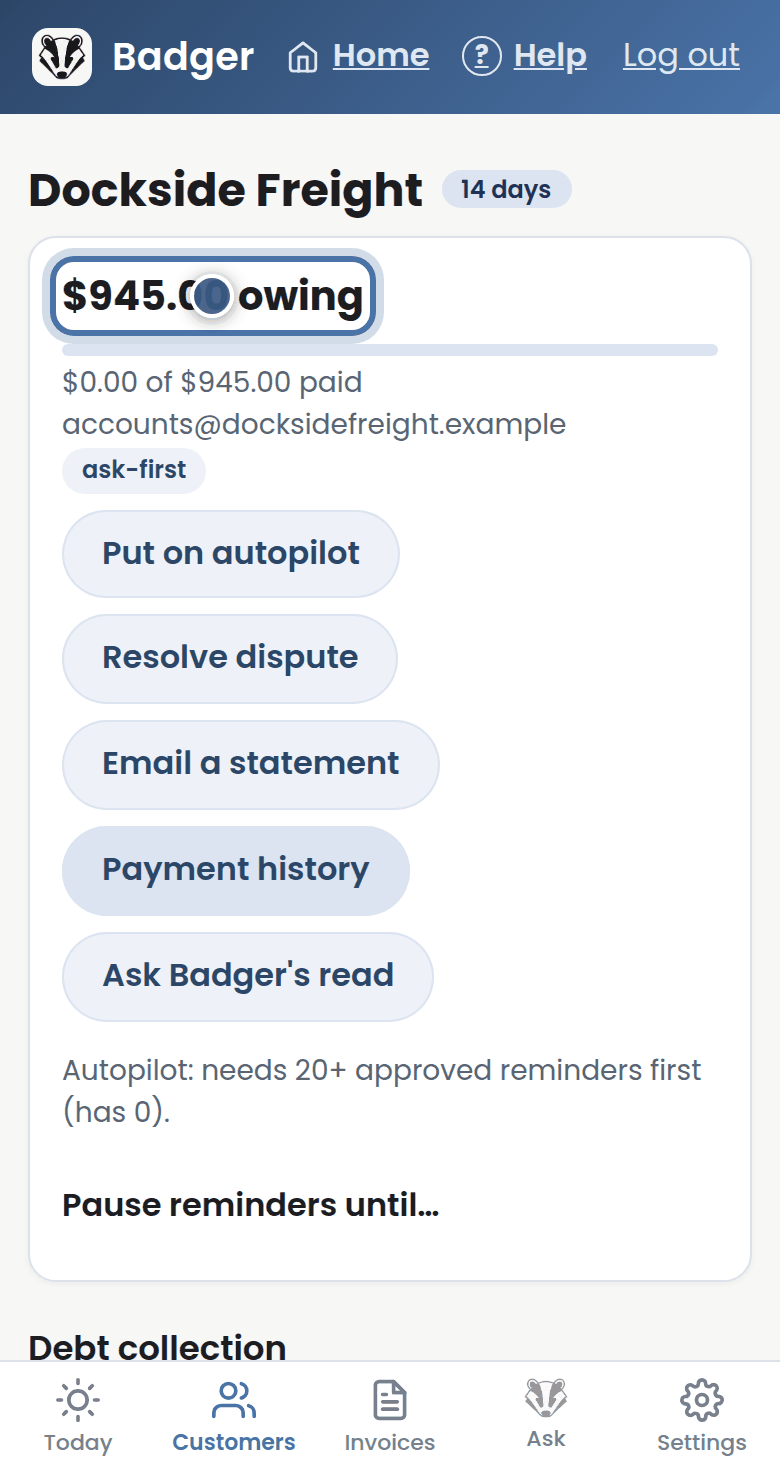
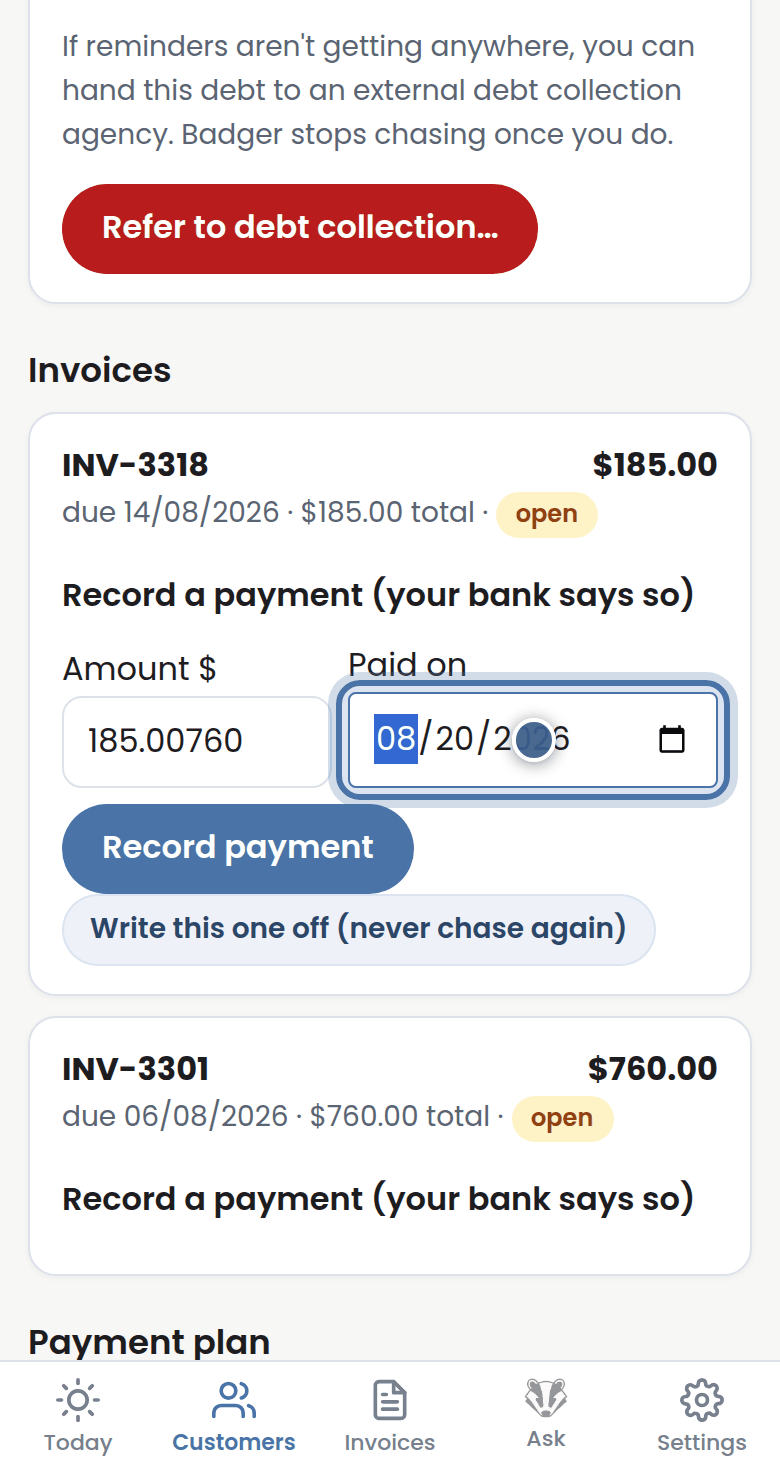
Step 2: On their page, open the invoice, choose Record a payment, and enter the amount and date your bank shows.
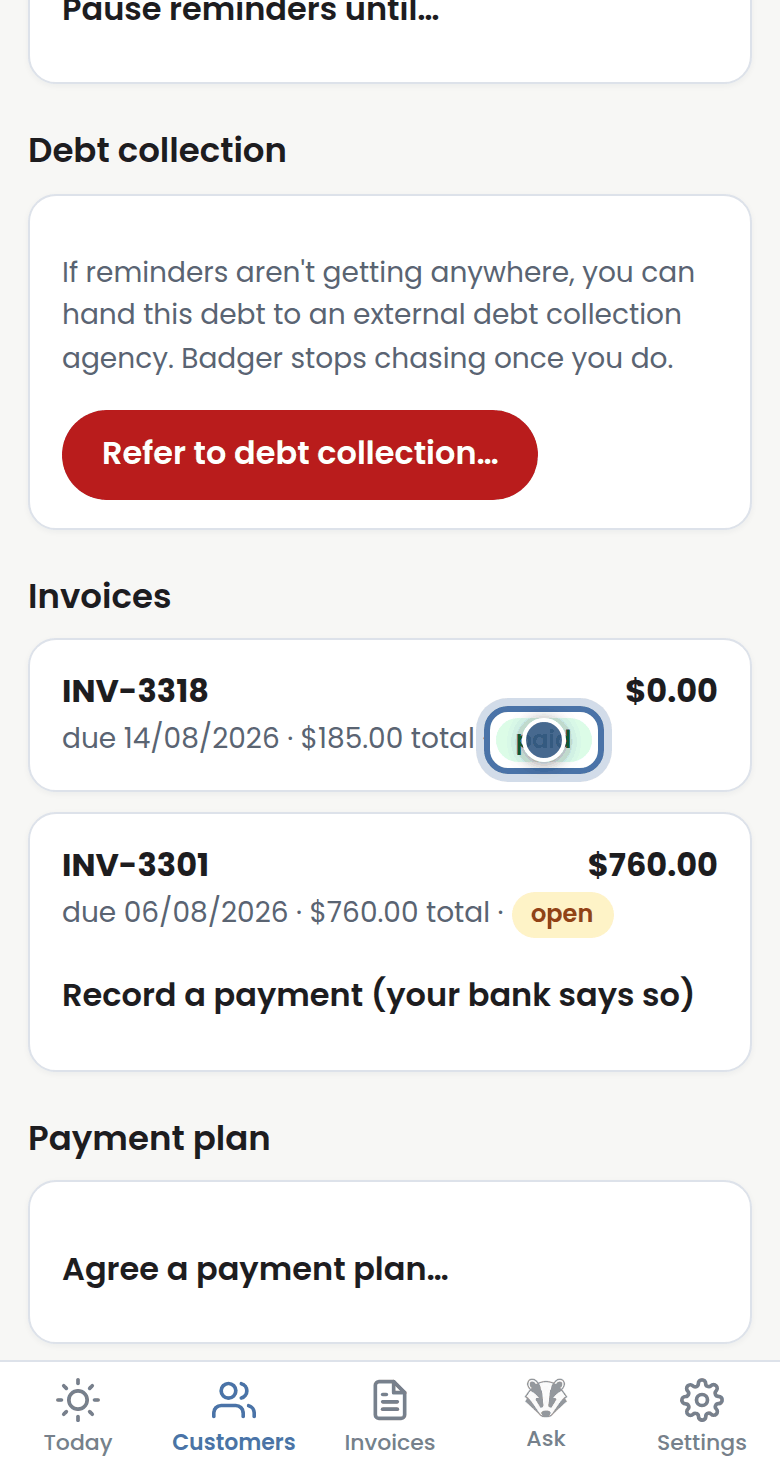
Step 3: Save it, and that invoice is settled — Badger never chases a paid invoice.
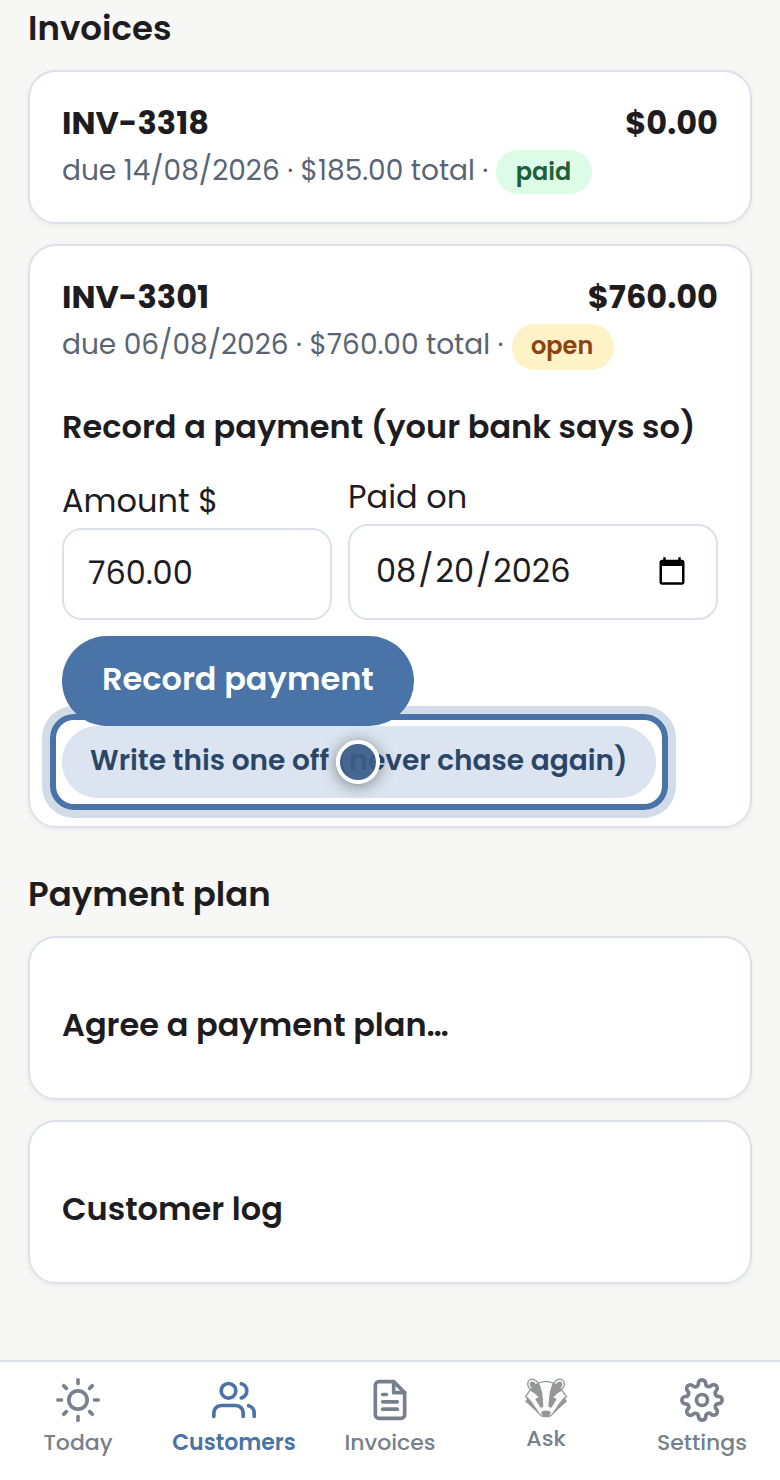
Step 4: Payments only ever come from you, your bank, or Xero. If you'd rather let one go, Write it off and the chase ends for good.
More tutorials
Getting started with Badger
The Today page
Approving from your inbox
Handling customer replies